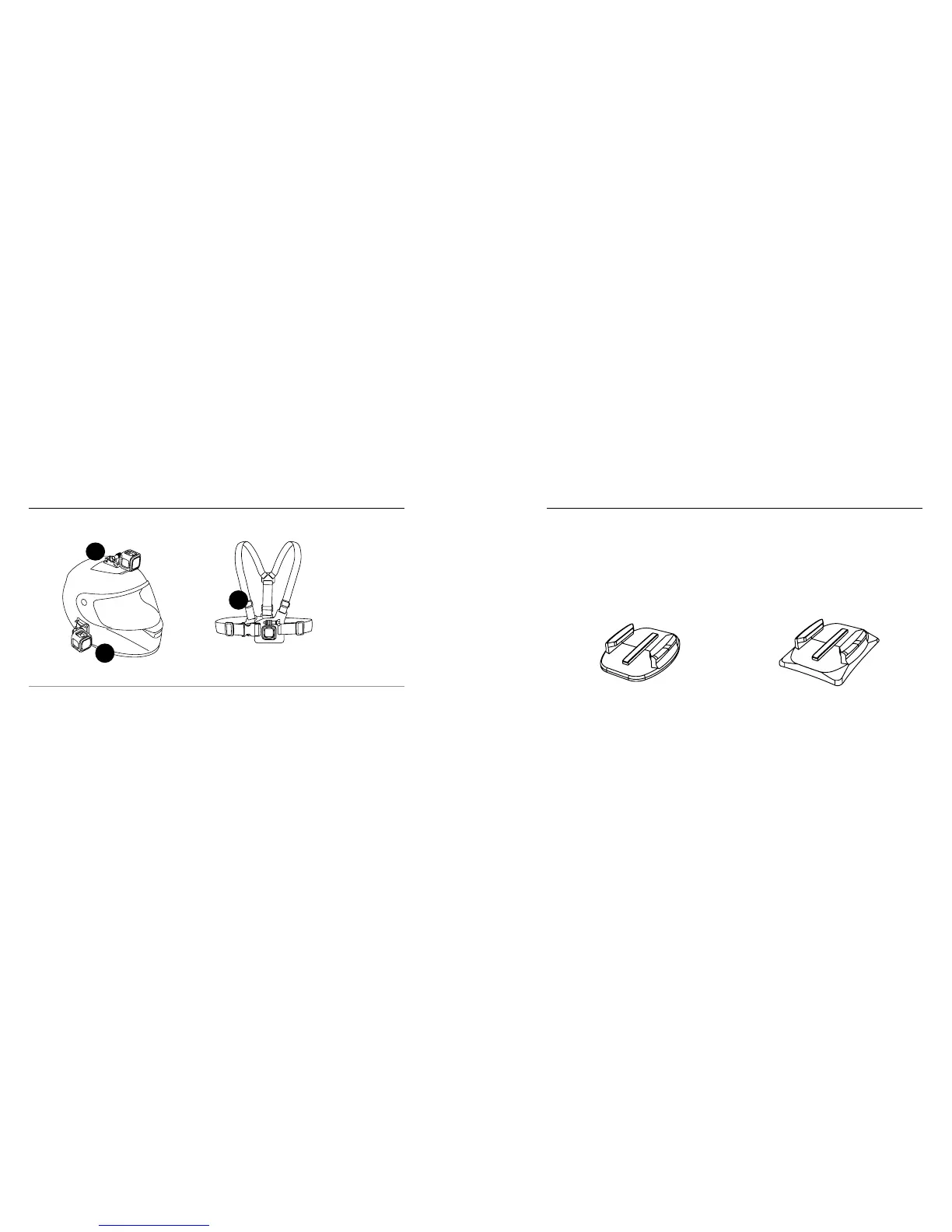
82 83
WAYS TO MOUNT
/ Mounting Your Camera
PRO TIP: If you mount your HERO4 Session upside down, the camera
automatically changes the orientation of your image to be right-side
up. For more information, see Orientation (page 59).
Chesty (Chest Harness)
Sold Separately
USING CURVED + FLAT ADHESIVE MOUNTS
The Curved + Flat Adhesive Mounts make it easy to attach the camera
to curved and flat surfaces of helmets, vehicles, and gear. Using the
Mounting Buckle, the frame can be clicked on and off the secured
Curved or Flat Adhesive Mounts.
Flat Adhesive Mount Curved Adhesive Mount
/ Mounting Your Camera



 To Next Page