14 15
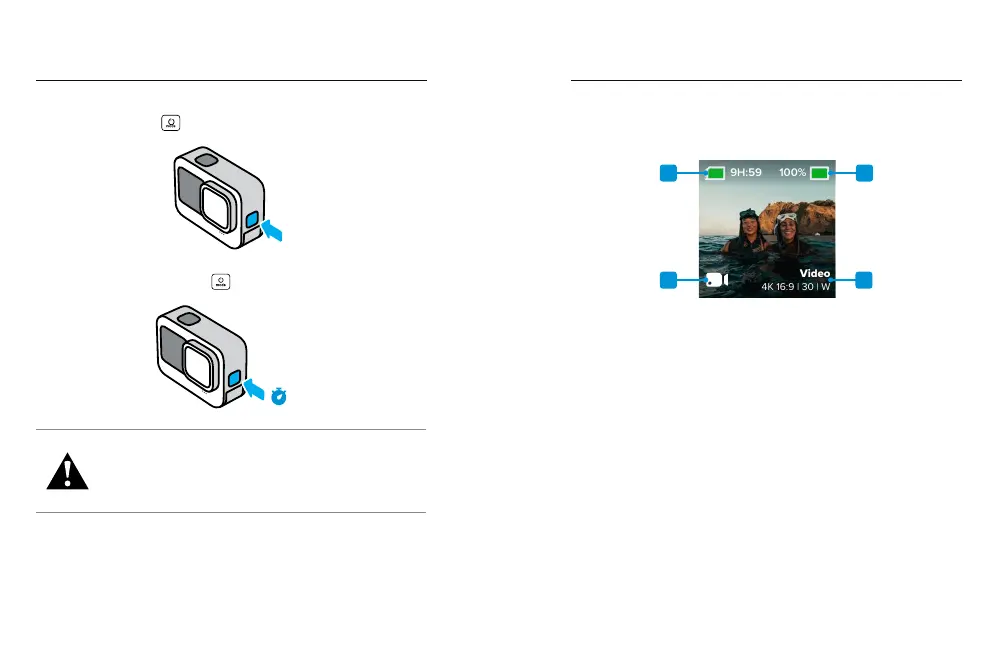
POWERING ON
Press the Mode button
to turn on your camera.
POWERING OFF
Press and hold the Mode button
for 3 seconds to turn it o.
3s
WARNING: Use caution when using your GoPro and
its mounts and accessories. Always be aware of your
surroundings to avoid injuring yourself and others.
Be sure to follow all local laws including all privacy laws,
which may restrict recording in certain areas.
Get to Know Your GoPro
Get to Know Your GoPro
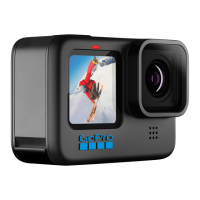
THE FRONT SCREEN
The front LCD screen shows your camera's status, plus a live view
from the lens. This makes it easy to capture perfectly framed shots.
1
3
2
4
1. Recording Time/Photos Remaining
2. Battery Status
3. Current Mode (Video, Photo, or Time Lapse)
4. Capture Settings



 To Next Page