64 65
TURNING EXPOSURE CONTROL OFF
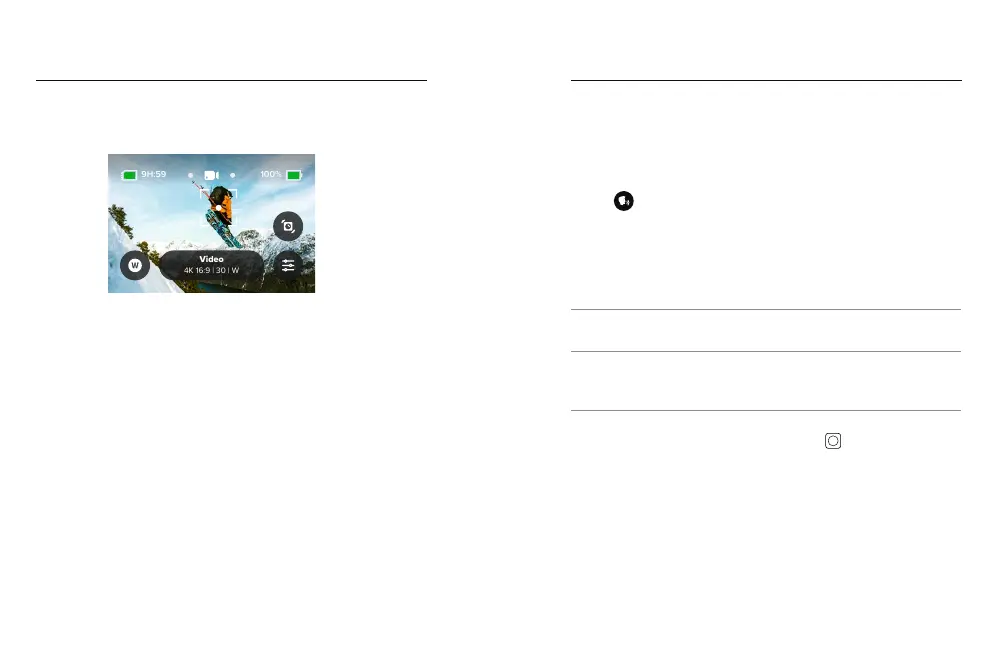
Tapping the brackets on the capture screen will turn Exposure Control
o and reset your camera to full-screen auto exposure.
Heads Up: If the EV Comp was adjusted during Exposure Control,
it will return to its default setting when Exposure Control is turned o.
For details, see Exposure Value Compensation (EV Comp) (page 140).
Exposure Control
Voice Control gives you easy, hands-free control of your GoPro.
It’s great when you’re busy with handlebars, ski poles, and more.
Just tell your GoPro what you want it to do.
TURNING VOICE CONTROL ON + OFF
1. Swipe down on the rear screen to access the Dashboard.
2. Tap
to turn Voice Control on or o.
CAPTURING WITH VOICE CONTROL
With Voice Control on, you can simply tell your GoPro
to start capturing.
Command Description
GoPro, capture Starts capturing with the mode your
camera is set to.
GoPro, stop capture Stops capture in Video and Time Lapse
modes. Photo and Burst modes stop
on their own.
PRO TIP: Saying “GoPro, capture” and “GoPro, stop capture” is the
hands-free way of pressing the Shutter button
. They will start and
stop capture using the mode and settings you currently have on
your camera.
Using Voice Control



 To Next Page