SKU 91956 Page 10
a.
If the environment is too dark, camera will not take the
picture.
Taking Video•
Select Video MODE by clicking mode button.
a.
Hold the b. e-BinoCam steady.
Press the SHUTTER and hold it to start the video
c.
recording,
To stop the recording is just release SHUTTER. d.
The picture is stored in AVI-format and picture number e.
will increase by three only.
Note !!!
When taking the video, the LCD display will show
the recording size in numbers.
Software Installation1.
Press the SHUTTER. A beep will be sounded c.
conrmingthatapicturewastaken.TheLCDwill
increase by one.
Installing the e-BinoCam software to your computer.•
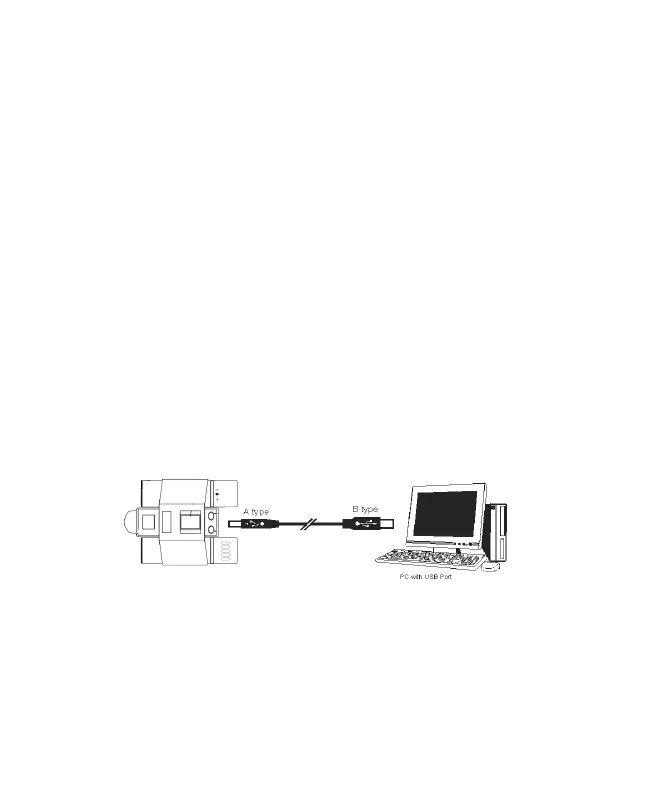
Do not connect the USB cable to your computer a.
before the application software and the driver is
completely installed.
Put the b. e-BinoCam CD into your CD-Rom drive. Your
computer will automatically run the software.
Brought to You by www.snapwhole.com


 To Next Page