Choosing the settings
The interface allows choosing several operating modes:
• Professional mode (pro bake)
• Automatic mode (auto bake)
• Extra functions (extra bake)
• Step program (STEP) in the professional mode (pro bake)
• Automatic programs in automatic mode (auto bake)
INFORMATION!
• Rotate the KNOB to scroll through the settings.
• First, confirm the selected setting by pressing the KNOB; then, change the setting.
• Confirm each setting by pressing the KNOB.
• A line and an arrow indicate the location of the parameter that you are looking to set.
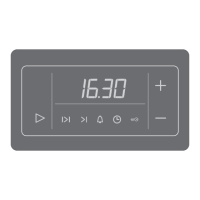
• Touch the start | stop key to start the program.
• Operation of the on | off key:
- brief touch: switch the oven on or off, stop the baking process or function.
– long touch: the oven switches to low power consumption (power saving) mode.
No key or KNOB are active, except for the on | off key. To switch on the oven, long-touch
this key.
PROFESSIONAL MODE (pro bake)
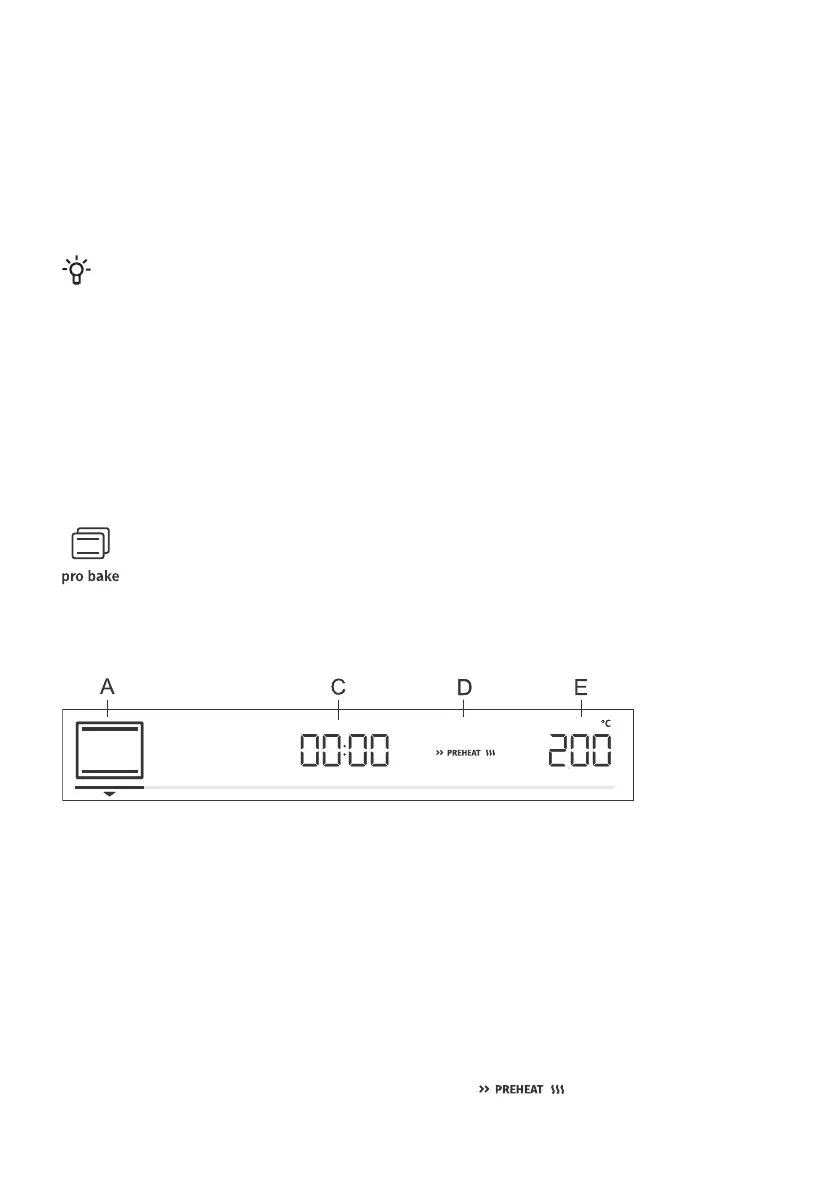
This function allows setting the baking parameters – baking system, temperature, fast preheating, and
baking time – freely, at the user's discretion.
Touch the pro bake key and set the following:
A baking system
C program duration
D preheating
E temperature
Additionally, the following can be set:
- timer functions (see chapter Timer functions)
- step baking mode (STEP) (see chapter Step program)
- gratin (GRATIN) (see chapter Starting the cooking process)
- steam injection (STEAM+) (see chapter Starting the cooking process)
Fast preheat
Use the fast preheating function if you wish to heat the oven to the desired temperature as quickly as
possible.
To activate fast preheating, rotate the KNOB to the setting (see image, label D). Confirm
the selection. Rotate the KNOB to select the fully lit sign and confirm it. The function is now activated.
16



 To Next Page