End of cooking and switching off the oven
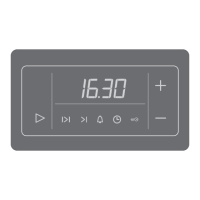
Touch the start | stop key to stop the operation. End appears on display unit and an acoustic signal
is emitted. After three minutes, the clock will appear on the display unit.
Steam injection during the baking process
If you have used steam injection during the baking process ,
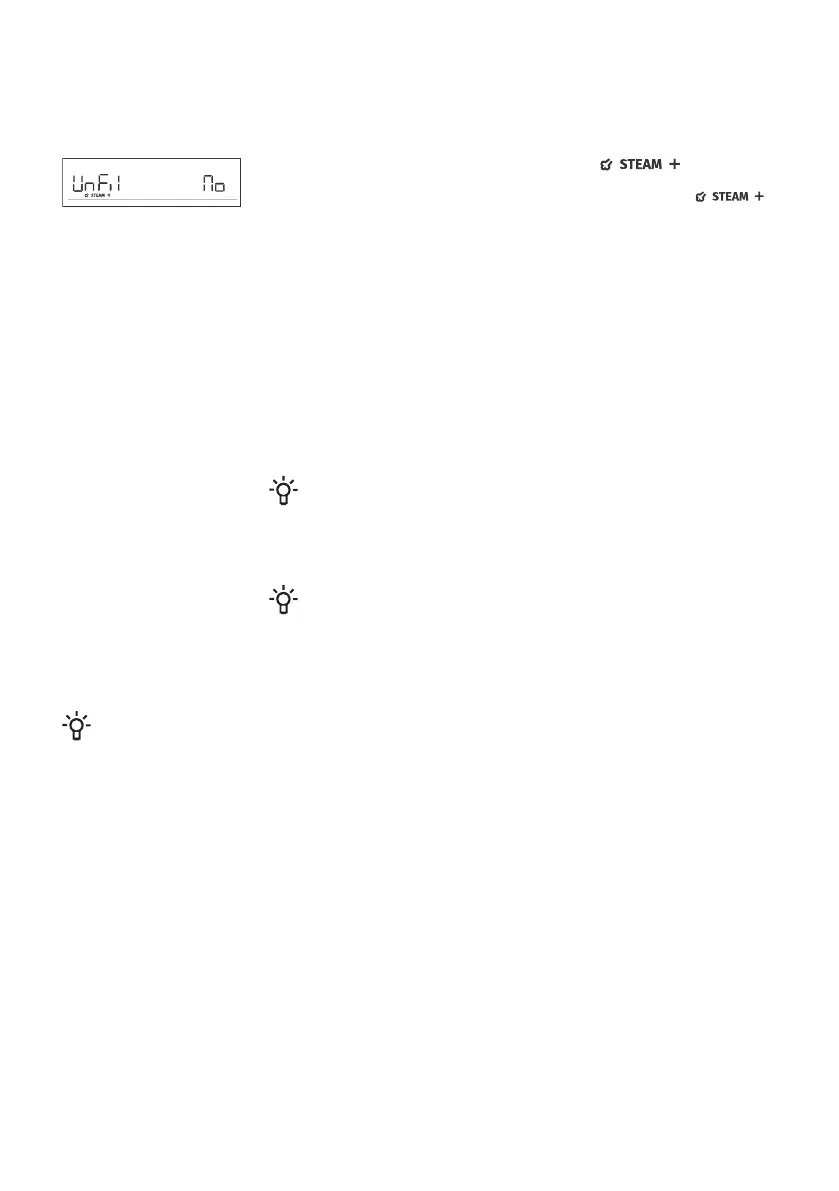
then the sign UnFil will appear on the display unit once the oven has
cooled down, asking the user whether the water tank should be emptied
or not. Rotate the KNOB to select No or YES.
Remove the food from the oven.
- If you select YES, then the water tank will be emptied immediately.
Place the all-purpose deep baking tray into the 5th rack level. Rotate the
KNOB and select YES. The process of emptying the water tank will start.
When the process is complete, remove the baking tray with water from
the oven and wipe the oven dry.
- If you select No, then the process of emptying the water tank will be
postponed (see chapter Choosing the General Settings).
INFORMATION!
If you do not select YES when UnFil appears on the display unit,
this prompt will reappear on the display unit the next time you use
the oven.
INFORMATION!
After use, clean the evaporating tray and the steam system (see
chapters "Cleaning the Evaporating Tray" and "Cleaning the Steam
System").
INFORMATION!
After the operation is completed, all timer settings are also stopped and deleted, except for the
minute minder. Time of day (clock) will be displayed. The cooling fan will continue to operate for
a while.
After the use of the oven, some water may be left in the condensate channel (underneath the
door). Wipe the channel with a sponge or a cloth.
29



 To Next Page