EasyManua.ls Logo

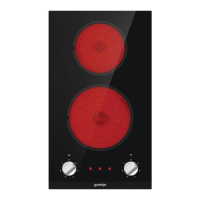
Gorenje EC321BCSC - User Manual

Gorenje EC321BCSC
26 pages
Print Icon
To Next Page IconTo Next Page
Loading...
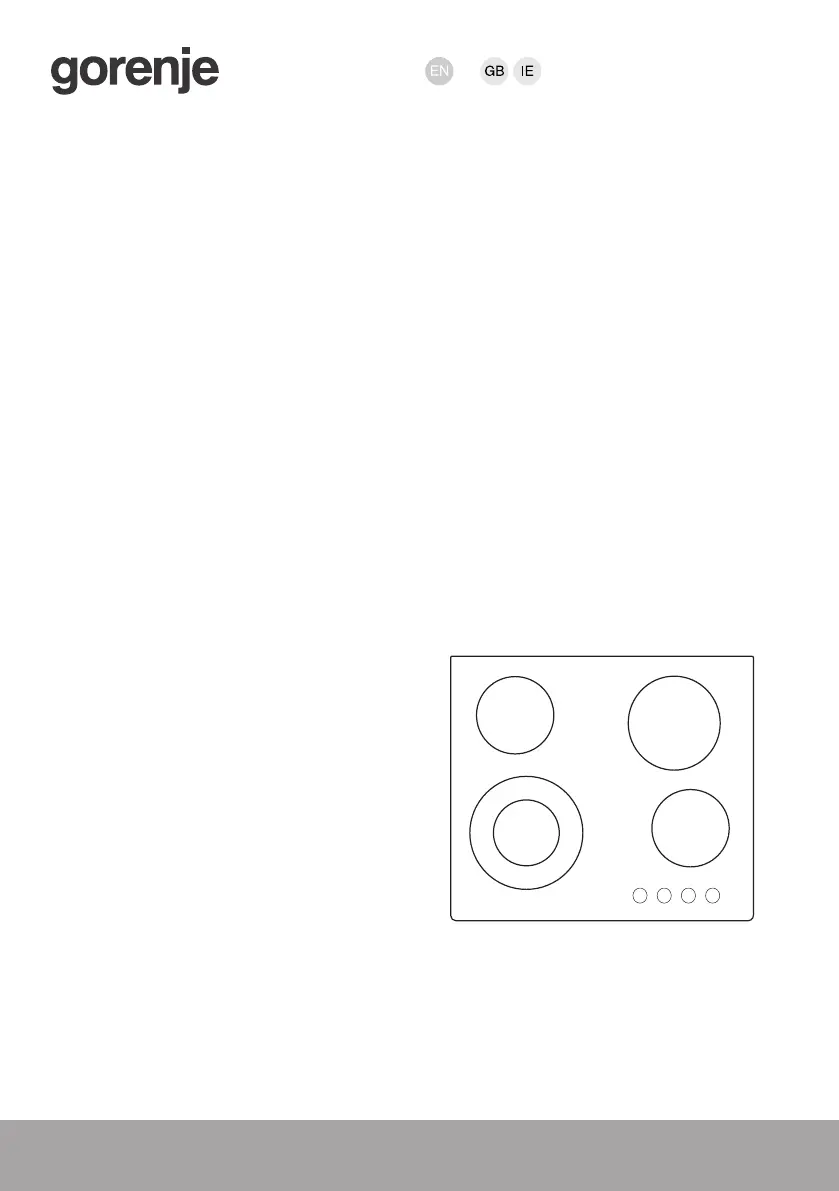
INSTRUCTIONS FOR USE
GLASS CERAMIC COOKING
HOB

Questions and Answers

  • K
    Katherine SanchezAug 7, 2025
    Why does my Gorenje EC321BCSC keep beeping and displaying?
    • E
      esampsonAug 7, 2025
      The continuous beep and display on your Gorenje Hob usually indicates that water has spilled over the sensor surface or an object has been placed over the sensors. To resolve this, wipe the sensor surface clean.

Gorenje EC321BCSC Specifications

General IconGeneral
Number of Cooking Zones2
Power Levels9
Safety FeaturesResidual heat indicator
ColourBlack
MaterialGlass ceramic
Control TypeTouch

Related product manuals