21
MDE-option_Wi-Fi_horloges_HANDI_LEDI-1103V1.1
1. GENERAL DESCRIPTION
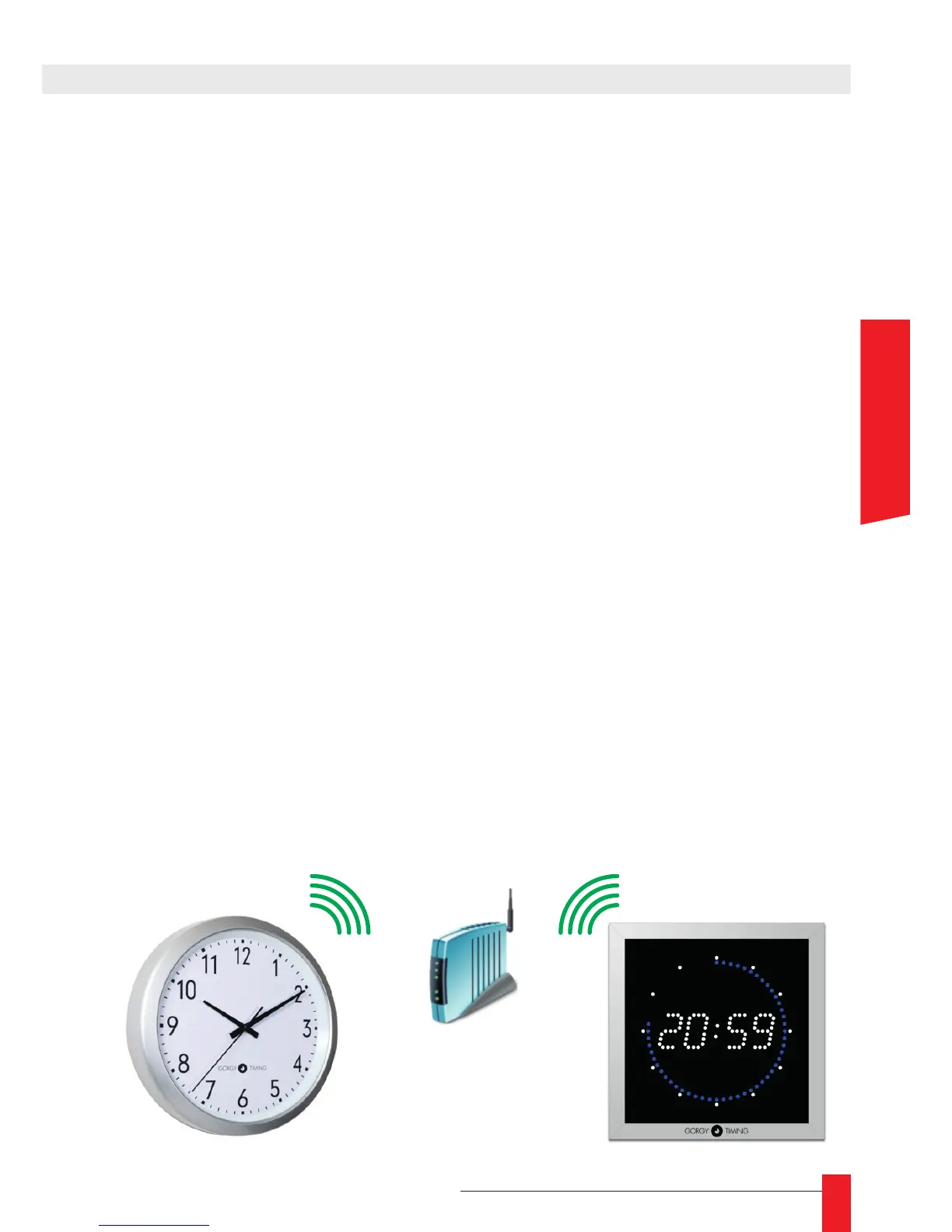
The Wi-Fi LEDI/Handi clocks are able to connect to any existing WI-Fi network. In order to
connect to a network, a clock requires two elements:
► The SSID (name) of the Network it wants to join
► The encryption key of this network
When a Gorgy Timing Wi-Fi clock fails to connect to the specied network for any reason,
(No conguration, network down, bad key...) it will create an access point with the following
characteristics:
GT_TYPE_xxxxxx
Where « TYPE » is « LEDI » or « HANDI » and « xxxxxx » is the serial number of the clock.
For instance, an out of the box LEDI clock won’t know where to connect. It will then create
an access point with this name :
GT_LEDI_120053
Setting the clock means giving to it the information it requires to connect to the Wi-Fi
network.
► Connection to the Access point generated by the clock
► Conguration is transferred to the clock
► Disconnection from the clock
These operations are detailed in the next sections .
☛ In some particular cases (according to the command), the clock is
programmed to remain in the access point. In this case, the part 2 does not
apply to you



 To Next Page