25
MDE-option_Wi-Fi_horloges_HANDI_LEDI-1103V1.1
3. MANUAL CONFIGURATION
The manual conguration is the succession of the steps that are automatically done with
the GT Network Manager Mobile software.
3.1. CONNECTION TO THE CLOCK
► To begin, you have to connect a Wi-Fi device to the clock.
(Laptop, smartphone, tablet ...)
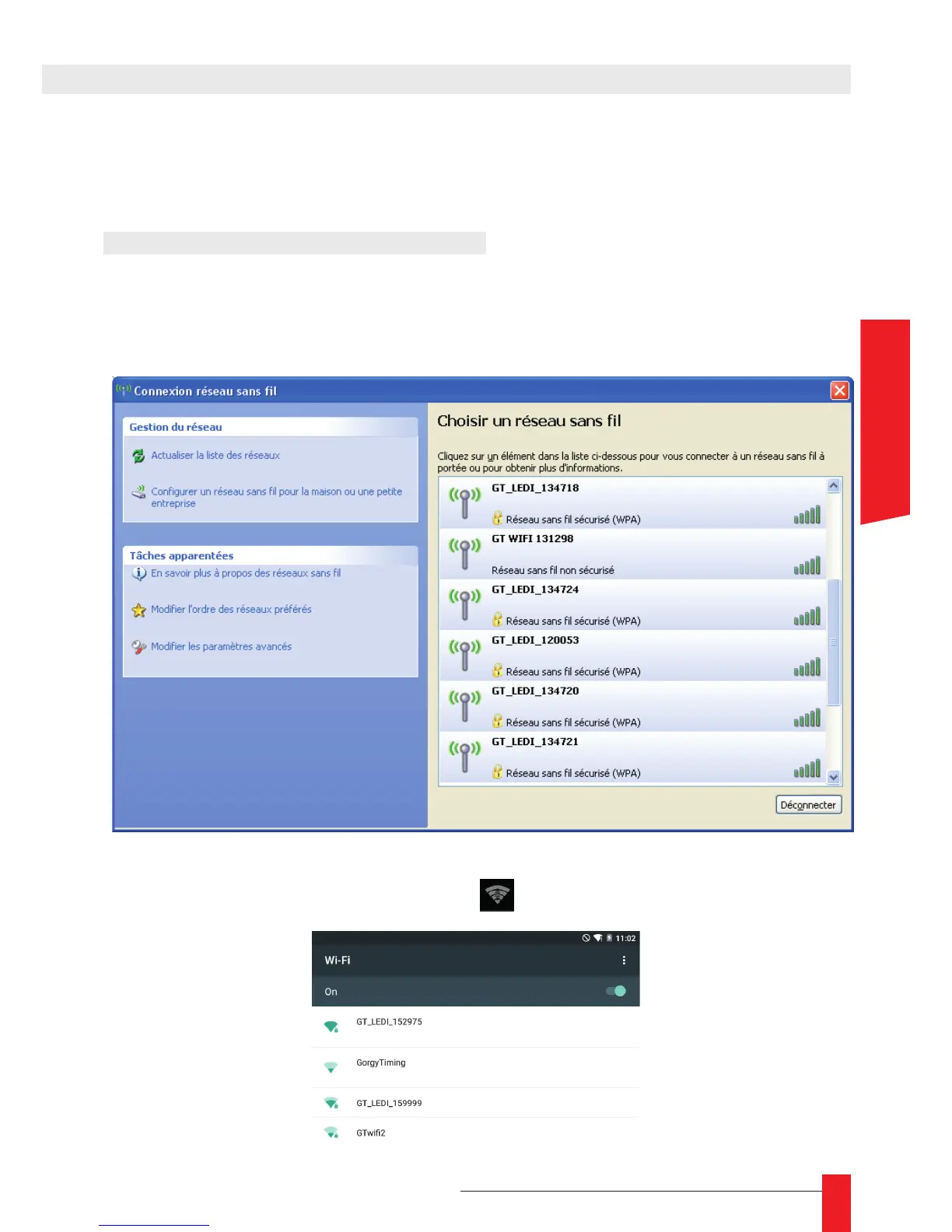
► Using the system tools, detect the Wi-Fi networks, and identify which one you want to
connect to.
Detection on Microsoft Windows
► On the tablett , click on the Wi-Fi symbol
and choose the LEDI product in the list.



 To Next Page