27
MDE-option_Wi-Fi_horloges_HANDI_LEDI-1103V1.1
3.2. CLOCK WEB INTERFACE
When the connection is established, the clock will automatically give an IP address to the
connected device. This address is 192.168.2.xx.
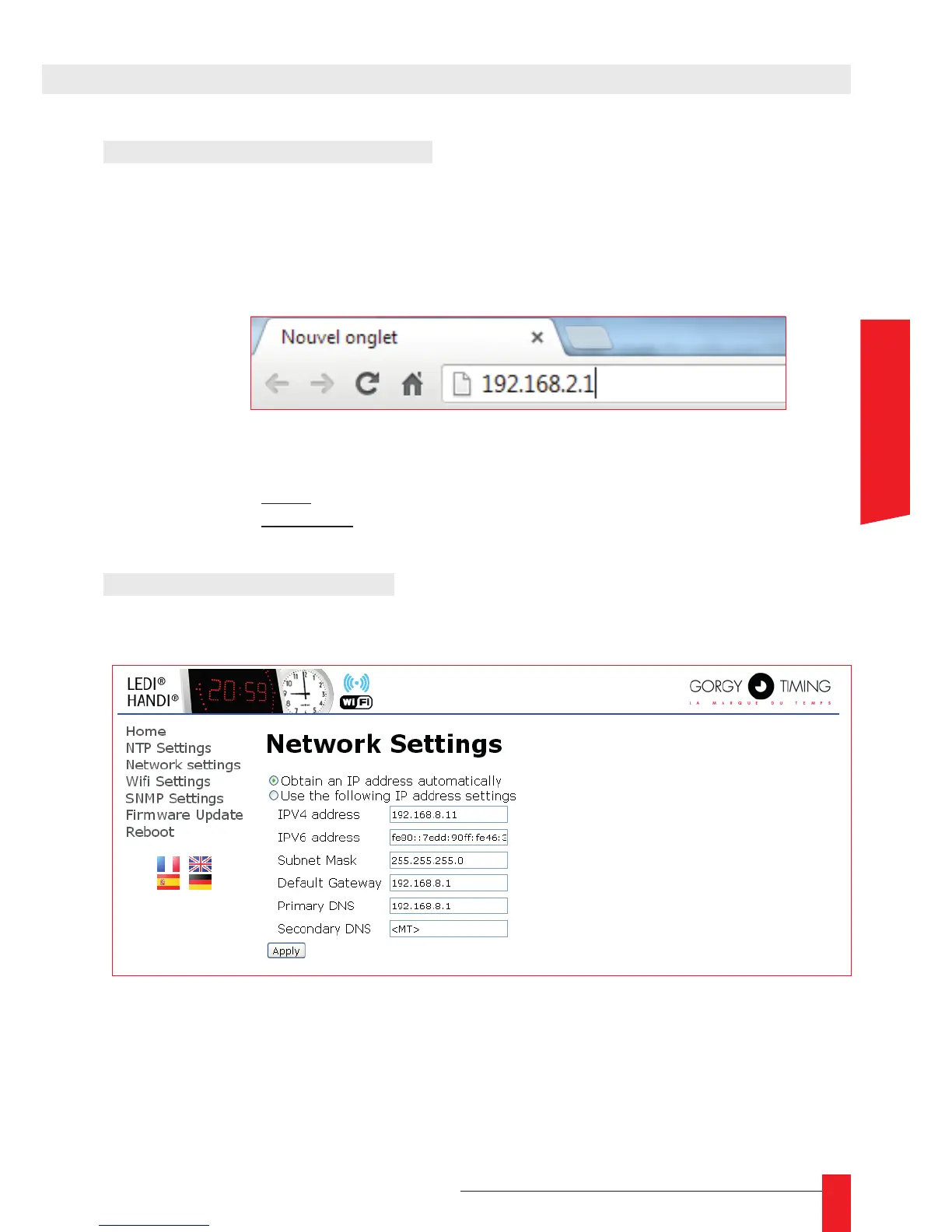
► To reach the conguration interface, open a web browser ( Internet Explorer, Chrome,
Firefox, . . . ) and use the following IP address : 192.168.2.1 in the address bar.
► The browser will then ask the user for authentication. The access codes are :
User : root
Password : gtmt
3.3. NETWORK SETTINGS
► To modify the clock’s IP conguration, open the « Network Settings » page.
► The clock can work in automatic IP mode (address delivered by a DHCP server) or
manual IP mode. (User specied)



 To Next Page