29
MDE-option_Wi-Fi_horloges_HANDI_LEDI-1103V1.1
3.5. WI-FI CONFIGURATION
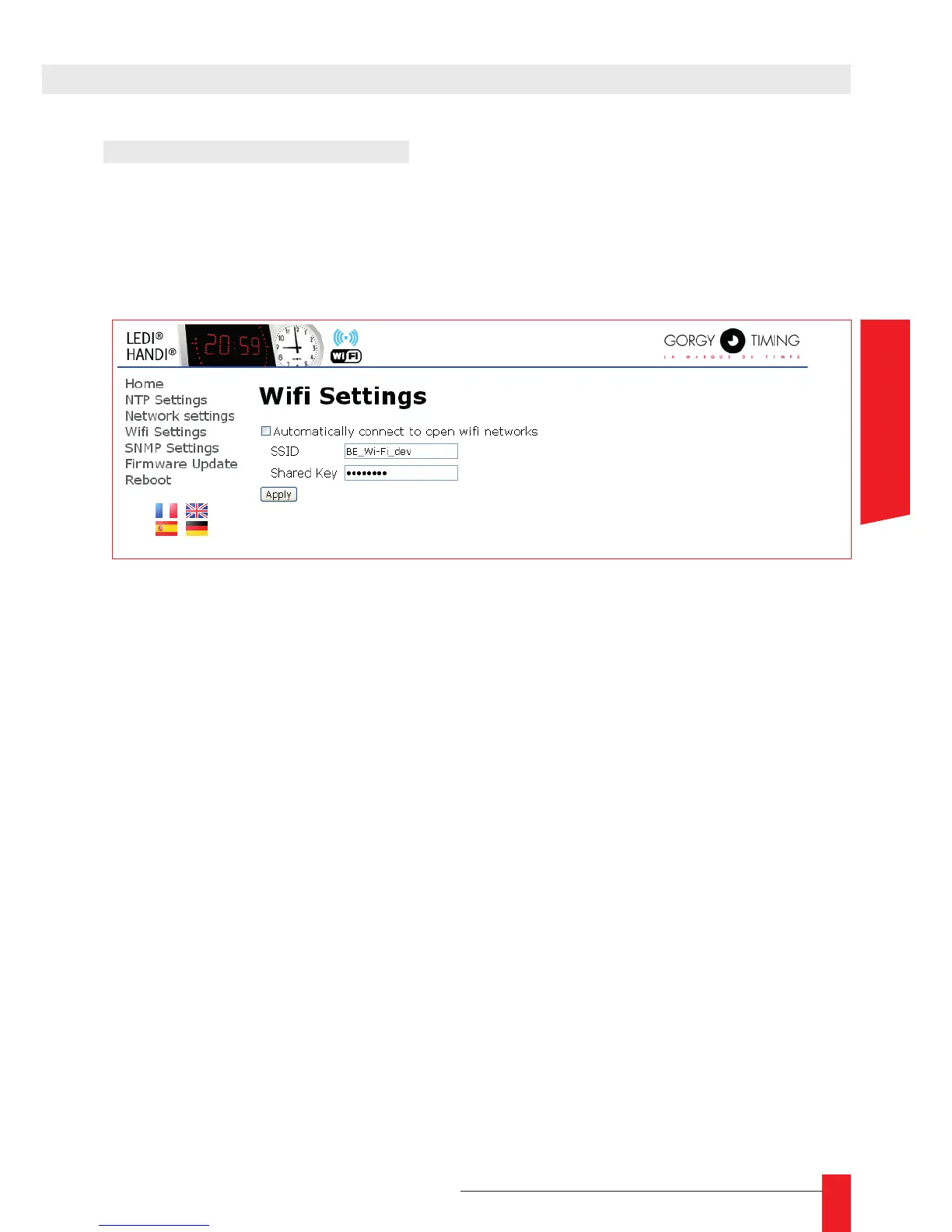
► To tell the clock which Wi-Fi network to use, open the « Wi-Fi Settings » page and ll the
“SSID” (Name of the Wi-Fi Network) and “shared Key” (Encryption key) elds.
☛ Warning! These elds are case sensitive. A mistake would prevent the
clock from connecting to the Wi-Fi network.
Once these settings are done and saved, the clock will automatically try to connect to the
specied Wi-Fi network. The Access point mode is immediately switched off and the user’s
device is disconnected from the clock. The Web interface is not reachable anymore as
long as the user has not reconnected.
If the conguration is right, the clocks connects to the Wi-Fi network and the web interface
becomes available by typing the clock’s new IP address on the Wi-Fi network.
☛ If the conguration is wrong, after trying to connect unsuccessfully
for 1 minute, the clock will revert to Access point mode to eventually get
new settings. In that situation, it will try to connect with the last submitted
settings every 5 minutes.



 To Next Page