24
MDE-option_Wi-Fi_horloges_HANDI_LEDI-1103V1.1
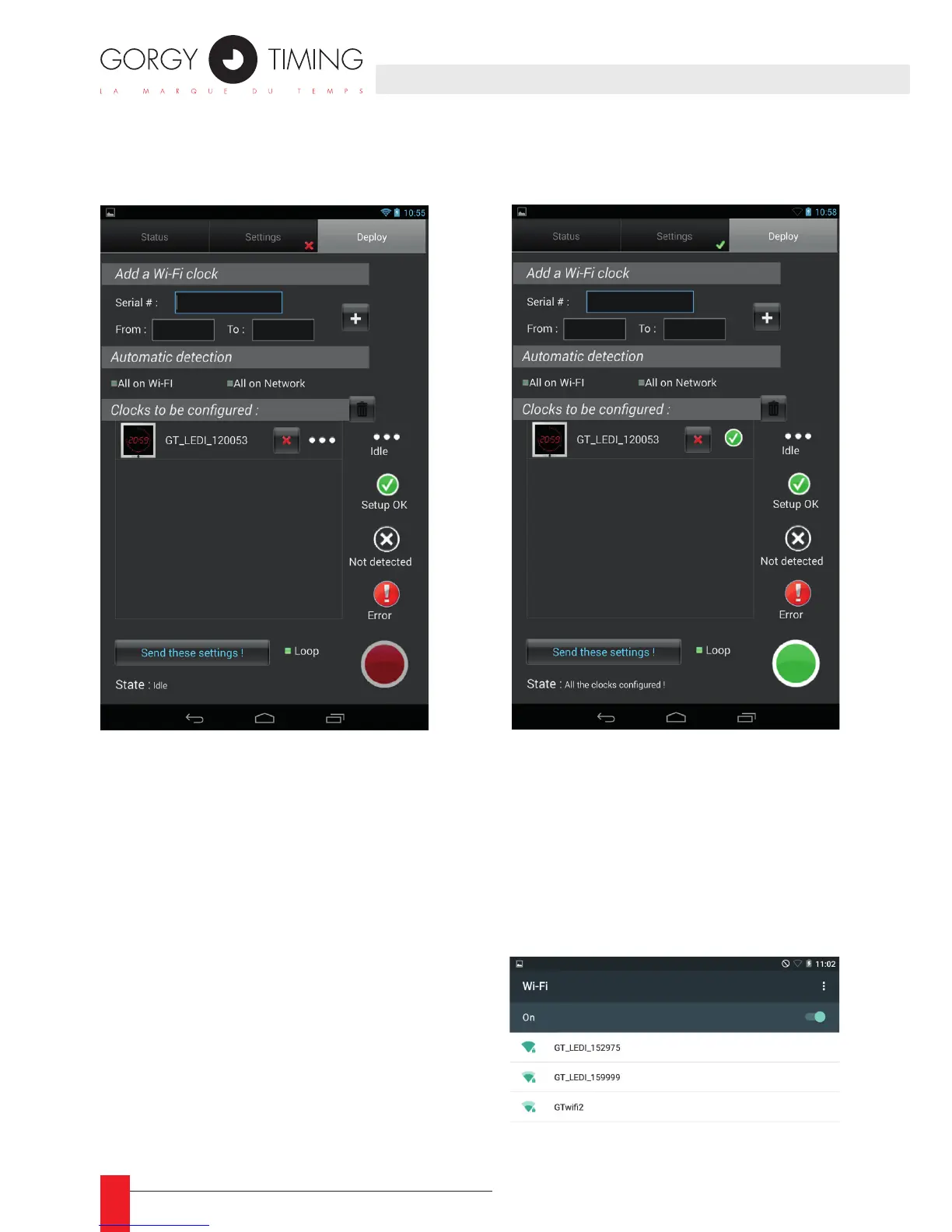
The last step is to transfer the conguration to the clocks.
► To do this, go to the third tab (« deploy ») and tap “send the conguration”.
☛ Once the clock is congured, a green sign appears
The main conguration is done; the clock will then automatically try to connect to the spe-
cied network. Should it fail, it will switch back to access point mode to receive a new
conguration. However, it will periodically try to connect with the last sent conguration.
► Example of connection to the clock by a tablet:
Go to the wi settings of the tablet:



 To Next Page