48
MDE-Radio-Timing-GTC-3080V2.3
5. PROGRAMMING MODE
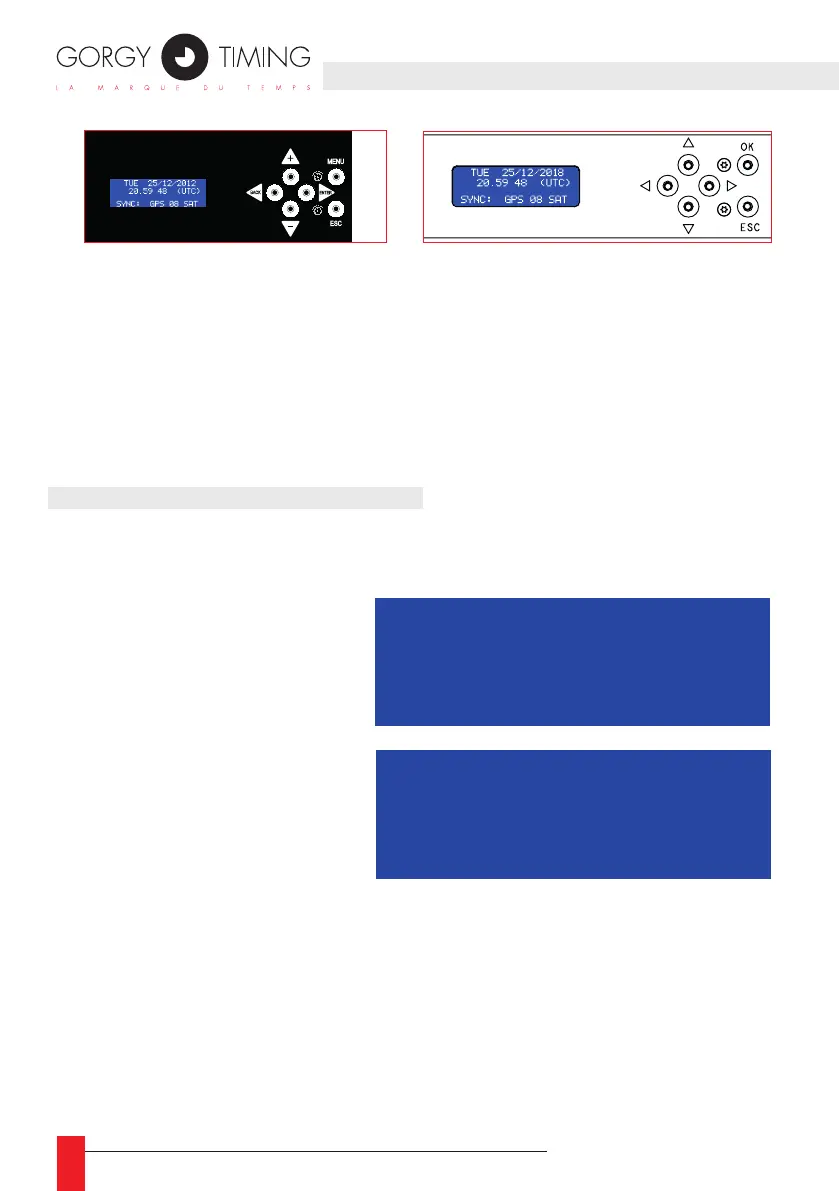
► The «MENU» button allows the selection of the displayed menu.
► The «ENTER» button allows to access to the displayed menu and the validation or
selection of the next character.
► Setting the value of the ashing character is done with the «+» or «-» button.
► The «BACK» button allows to return to the previous character or previous sub-menu.
► The «ESC» button allows to return to the basic screen without validation of changes.
5.1. STARTING UP THE TIME BASE
☛ THIS PROCEDURE MUST BE USED ONLY IN STANDALONE MODE OR
IF THERE IS NO SYNCHRONIZATION CODE AT THE TIME OF STARTING UP.
► Using the “MENU” button, select
the menu:
► Conrm by pressing «ENTER»:
The weekday disappears and the
tens of years are blinking.
► Using the “+”, “-“ and “ENTER” buttons, set in order:
► the year
► the month
► the day
► the hour
► the minute
► the synchronization of the time base takes place after the validation of the units
of minutes.
464,6
44
482
8,7 8,7
31,75
4x7,5
4x 10,5
Face avant fixation
464.5
31.75
Face avant
Face arrière
266
Profil
44
SETTING
DATE AND TIME
FRI 22 FEBR 2013
11:42:45 (LOCAL)
SETTING
DATE AND TIME
22 FEBR 2013
11:42:45 (LOCAL)
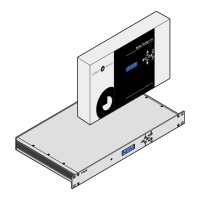
RT GTC Wall Mount
Programming buttons + LCD screen
RT GTC Rack
Programming buttons + LCD screen


 To Next Page