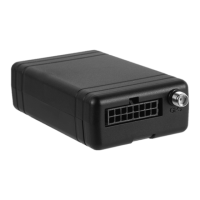
2.3 Power on
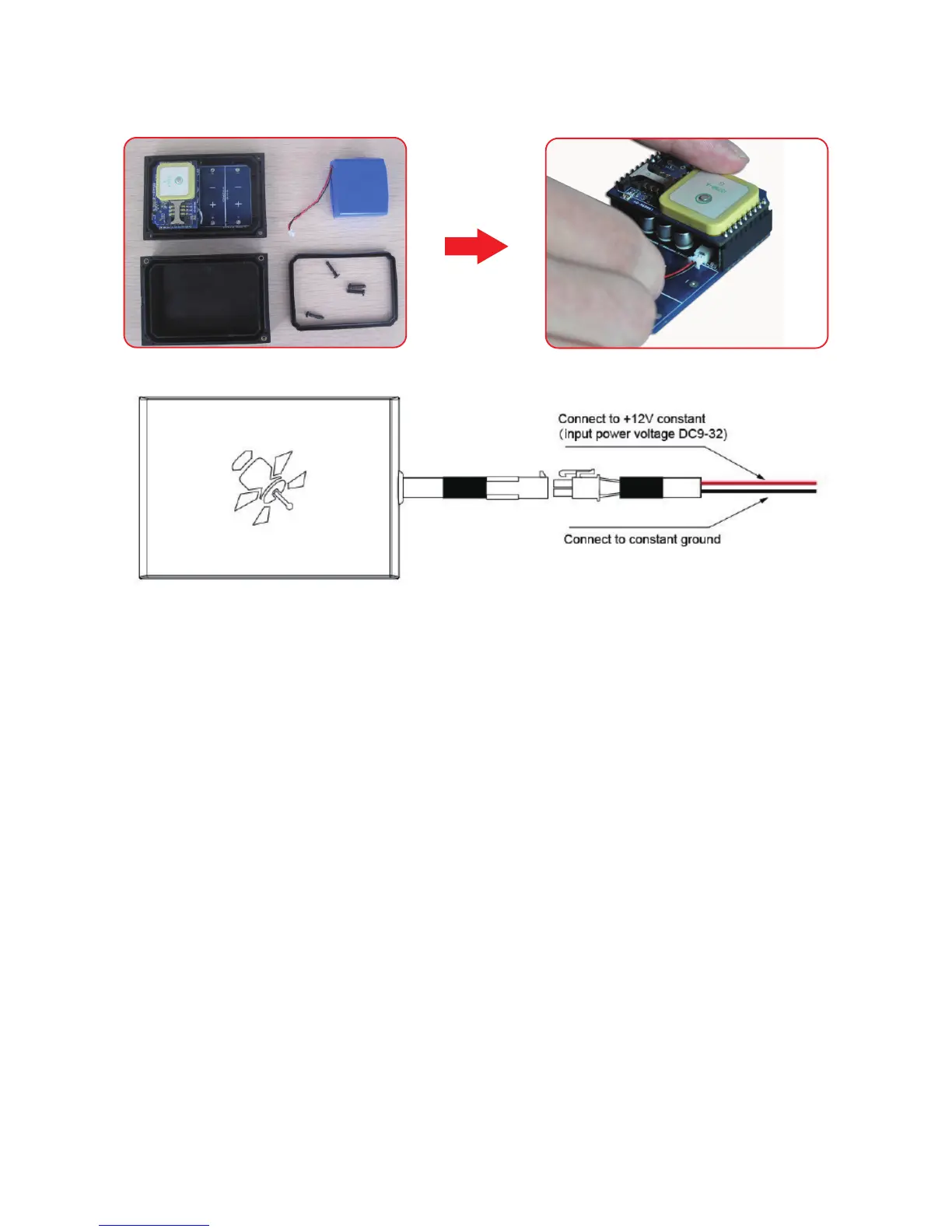
Connect the battery to the device, like the below picture show you:
2.4 Installation Diagram for G626I
2.5 Set User No.
To set user No., you can use any mobile phone to send the following SMS command to the SIM card
No.: 1234,UNO;+8613912345678 or 1234,UNO;13912345678
Explanations:
+8613912345678: user No. with country code
13912345678: user No. without country code
UNO: Command Control Word
After receipt of the above SMS command, device will reply a confirmation SMS and work at default
work mode: 30M;G;W
To protect device, if there is any error in this command, device will not send back any error warning.
2.6 Modify Password
To modify factory password at the first usage is strongly suggested. Password should be 4 digits that
picked from 0-9. To modify password, you can use user No. send the following SMS command to the
SIM card No.:
1234, UPW; 5678
Explanations:
1234: Factory Password
5678: New Password



 To Next Page