Advanced Features
The A sweep
is
unaffected, and a capture
is
initiated by a
valid A trigger after an arm. The B sweep, however, can
only begin a capture on the 20th valid B trigger after arm.
Note:
If
'A
divided
by
N'
is selected then 'B
delay
by
N'
cannot
be used,
and
vice-versa.
In addition, 'A
divided
by
N'
cannot
be used
with
'Inde-
pendent'
(see below).
Independent
This feature
is
shown on the menu
by
the letters:
Independent
The text
is
in
line with the front panel button 5. Pressing this
button selects 'dependent', a further press 'Independent'.
Example: select dependent
ATrig
BTrig
1
A+N
2
Gate
3
CountNxB
4
Independent
5
OOOOOOOns
A Delay 6
OOOOOOOns
BDelay
7
A Sweep
BSweep
8
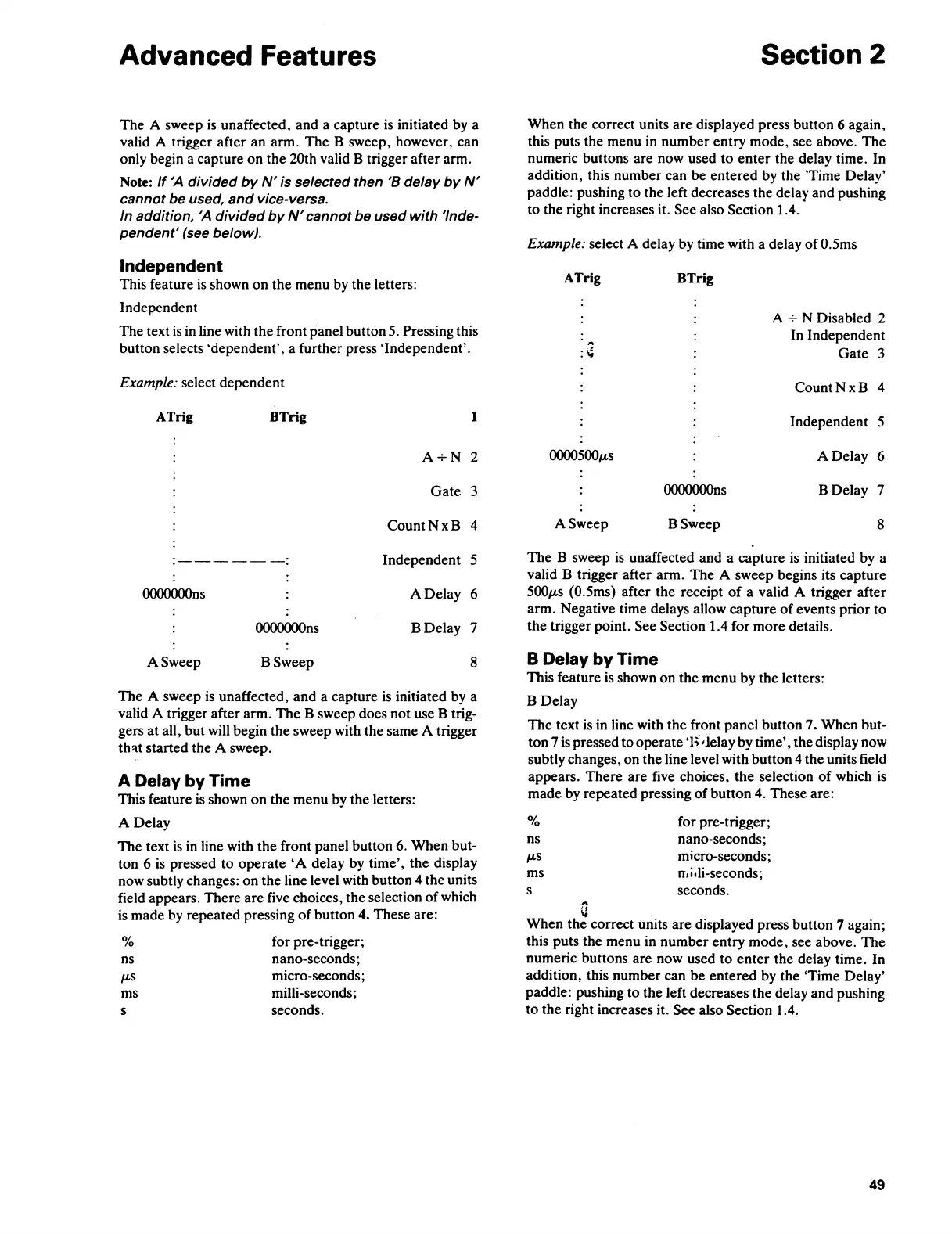
The
A sweep
is
unaffected, and a capture
is
initiated by a
valid A trigger after arm.
The
B sweep does not use B trig-
gers
at
all, but will begin the sweep with the same A trigger
th'lt started the A sweep.
A Delay by Time
This feature
is
shown
on
the menu by the letters:
A
Delay
The text
is
in
line with the front panel button
6.
When but-
ton 6 is pressed to operate
'A
delay by time', the display
now subtly changes: on the line
level with button 4 the units
field appears. There are five choices, the selection
of
which
is
made by repeated pressing
of
button 4. These are:
%
ns
µ.s
ms
s
for pre-trigger;
nano-seconds;
micro-seconds;
milli-seconds;
seconds.
Section 2
When the correct units are displayed press button 6 again,
this puts the menu
in
number entry mode, see above. The
numeric buttons are now used
to
enter
the delay time. In
addition, this number can be entered by the 'Time Delay'
paddle: pushing to the left decreases the
delay and pushing
to the right increases it. See also Section 1.4.
Example: select A delay by time with a delay
of
0.5ms
ATrig
BTrig
A + N Disabled 2
In Independent
Gate
3
CountNxB
4
Independent
5
0000500µ.s
A Delay 6
OOOOOOOns
BDelay
7
A Sweep
BSweep
8
The B sweep
is
unaffected and a capture
is
initiated by a
valid B trigger after arm. The A sweep begins its capture
500µ.s
(0.5ms) after the receipt
of
a valid A trigger after
arm. Negative time delays allow capture
of
events prior to
the trigger point.
See Section 1.4 for more details.
B Delay by Time
This feature
is
shown
on
the
menu by the letters:
B Delay
The text
is
in line with the front panel button 7. When but-
ton 7
is
pressed
to
operate
·i;·
•Jelay by time', the display now
subtly changes, on the
line level with button 4 the units field
appears. There are five choices,
the
selection
of
which
is
made by repeated pressing
of
button 4. These are:
%
for pre-trigger;
ns
nano-seconds;
µ.s
micro-seconds;
ms mi.Ii-seconds;
s
seconds.
a
When the correct units are displayed press button 7 again;
this puts the menu in number entry mode, see above. The
numeric buttons are now used to
enter
the delay time. In
addition, this number can
be
entered by the 'Time Delay'
paddle: pushing to the left decreases the delay and pushing
to the right increases it.
See also Section 1.4.
49



 To Next Page