17
Menu Language
To change the on-screen menu language to English, French or
Spanish:
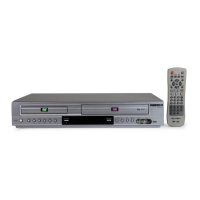
1 Open “Initial Setup” menu
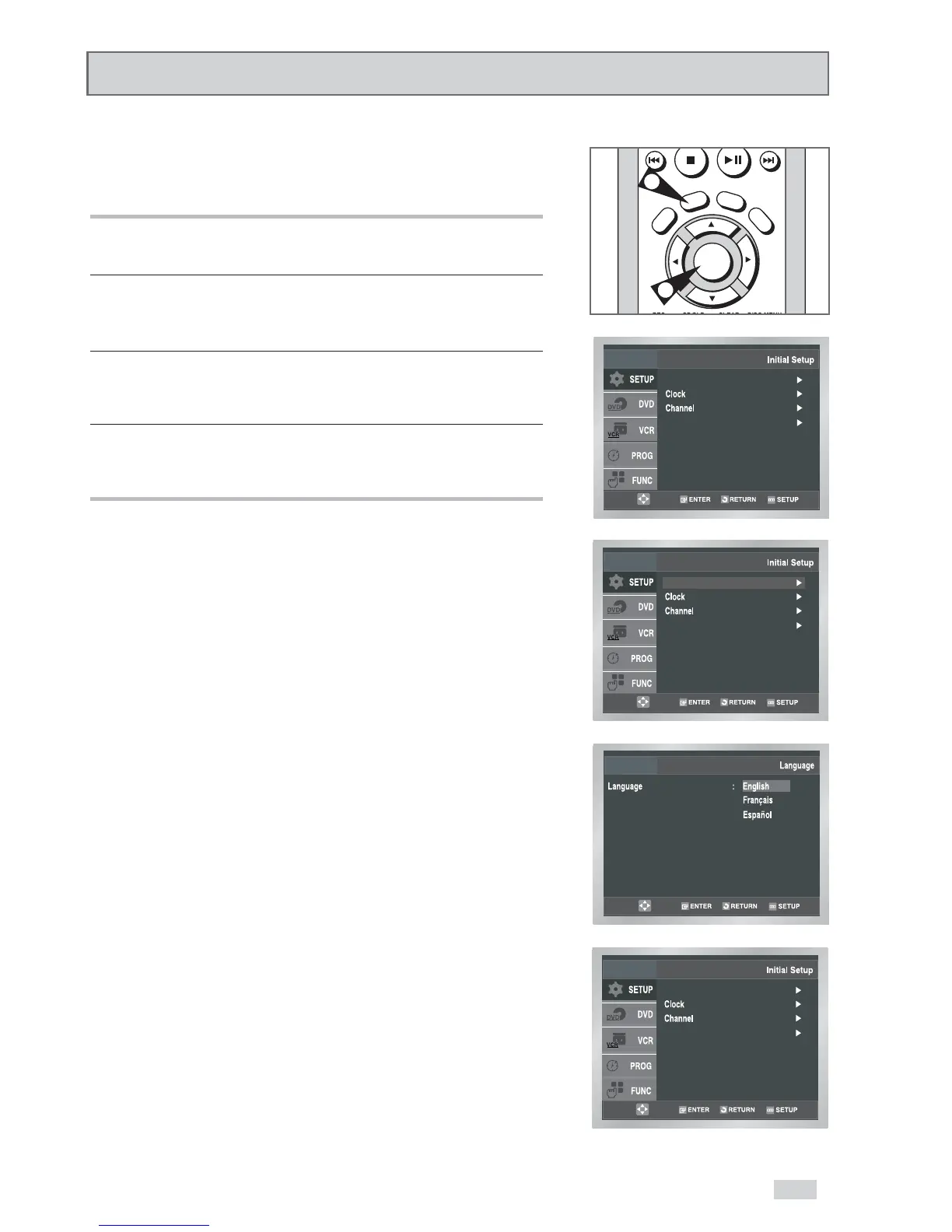
Press the SETUP button while the DVD is in Stop or Play mode.
2 Select “SETUP”
Use the
/
buttons to highlight “SETUP”, then press
ENTER to select.
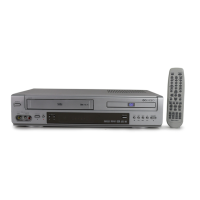
3 Select “Language”
Use the
/
buttons to highlight “Language”, then press ENTER
to select.
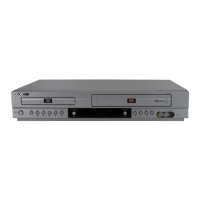
4 Set “Language”
Place the selection bar next to your desired Language, then press
ENTER to select.


 To Next Page