Many DVDs feature their own menu systems, where you can select
titles, chapters, audio tracks, subtitles, and special disc features,
such as movie trailers, and information about the cast. Use these
buttons to make selections in the disc menus:
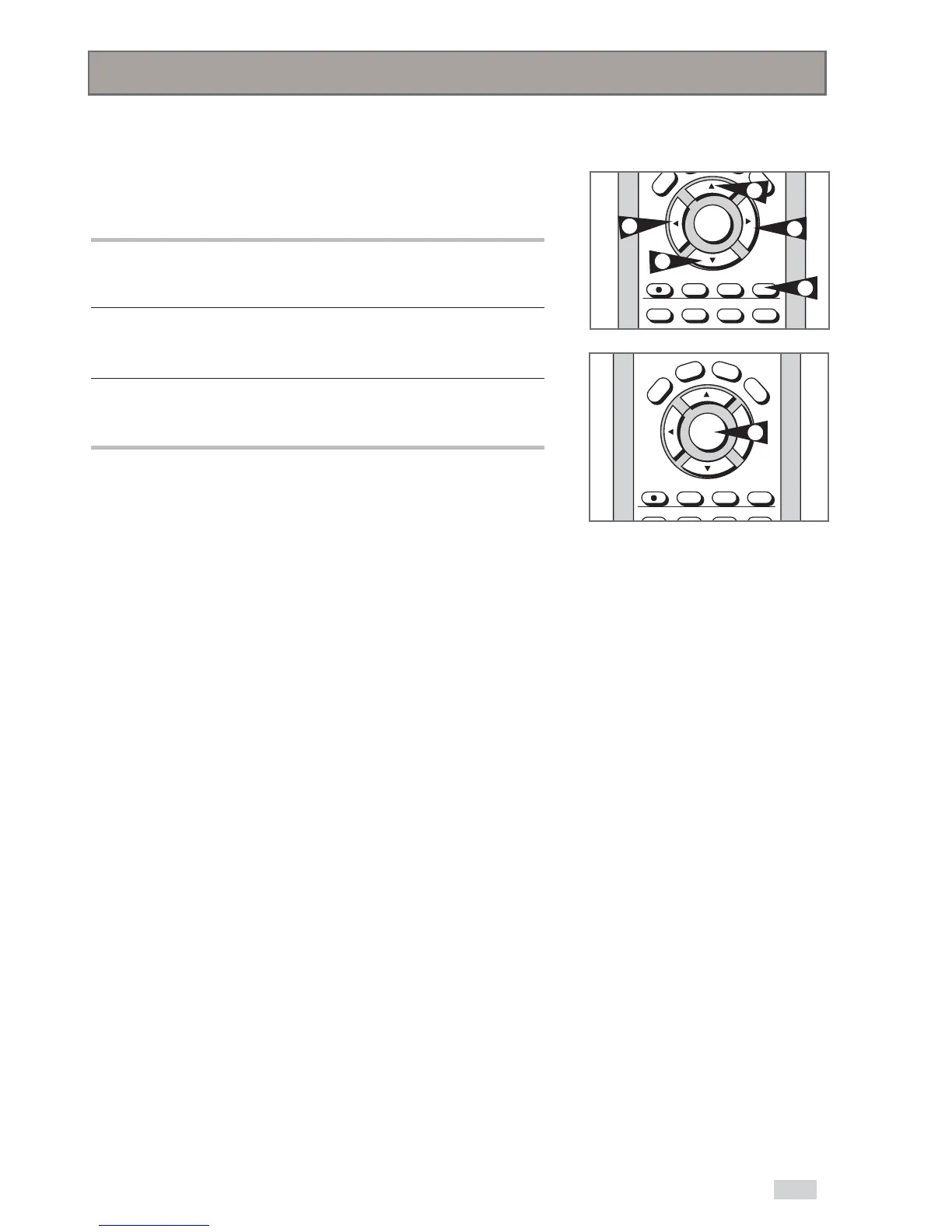
1 DISC MENU
Press to access the DVD’s disc menu, if available.
2 Press
/
or
¥
/
to navigate DVD disc menu options.
• Press
,
,
¥
and
to highlight menu choices.
3 ENTER Button
Press to make your selections in the disc menu.
Disc Menu Navigation


 To Next Page