19
Tuner Band Setting
This feature allows you to manually set the DVD+VCR’s tuner
band to Antenna or Cable, whichever you connected to the IN
(FROM ANT.) jack during initial setup.
• Use this setting only if Auto Setup detected the incorrect tuner
band, i.e. channels are coming in on the wrong channel numbers.
1 Open “Initial Setup” menu
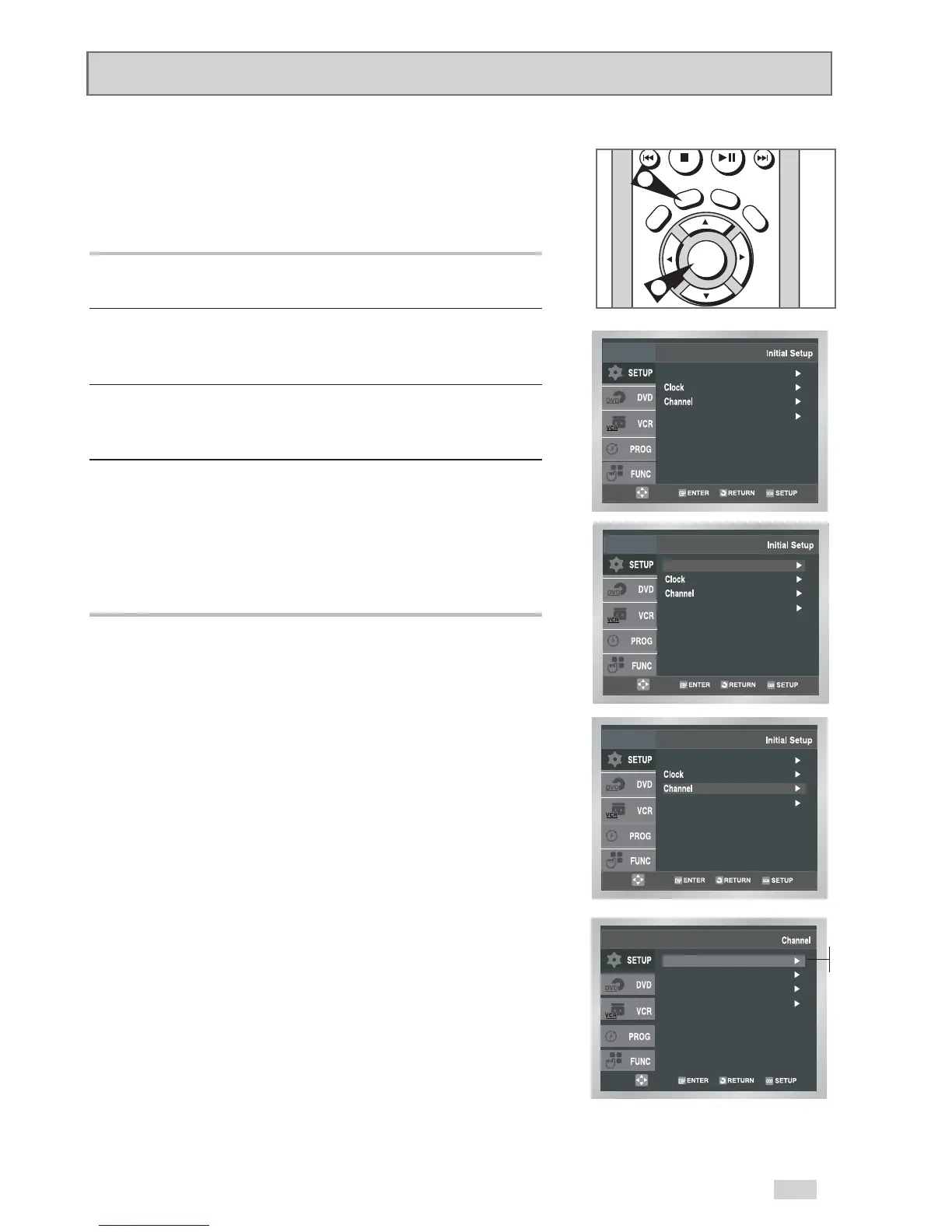
With the DVD in Stop or Play mode, press the SETUP button.
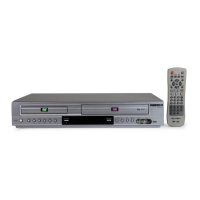
2 Select “SETUP”
Use the
/
buttons to highlight “SETUP”, then press
ENTER to select.
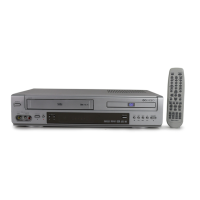
3 Select “Channel”
Use the
/
buttons to highlight “Channel”, then press ENTER to
select.
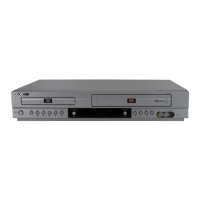
4 Select “Ant/Cable”
Use the
/
buttons to highlight “Ant/Cable”, then press the
button to select from the following options:
• Antenna - Indicates that the DVD+VCR is connected to an
indoor or outdoor VHF/UHF antenna.
• Cable TV - Indicates that the DVD+VCR is connected to Cable
TV.


 To Next Page