23
Front Panel Dimmer
You can set the Front Panel Display to be bright all the time, dim
all the time, or dim when the power is off.
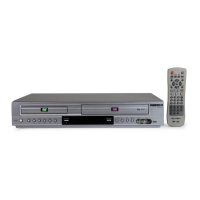
1 Open “Initial Setup” menu
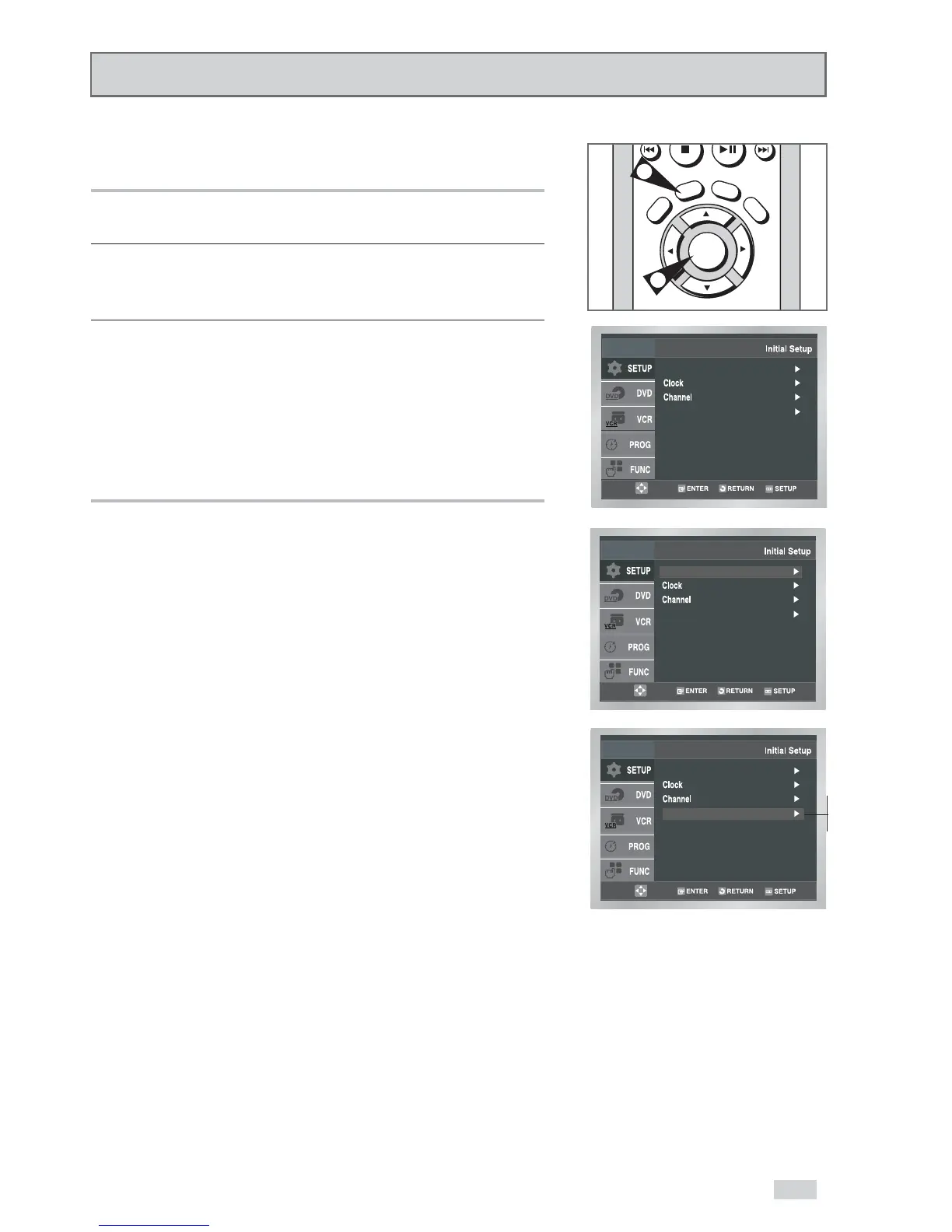
With the DVD in Stop or Play mode, press the SETUP button.
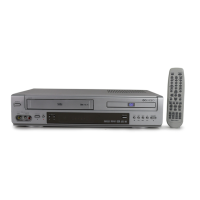
2 Select “SETUP”
Use the
/
buttons to highlight “SETUP”, then press
ENTER to select.
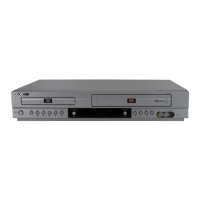
3 Set “Front Display”
Use the
/
buttons to highlight “Front Display”, then press the
arrow to select from the following options:
• Auto – The front panel display will dim automatically during
power off and between the hours of 10:00p.m.
and 6:00a.m.
•Bright – The front panel display will be bright all the time.
• Dim – The front panel display will be dim all the time.


 To Next Page