15
DISPLAY
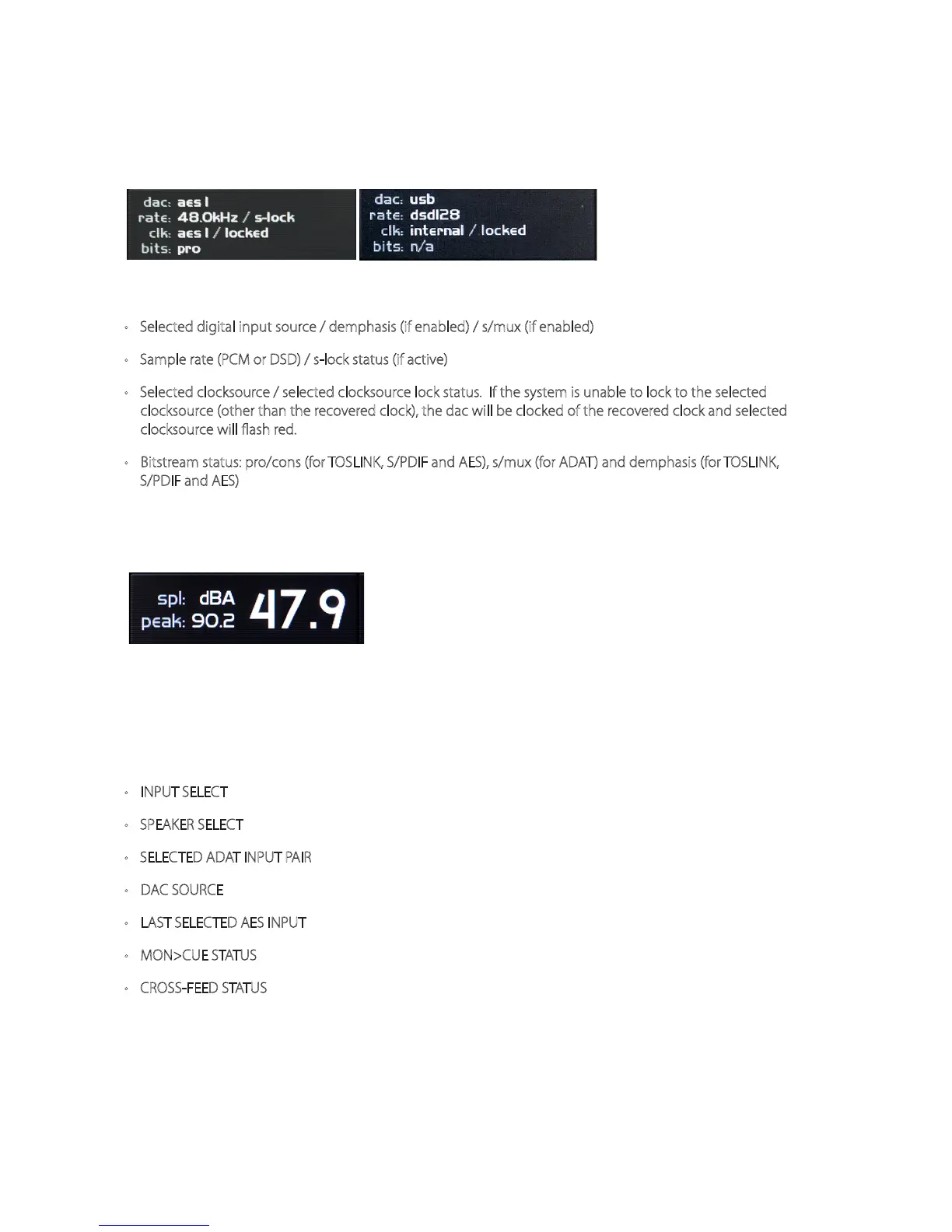
DAC STATUS In addition to displaying the monitoring features detailed above, the m905 RCU display also
provides the current DAC status and a real-time SPL readout. DAC status is not shown on m905 Analog
display.
<figure - DAC status>
THE DAC STATUS PROVIDES THE FOLLOWING INFORMATION:
• Selected digital input source / demphasis (if enabled) / s/mux (if enabled)
• Sample rate (PCM or DSD) / s-lock status (if active)
• Selected clocksource / selected clocksource lock status. If the system is unable to lock to the selected
clocksource (other than the recovered clock), the dac will be clocked of the recovered clock and selected
clocksource will flash red.
• Bitstream status: pro/cons (for TOSLINK, S/PDIF and AES), s/mux (for ADAT) and demphasis (for TOSLINK,
S/PDIF and AES)
SPL MEASUREMENT Using the internal m905 RCU microphone, the m905 computes the real-time sound
pressure level based on the system conguration. The current and peak SPL levels are displayed along
with the lter mode in this section of the display. The SPL measurement settings are congured in setup.
<figure - SPL meter>
SAVE / RECALL OF USER CONFIGURATION
After a 10 minute period of inactivity, the m905 saves the current user conguration to non-volatile
memory. Upon power-up the m905 recalls the last saved conguration. The following parameters are
saved as part of the user conguration:
• INPUT SELECT
• SPEAKER SELECT
• SELECTED ADAT INPUT PAIR
• DAC SOURCE
• LAST SELECTED AES INPUT
• MON>CUE STATUS
• CROSS-FEED STATUS
OPTIONAL IR (INFRARED) REMOTE CONTROL OPERATION
The optional IR receiver allows certain features of the m905 to be controlled via wireless IR remote
control units. To activate an m905 for use with a remote control please refer to the ‘IR Remote SETUP’
section. The following section will detail the available features for each remote platform. All changes
made from IR remote controls are reected on the m905 RCU.



 To Next Page