765041642 10
User menu
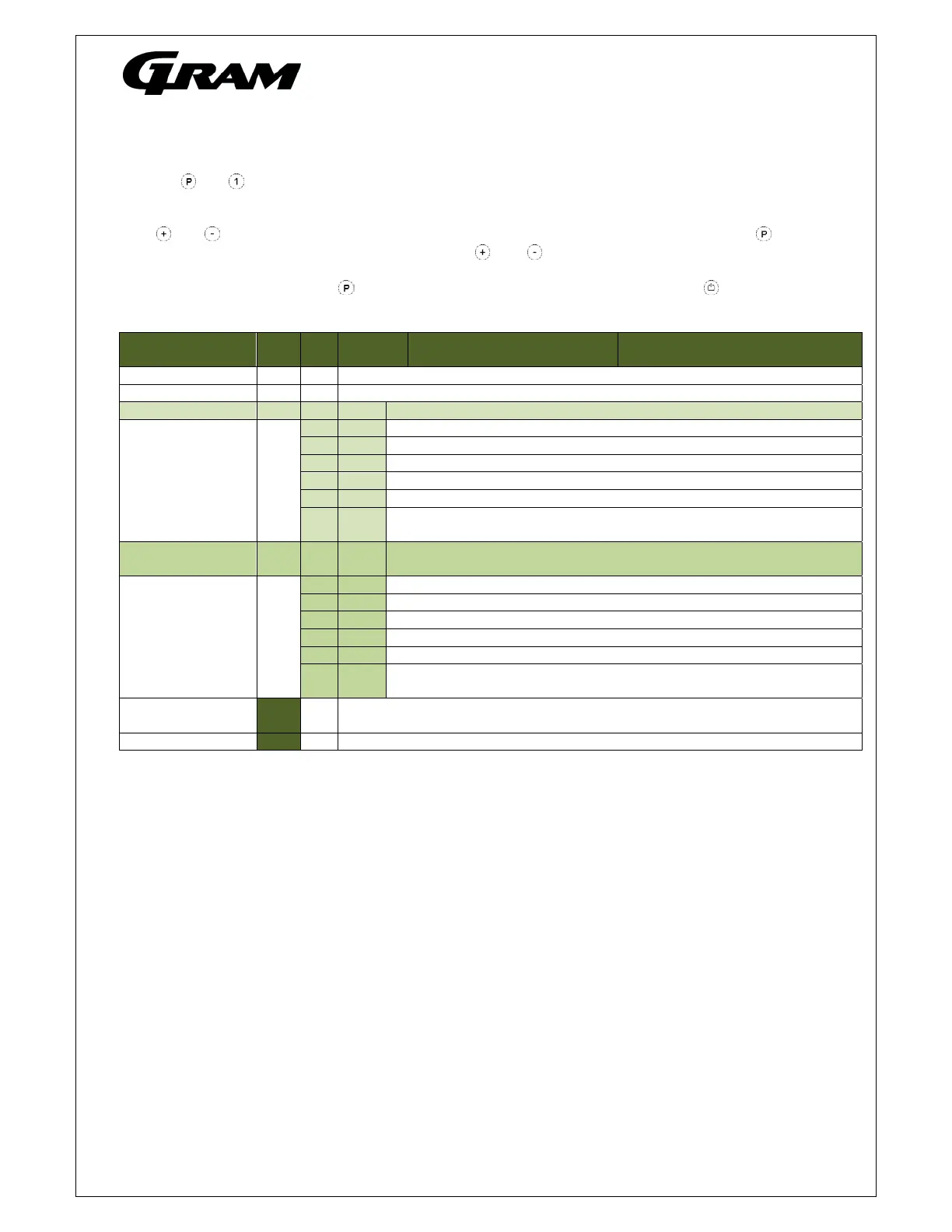
Push on and buttons at the same time in more than 3 sec. and the first Setup menu appears in the
display.
With and buttons its possible to look through each menu items in the “User menu”. Push on button
to activate the desired item and adjust the setting with and buttons.
To confirm the new setting, push button. Leave the menu item and user menu with the button.
Menu access P+1
Dry refrigeration DC Activation of dry refrigeration. [ON/OFF]
Rapid thaw UF Activation of rapid thaw. [ON/OFF]
Local alarm setting LAL LHL [° C]
Setting the upper alarm limit. At alarm, the display shows: [
2].
LLL [° C]
Setting the lower alarm limit. At alarm, the display shows: [
3].
Lhd [min.] Time delay for the upper alarm limit.
LLd [min.] Time delay for the lower alarm limit.
DA On/off Activation of local door alarm. At alarm, the display shows: [
1]. [on/off]
DAd [min.] Time delay for the door alarm.
BU On/off
Activation of buzzer. The buzzer sounds at alarms [ A1], [
2], [
3].
[1=on / 0=off]
External alarm
setting
EAL EhL [° C]
Setting the upper alarm limit At alarm, the display shows: [
4].
ELL [° C] Setting the lower alarm limit . At alarm, the display shows: [
5].
Ehd [min.] Time delay for upper alarm.
ELd [min.] Time delay for lower alarm.
DA On/off
Activation of local door alarm. At alarm, the display shows: [
1]. [on/off]
DAd [min.] Time delay for the door alarm.
BU On/off
Activation of buzzer. The buzzer sounds at alarms [ A1], [
4], [
5].
[1=on / 0=off]
ALL Activation of escorting alarm limits. [FAS]= fixed limits / [ESC] = limits following
the setpoint.
DEF Number of defrosts in 24 hours.



 To Next Page