2-11
CHAPTER 2 Checks and Preparation
2.8 Connecting to a PC
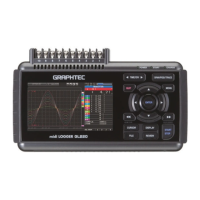
Use the USB cable to connect the GL220 to a PC.
Connection Using a USB Cable
Use the USB cable to connect the GL220 to a PC.
If the USB cable is used, the USB driver must be installed in your PC. Please refer to “USB Driver
Installation Manual” in the accessory CD-ROM for the installation procedure.
Use the A-B USB cable to connect the GL220 to a PC.
USB cable


 To Next Page
