3-89
CHAPTER 3 Settings and Measurement
2. Type in the URL (http://IP address/Index.html) in the address input eld.
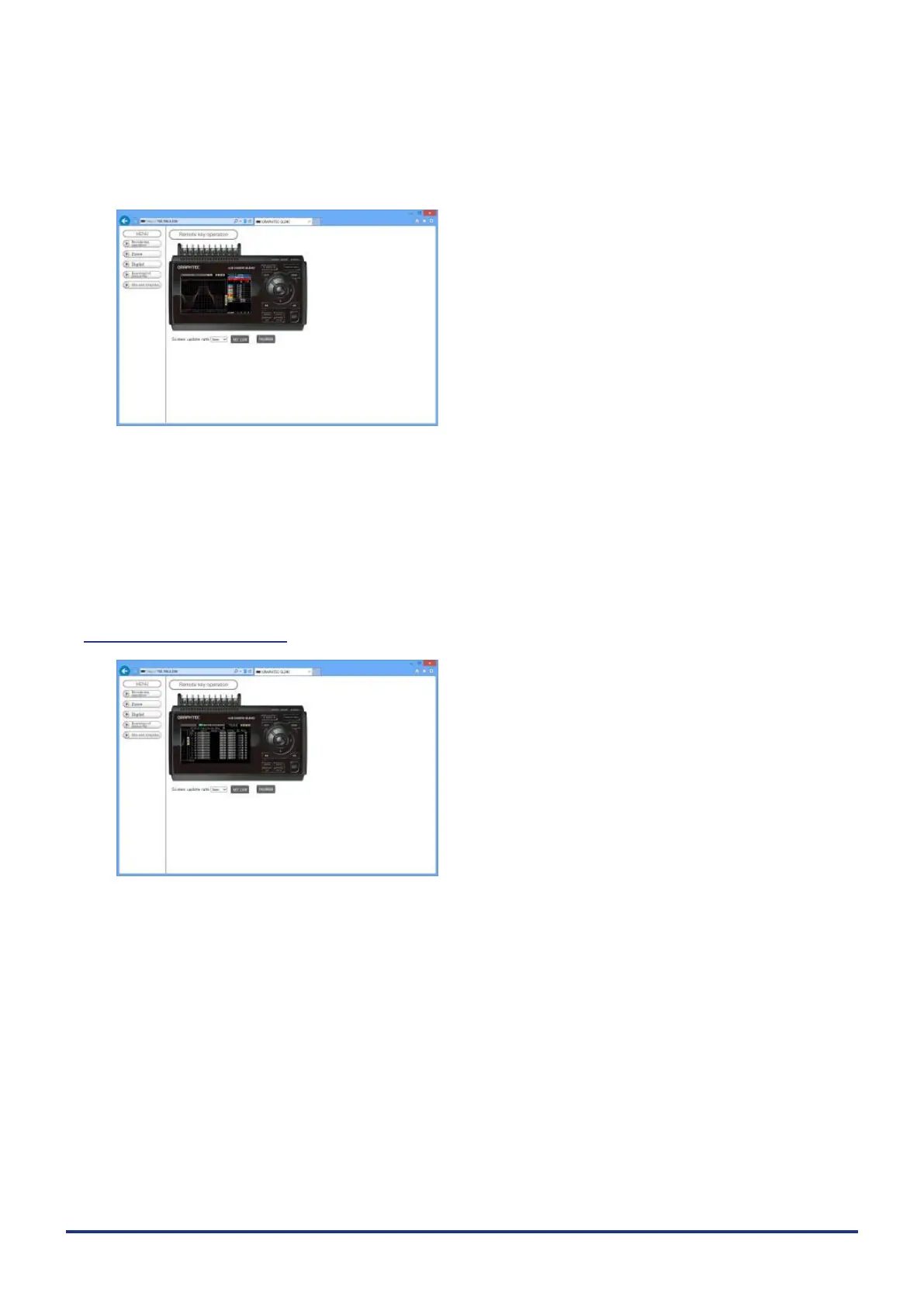
3. The following pages are displayed.
Remote key operation .............. Allows GL240 operation.
Zoom ................................... Enlarges only the LCD screen of GL240.
Digital .................................. Displays the GL240 measured value digitally.
Download of device le ..............llows data captured with GL240 to be downloaded to your PC via FTP.
Graphtec Web site .............. Accesses to our Web site.
Remote key operation
KEY LOCK .......................... Sets and cancels key lock.
PASSWORD ....................... Sets and cancels a password.
Screen update rate ............. Sets an update rate of the screen.
The screen update rate can be set either to 3, 5, 10 seconds.















 To Next Page