3-70
CHAPTER 3 Settings and Measurement
(6) Connection Test
Performs connection test to the time server.
When the connection test is performed, a message is displayed.
If connection cannot be established, check the settings and perform the connection test again.
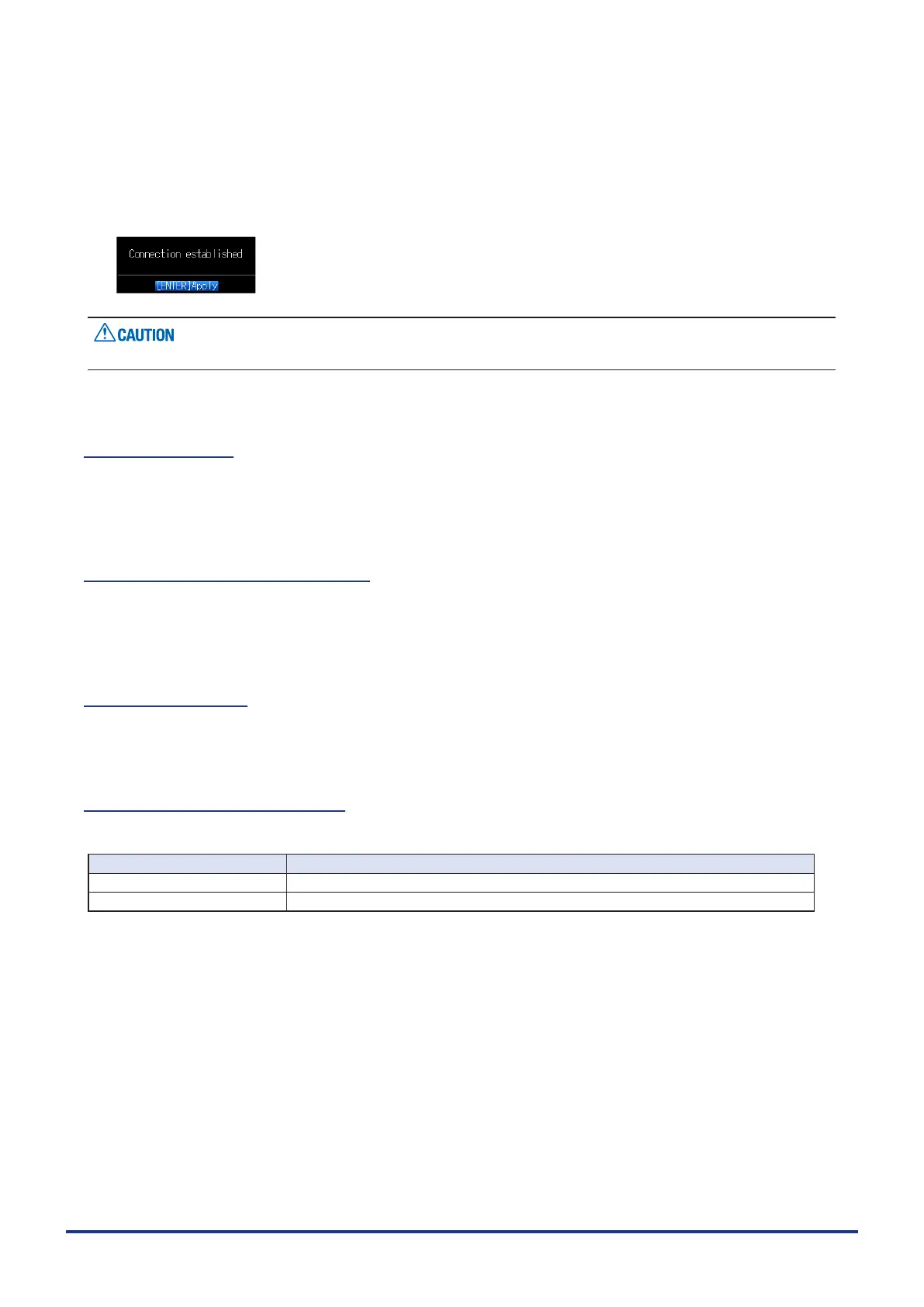
* If the connection test is passed, the following message is displayed.
Synchronization is not performed if the time difference with the time server is 500 ms or less.
(6)-10 Language
Set the display language (9 languages of Japanese, English (US), English (UK), French, German, Chinese,
Korean, Spanish and Russian).
(6)-11 Return to default settings
Returns all the settings to the factory defaults. When initialized, setting conditions to return to the factory
default settings.
(6)-12 Information
Displays system information.
(6)-13 Demo Waveform Mode
This parameter displays demo waveforms without analog signal input.
Selection item Description
Off The demo waveform is not displayed.
On The demo waveform is displayed.















 To Next Page