86
EN
Permanently OFF
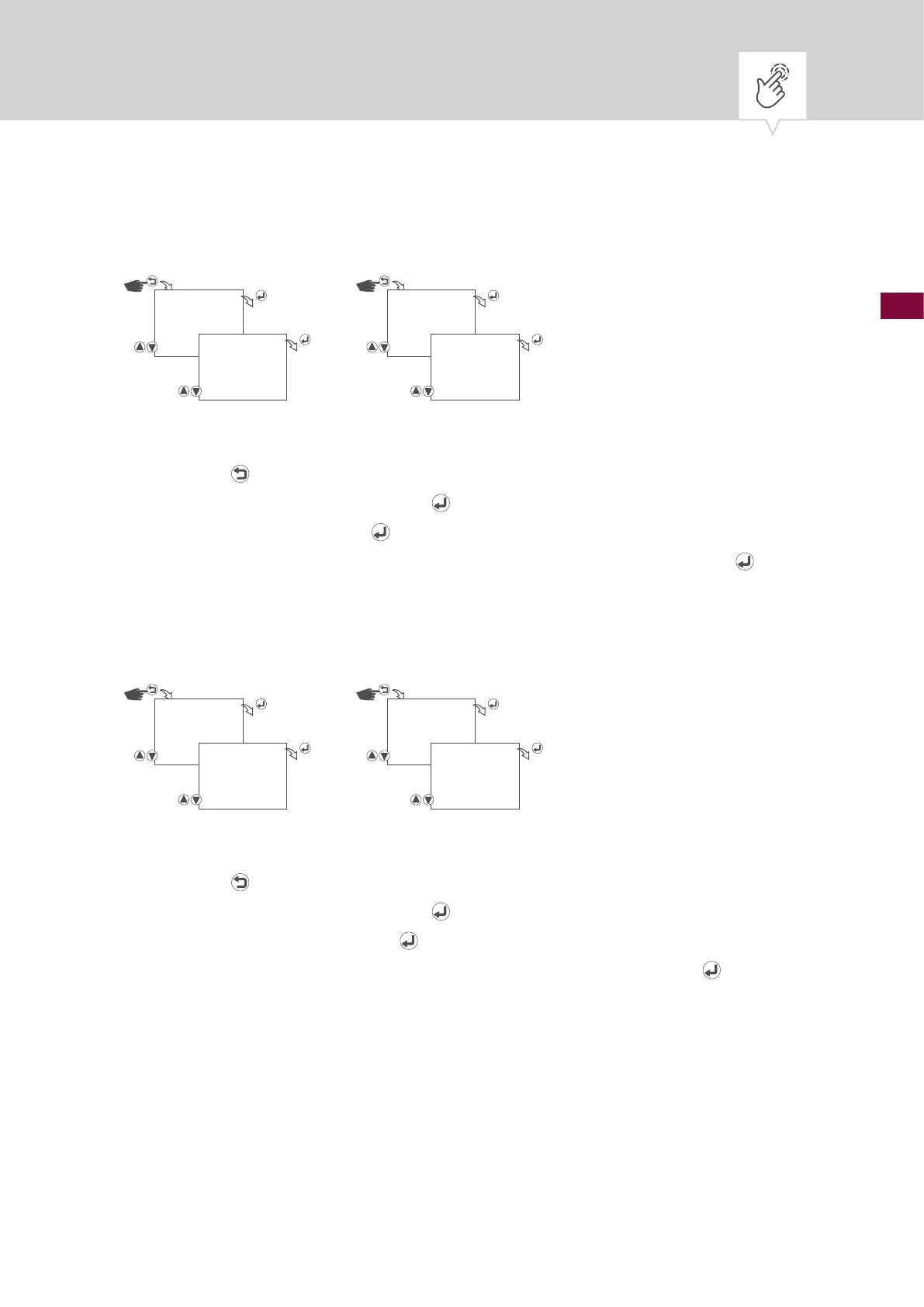
Fig. 16: Permanently OFF operating mode
1. Press the button.
2. Select
MANUAL and conrm with the button.
3. Conrm
PERM OFF with the button to start the permanently OFF operating mode.
4.
To end the permanently OFF operating mode, conrm STOP PERM OFF with the button.
Override mode ON/OFF
Fig. 17: Switching the override mode on/off
1. Press the button.
2. Select
MANUAL and conrm with the button.
3. Conrm
OVERRIDE ON with the button to start the override operating mode.
4.
To end the override operating mode, conrm STOP OVERRIDE ON with the button.
MANUAL
PERM OFF
MANUAL
STOP PERM OFF
MANUAL
OVERRIDE ON
MANUAL
STOP OVERRIDE
ON











 To Next Page