91
EN
Setting the backlight
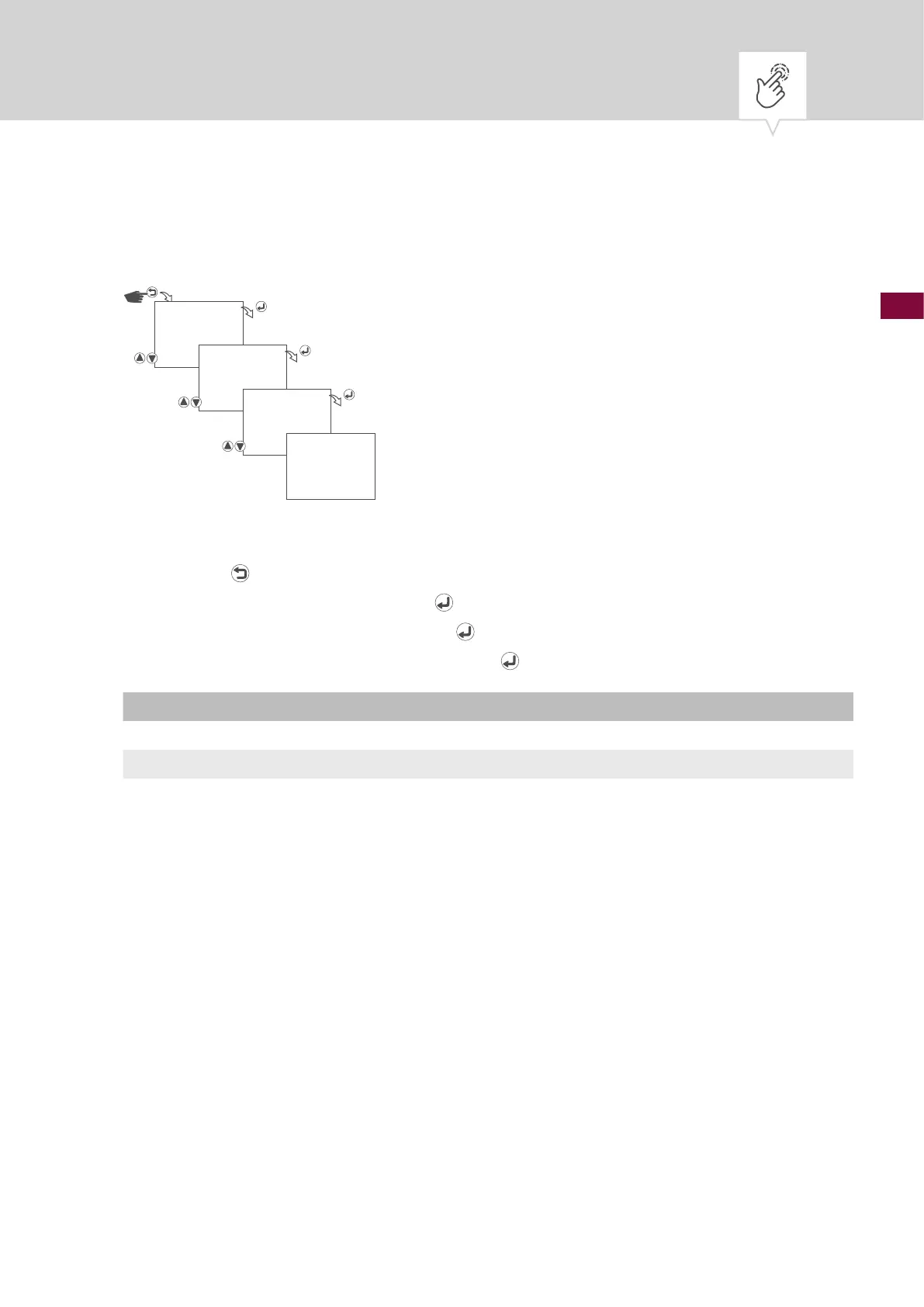
Fig. 22: Setting the backlight
1. Press the button.
2. Select
OPTIONS and conrm with the button.
3. Select
BACKLIGHT and conrm with the button.
4. Select the type of backlight and conrm with the
button.
Setting Effect
ONE MINUTE The backlight of the display remains on for one minute after the last button press.
CONTINUOUS ON The backlight of the display remains on continuously.
5. The settings will be adopted.
OPTIONS
BACKLIGHT
ONE MINUTE
SAVED











 To Next Page