106
EN
Viewing the switching program
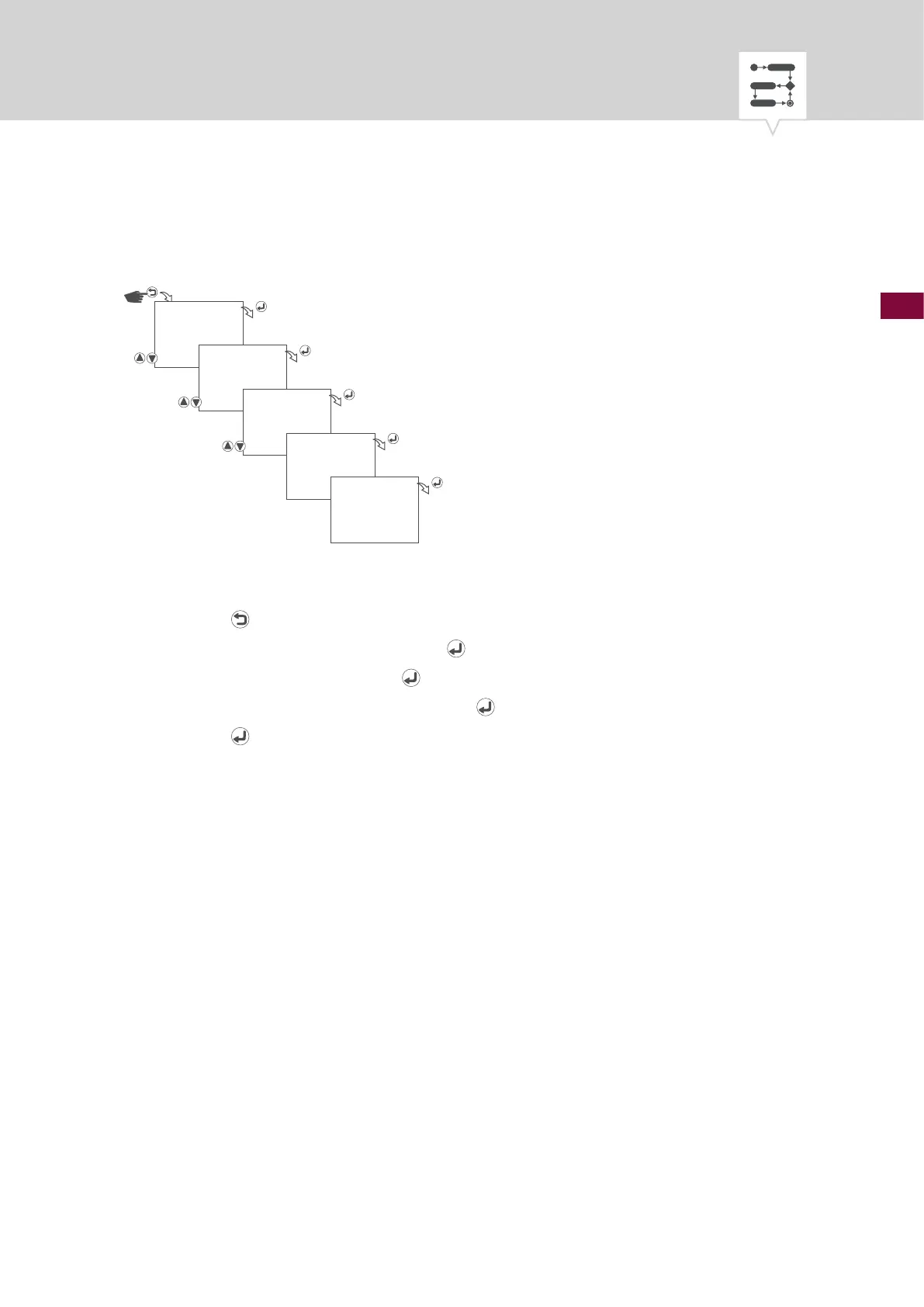
Fig. 32: Viewing the switching program
1. Press the button.
2. Select
PROGRAM and conrm with the button.
3. Select
VIEW and conrm with the button.
4. Select program number and conrm with the
button.
5. Press the
for the next program section.
PROGRAM
VIEW
PRG 01
SWITCH
…











 To Next Page