89
EN
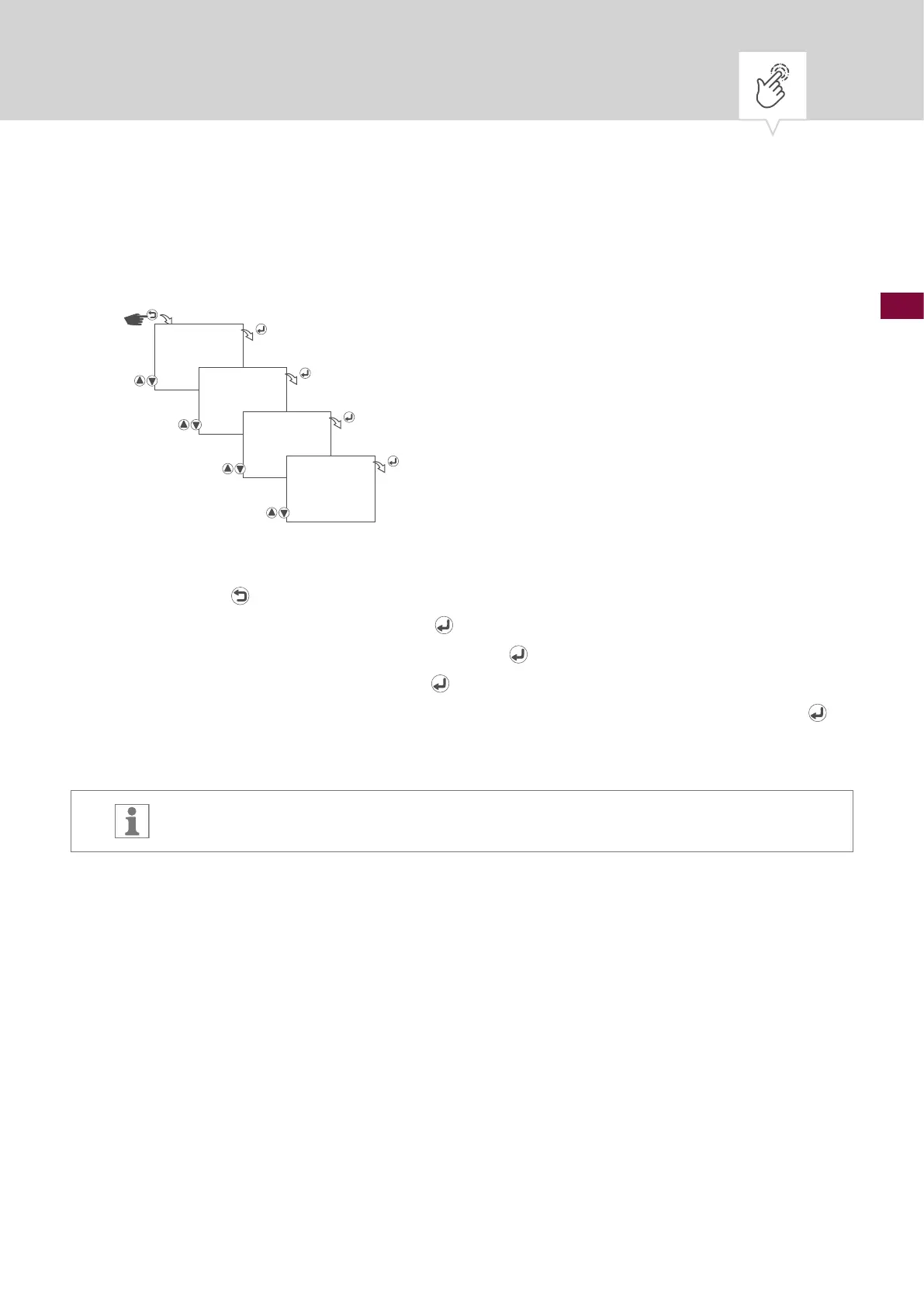
Setting the service alarm
It is possible to display an alarm message once a preset number of operating hours has been reached.
Fig. 20: Setting the service alarm
1. Press the button.
2. Select
OPTIONS and conrm with the button.
3. Select
OPERATING HOUR and conrm with the button.
4. Select
SERVICE and conrm with the button.
5. Enter the number of operating hours, after which an alarm will be displayed. Conrm with the
button.
The alarm message will be shown in the display as text.
OPTIONS
OPERATING
HOUR
SERVICE
00200h



 To Next Page