111
EN
12. End date – select day and conrm with the button.
13. End time – select hours and conrm with the
button.
14. Select end time – minutes and conrm with the
button.
15.
ACTION ON – select to switch the channel to the set time period.
Entry Result
ON The channel is switched on.
OFF The channel is switched off.
16. The settings will be adopted.
Activating the holiday switching program
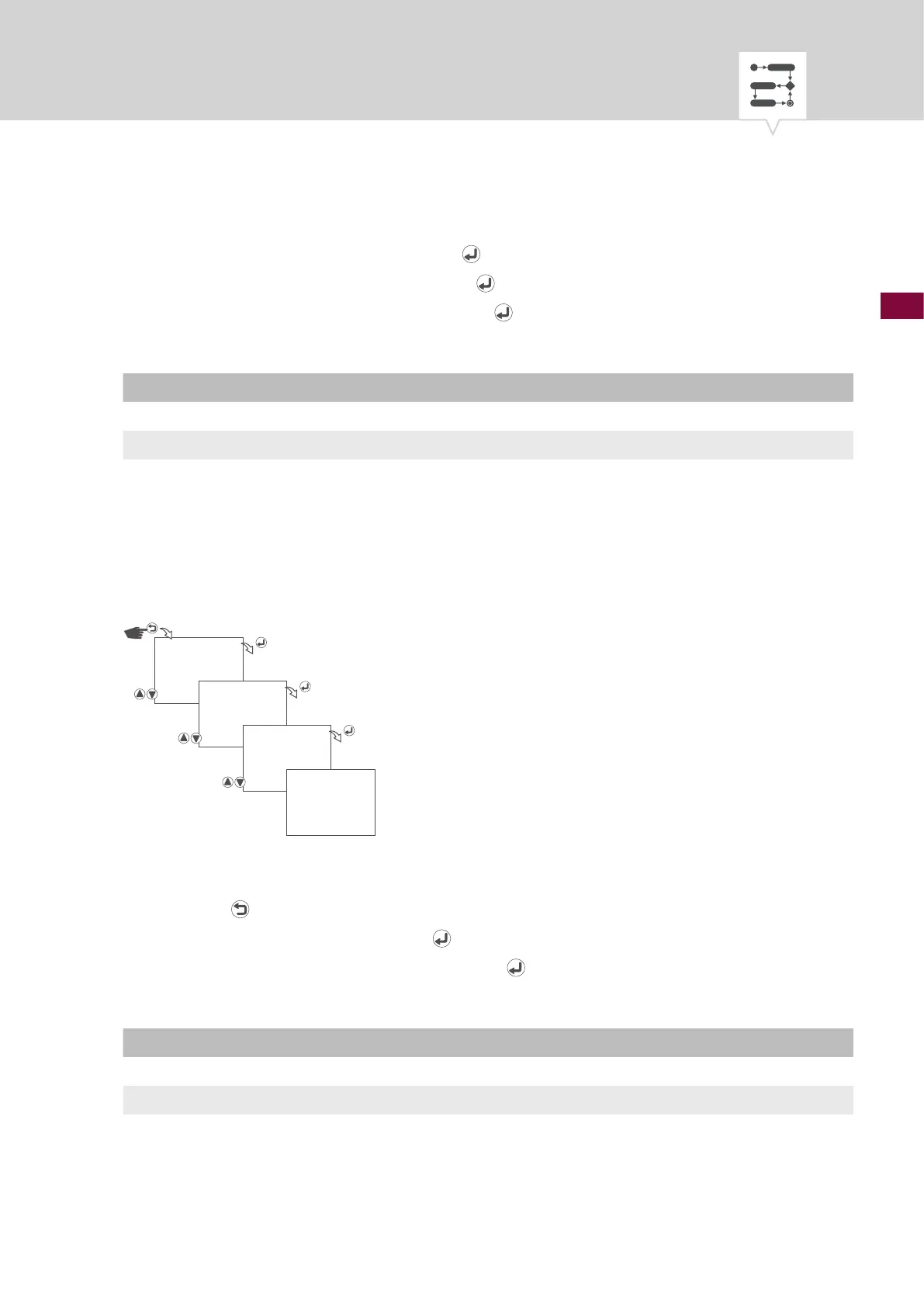
Fig. 37: Activating the holiday switching program
1. Press the button.
2. Select
HOLIDAY and conrm with the button.
3. Select
CHANNEL STATUS and conrm with the button.
4. Select whether or not the holiday switching program is to be activated.
Entry Result
DISABLE The holiday switching program is not activated.
OFF The holiday switching program is activated.
5. The settings will be adopted.
HOLIDAY
CHANNEL
STATUS
DISABLE/ENABLE
SAVED











 To Next Page