114
EN
Deleting the holiday switching program
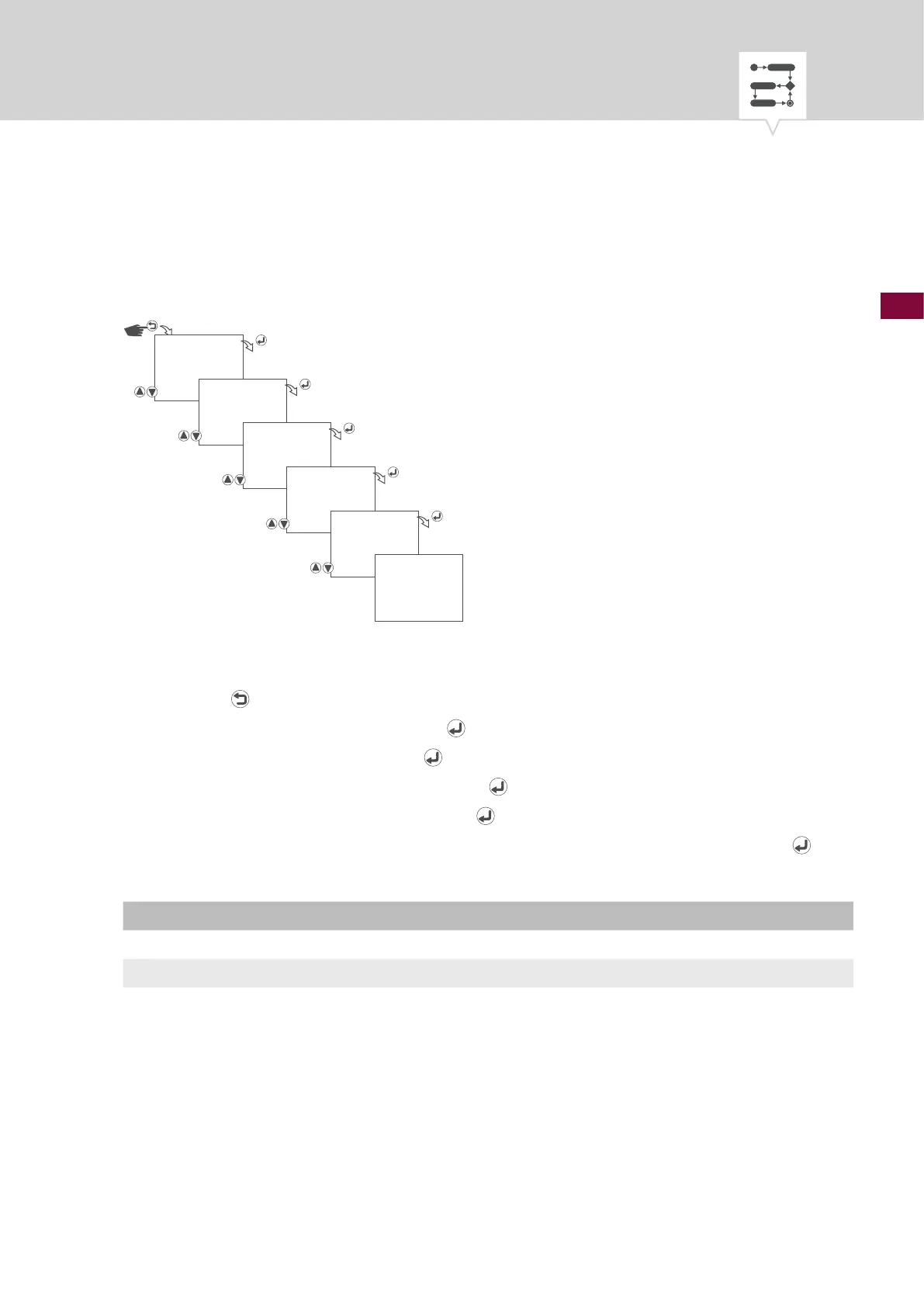
DELETING AN INDIVIDUAL HOLIDAY SWITCHING PROGRAM
Fig. 40: Deleting an individual holiday switching program
1. Press the button.
2. Select
PROGRAM and conrm with the button.
3. Select
DELETE and conrm with the button.
4. Select
SINGLE DELETE and conrm with the button.
5. Select program number and conrm with the
button.
6. Select whether or not the selected switching program is to be deleted and conrm with the
button.
Setting Effect
NO Cancel – the selected switching program is not deleted.
YES The selected switching program is deleted.
7. The corresponding action is carried out and displayed.
PROGRAM
DELETE
SINGLE DELETE
PRG 01
DELETE
NO/YES
DONE











 To Next Page