143Program description - Channel 1 curve | Helicopter models
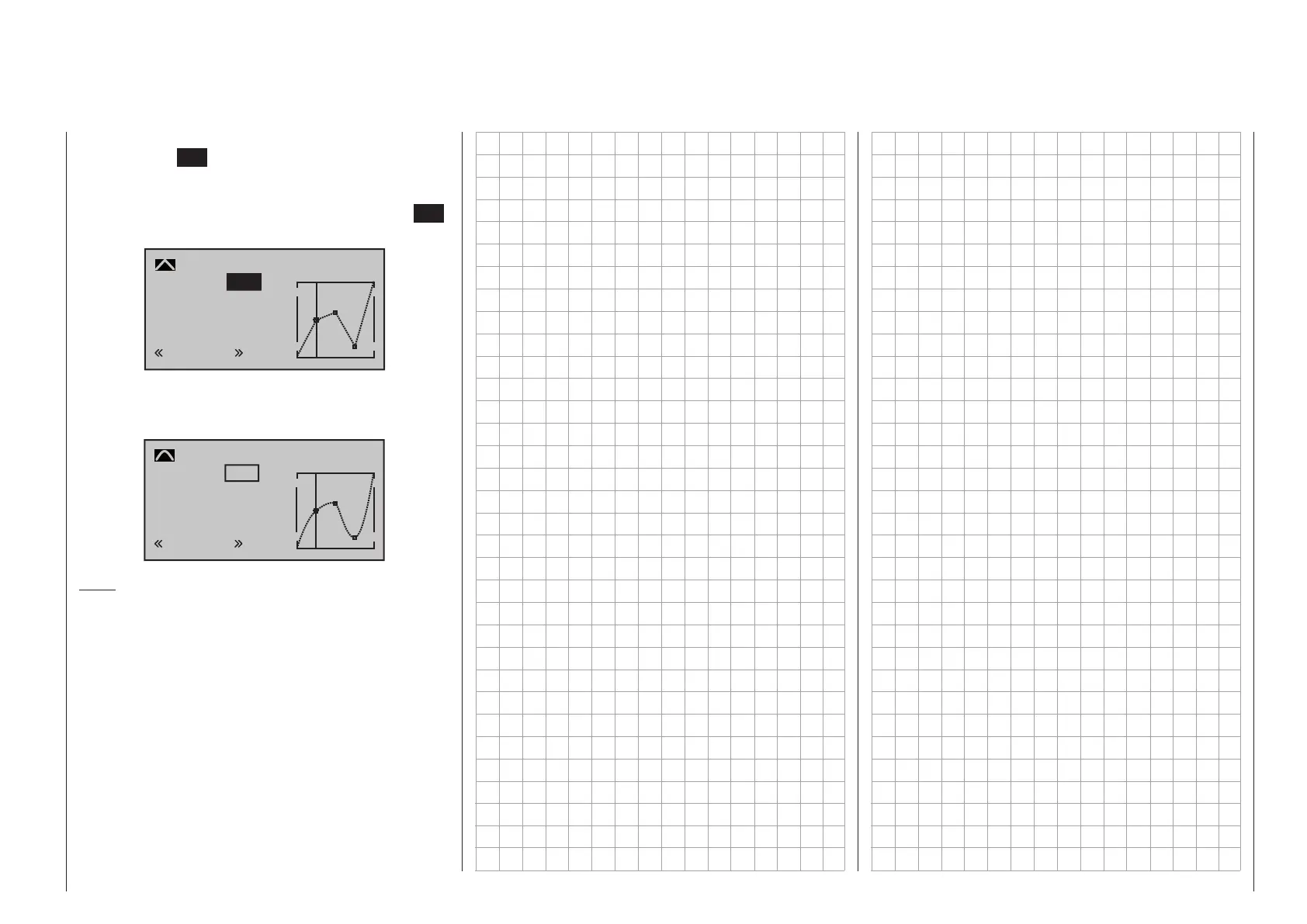
Starting from the situation in the previous illustration,
first press the SET button of the right-hand four-way
button to conclude the procedure. Use the Select but-
ton of the right-hand four-way button to move up to
the Value field of the “Curve” line, then press the SET
button of the right-hand four-way button once more:
1
–50%
0%
0%
off
normal
Input
Output
Point
Ch1 curve
Curve
Now press one of the Select buttons of the right-hand
four-way button in order to switch from “(Curve) off” to
“(Curve) on” (or vice versa).
1
–50%
0%
0%
on
normal
Input
Output
Point
Ch1 curve
Curve
Note:
The curves shown here are for demonstration pur-
poses only and are not at all representative of real
throttle or airbrake curves. A specific application
example can be found in the programming examples
on page 285 and 323.



 To Next Page
 Loading...