75
Program description: base settings - fixed-wing model
The safe option is always to disconnect the fuel
supply or the flight battery.
Depending on your choice in this menu, the Ch 1 trim •
acts “normally” (over the full control travel), or just
at the idle end of the range, i. e. only at the “back” or
“forward” end of the stick travel.
Please note the • Cut-off trim function, which is de-
scribed on page 58.
CH8 delay
Notes:
If you select “Idle forward / back” in the “Motor at C1” •
line, this menu line is suppressed.
This option is also only effective if you have acti-•
vated at least one flight phase; see below under
“Phases”.
mod name
stick mode
CH8 delay
motor at C1
1
yes
no
tail type normal
GRAUBELE
If you select “no”, the transition delay for control channel
8 of about one second, which takes effect every time
you switch flight phases, is switched off; selecting “yes”
switches it on.
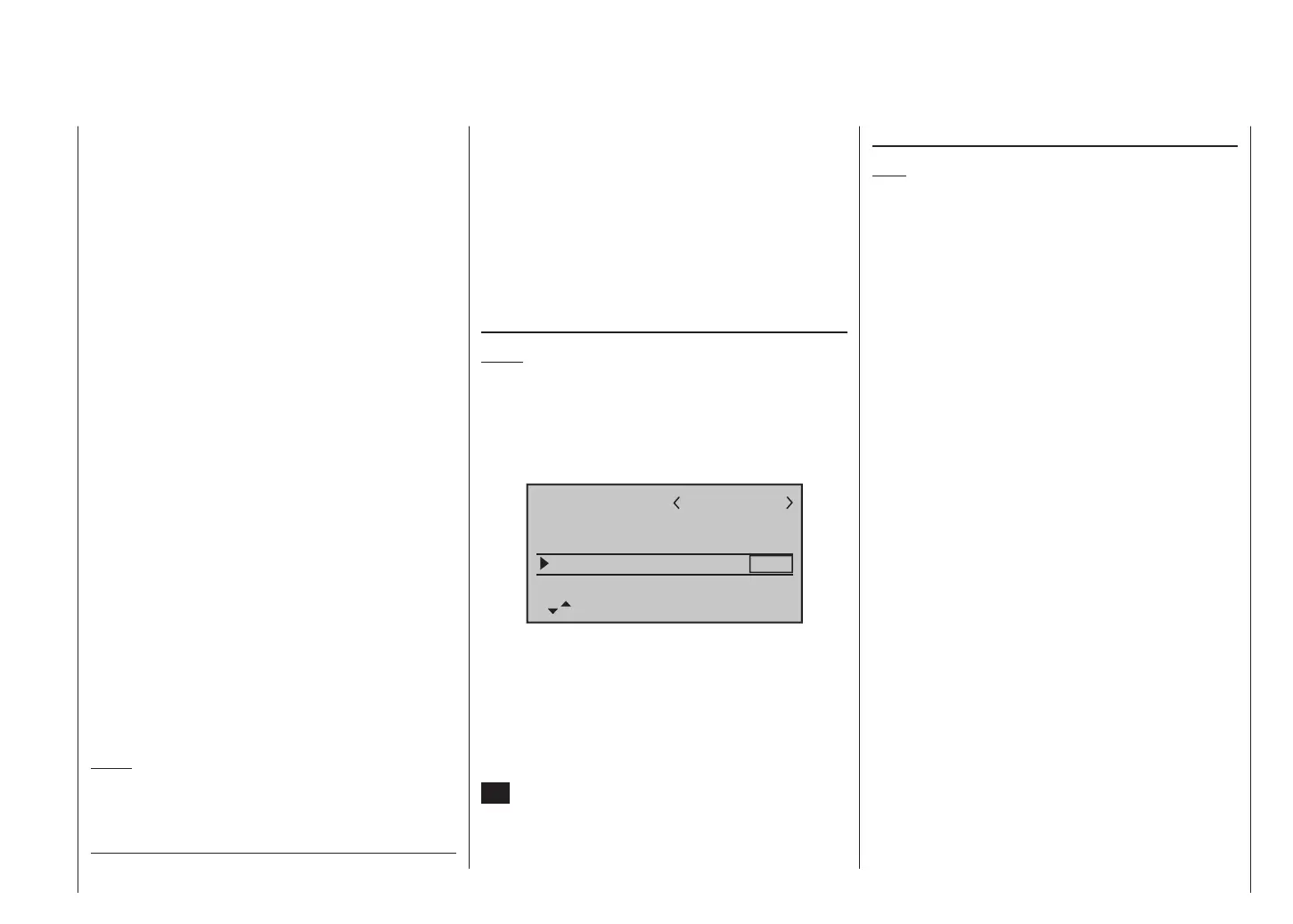
When you select the “K8 delayed” line using the arrow
buttons of the left or right-hand touch-key, the cor-
responding input field is framed. Briefly press the central
SET button of the right-hand touch-key to highlight the
current setting (black background). Now use the arrow
buttons of the right-hand touch-key to select one of the
two options.
“idle fr.”: The idle position of the throttle / airbrake
stick (C1) is forward, i. e. away from the pilot.
The throttle warning message “Throttle too
high”, see page 36, and the – following – op-
tion “cut off” are activated. In the “Wing
mixer” menu the “Brake NN *” mixers
and the option “CH8 delay” are disabled.
“idle re.”: The idle position of the throttle / airbrake
stick (C1) is back, i. e. towards the pilot.
The throttle warning message “Throttle too
high”, see page 36, and the – following – op-
tion “cut off” are activated. In the “Wing
mixer” menu the “Brake NN *” mixers
and the option “CH8 delay” are disabled.
“no”: The brake system is “retracted” in the for-
ward position of the throttle / brake stick. In
the “Wing mixer” menu the “Brake NN *”
mixers are activated.
The throttle warning message “Throttle too
high”, see page 36, and the option “cut off”
are disabled.
„no/inv“ The brake system is “retracted” in the back
position of the throttle / brake stick. In the
“Wing mixer” menu the “Brake NN *”
mixers are activated.
The throttle warning message “Throttle too
high”, see page 36, and the option “cut off”
are disabled.
Notes:
During the programming process it is important •
to ensure that any internal-combustion engine or
electric motor cannot start running accidentally.
cut off
Note:
This menu line is suppressed if you choose “none” or
“none/inv” in the “Motor at Ch 1” line.
If you select “Idle forward / back” in the “Motor at Ch1”
line, you can make use of the “Motor stop” option by
assigning a physical switch to it. When the switch is
operated, the speed controller or throttle servo move to
a pre-set position, i.e. the throttle setting of the speed
controller is reduced, or the carburettor control (throttle)
servo moves to the motor OFF position (or idle position).
The motor OFF (or idle) position is entered in the left-
hand column above the “SEL” field; the optimum setting
must be found experimentally.
However, the speed controller or throttle servo only
takes up this defined position in response to the switch if
the throttle signal is below a particular servo position or
switching threshold. This point is defined by entering the
desired servo position (switching threshold) in the centre
column above the “STO” field. Your preferred ON / OFF
switch can be selected in the right-hand column.
If the % value entered in the centre column is • higher
than the current servo position, i.e. the current servo
position is below the switching threshold, then the
change takes effect as soon as you move the switch
to the ON position.
If the % value entered in the centre column is • lower
than the current servo position, i.e. the current servo
position is above the switching threshold, and you
move the assigned switch to the ON position, then
the change (speed controller reduces motor speed,
or throttle servo closes the carburettor to the point
defined in the left-hand column) only takes effect
* NN = Nomen Nominandum (name to be stated)














 To Next Page