GB - 14
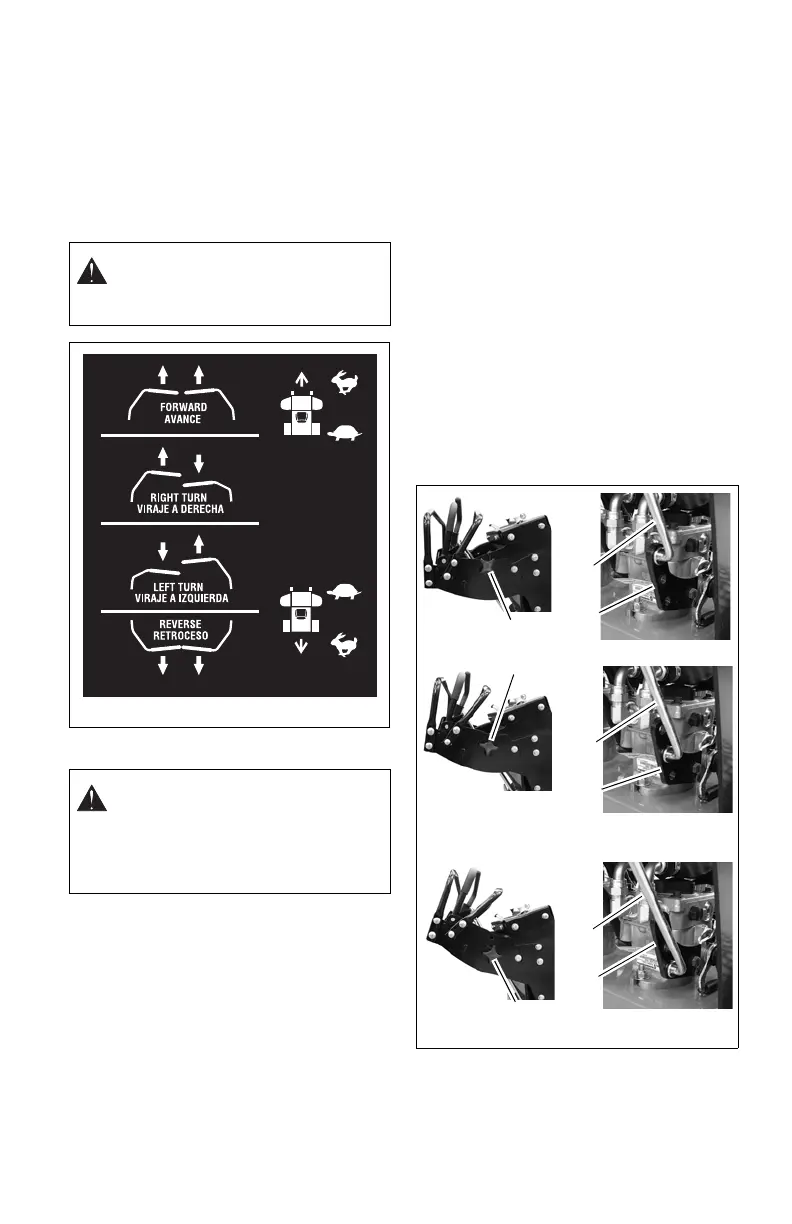
To drive the unit forward: Push both control
levers (A) forward smoothly and evenly.
To turn the unit: Pull the control lever back
on the same side as the direction of the
desired turn. Push the other lever forward.
To stop the unit: Allow both control levers to
return to the neutral position.
To drive the unit in reverse: Pull both
control levers back evenly.
Stopping Unit
1. Allow both control levers to return to the
neutral position.
2. Move the PTO/clutch switch to the OFF
position.
3. Move the throttle lever to the slow idle
position, and let the engine run at that
speed for a few seconds.
4. Turn the key switch to the STOP
position.
5. Engage parking brake.
6. Remove key.
Emergency Stop
To stop blades and unit drive in an
emergency, release operator presence
control lever.
Adjusting Control Handle Height
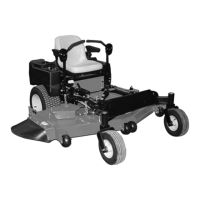
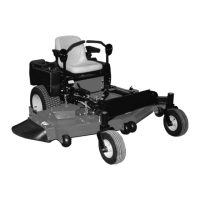
(Figure 7)
The height of the controls can be adjusted
higher or lower than the factory setting based
on operator preference.
To adjust the control handle height:
1. Remove bottom spring pins on drive
control rods (A) and allow drive rods to
hang loose.
2. Remove thumb knobs (B) from both
sides of unit.
3. Rotate handle assembly up or down to
preferred height.
4. Reinstall thumb knobs.
5. Insert drive control rods into
corresponding holes in pump brackets
(C).
6. Reinstall spring clips on control rods.
CAUTION: Avoid injury! ALWAYS
back up slowly and be sure of your
footing. Look down and behind
before and while backing.
CAUTION: Avoid injury! Children or
bystanders may attempt to move or
operate an unattended unit.
Always engage the parking brake
and remove the key before leaving
unit unattended.
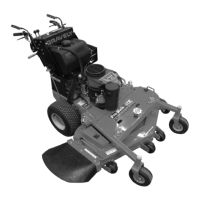
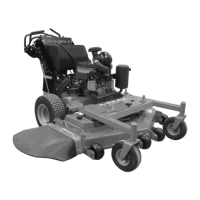
Figure 7




 To Next Page