Section 7
120 Using Bluetooth
Please ensure you turn off your Bluetooth if you wish to receive calls from your
Jitterbug handset and not your Bluetooth headset. You are unable to turn off
your Bluetooth while on a call.
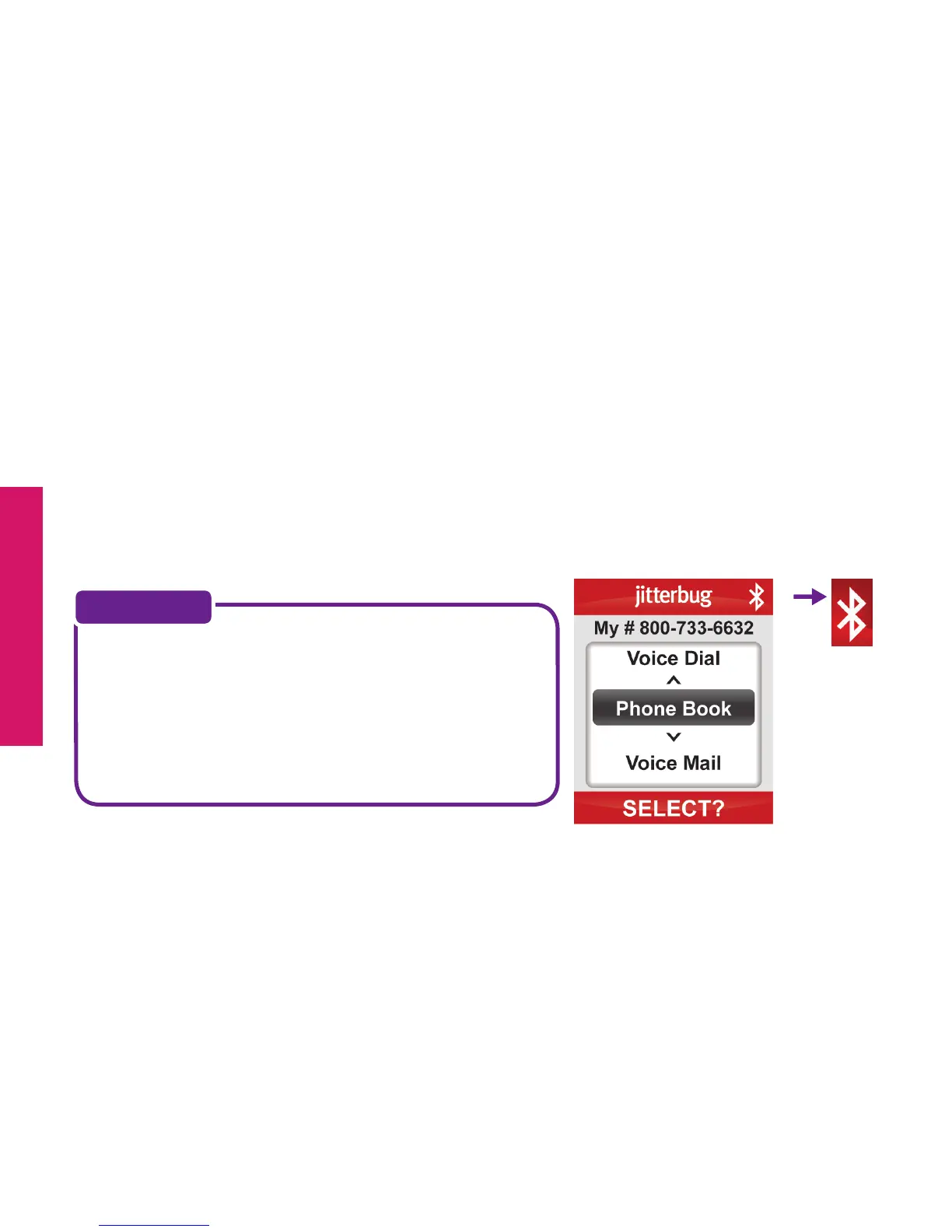
When your Bluetooth is on and available for your use, you will notice a white
Bluetooth icon, similar to the one on the right, appear at the top right corner of
your Main Screen.
If you are not going to be using your Bluetooth
headset, be sure to keep your Jitterbug set to
“Bluetooth OFF.” The Jitterbug battery life is
shortened when the Bluetooth setting
is turned on.
NOTE:



 To Next Page