Section 1
Getting Started 13
Charging The Battery
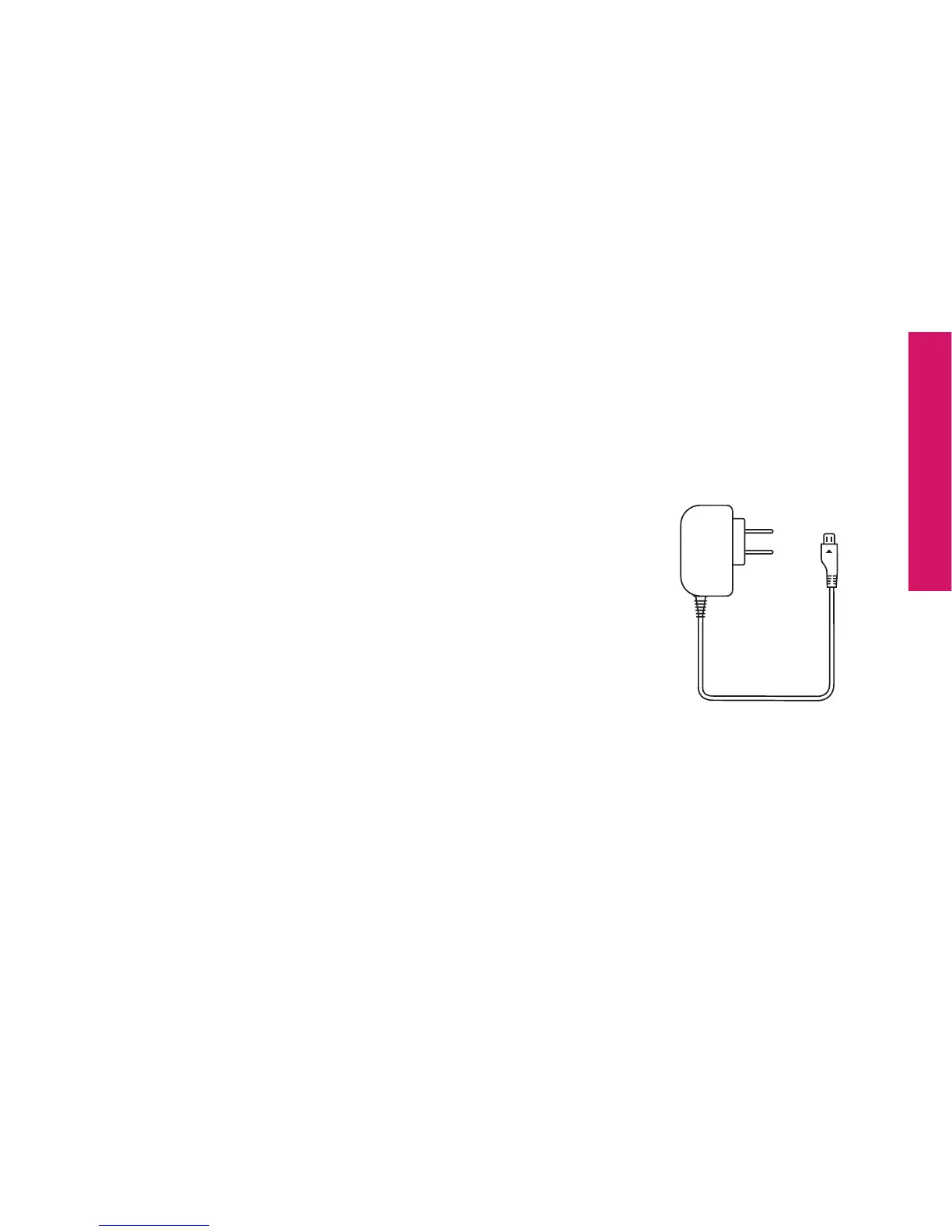
Your Jitterbug can be charged with the included Wall Charger or with the optional
Car Charger that can be purchased by visiting
www.greatcall.com/jitterbug/accessories.
Using The Wall Charger
1. Plug the large end of the Wall Charger into a standard
wall outlet (110/220 VAC).
2. Plug the smaller end of the Wall Charger into the Power
Connector on the side of your Jitterbug. You’ll see a
“Charging” message appear on the Outside Display.
3. When the battery is fully charged, you’ll see a “Charging
Completed” message on the Outside Display.



 To Next Page