Section 2
Placing And Receiving Calls 47
Answering A Call
Your Jitterbug rings or vibrates (depending on how you set the ringer volume
level) to indicate an incoming call. Additionally, there are other indications of
incoming calls:
• The Light Indicator on the outside of your Jitterbug ashes.
• The name or phone number of the person calling will
appear on the Outside Display.
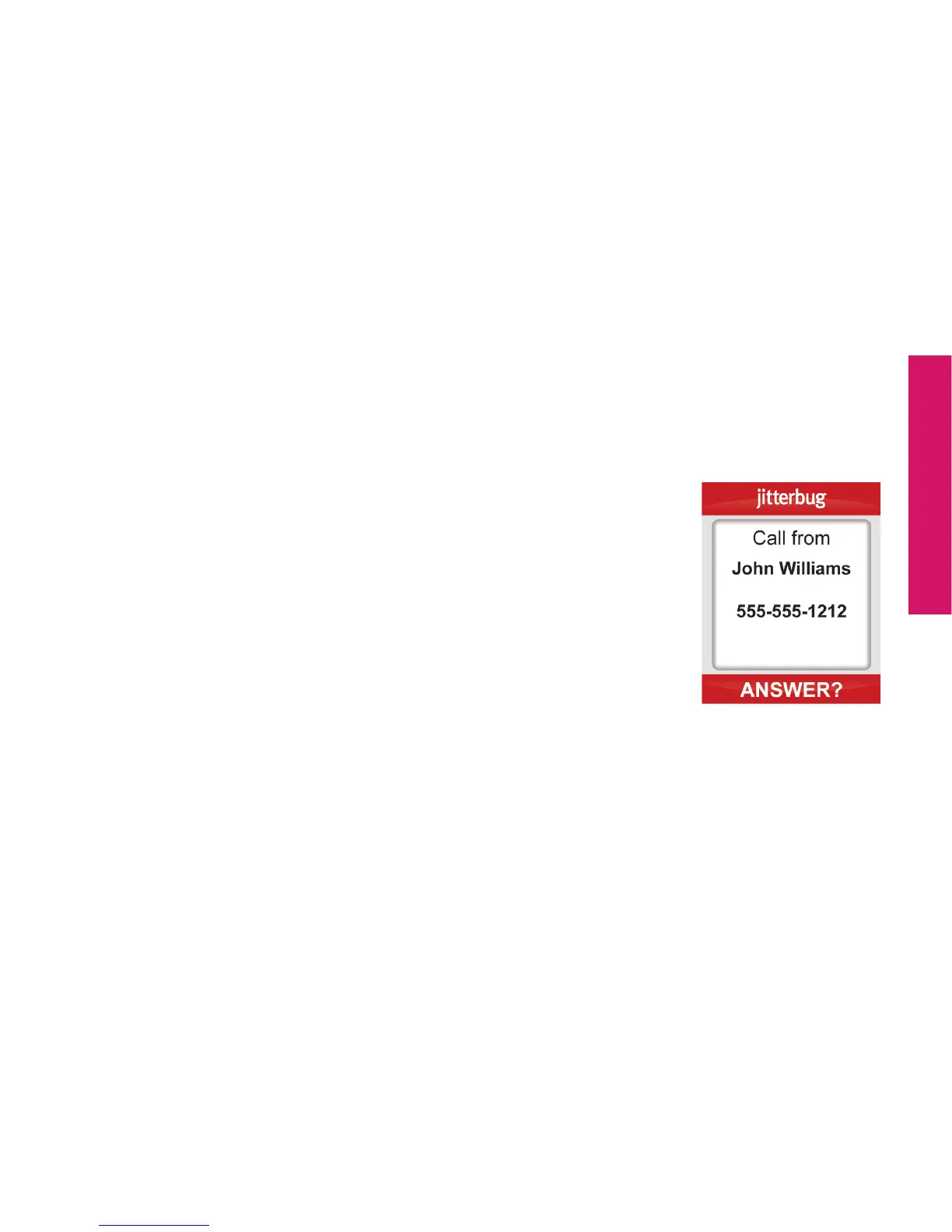
• If the caller’s number is stored in your Phone Book then
the name and number will appear on the Inside Display, as
shown.
• If the caller cannot be identied, you may see the phone
number or you may see “Unavailable” or “Restricted.”



 To Next Page