37
1)On/O
e on-o state will change with each button press.
2) Lower Temperature Setting
Each time you press the “TEMP-” button the temperature setting will decrease by 1 F. e temperature range is
61 F - 86 F. In Auto Mode this button will not function.
3)Raise Temperature Setting
Each time you press the “TEMP+” button the temperature setting will raise by 1 F. e temperature range is 61
F - 86 F. In Auto Mode this button will not function.
4)Fan Switch
e fan switch will adjust the fan speed between Auto, Low, Medium and High.
5) Mode Selection
Press the “Mode” button to change from Auto, Cool, Dry, Fan or Heat Pump
6) IFeel
IFeel button senses the room temperature surrounding the remote every 10 minutes, adjusting the airow and
indoor temperature for maximum comfort and energy savings.
7) Function Not Used
8) Function Not Used
9) Clock
Press once to set clock. 24-hour format, use the “+” or “-” button to increase or decrease the time.
Remote Control Functions
Product Introduction
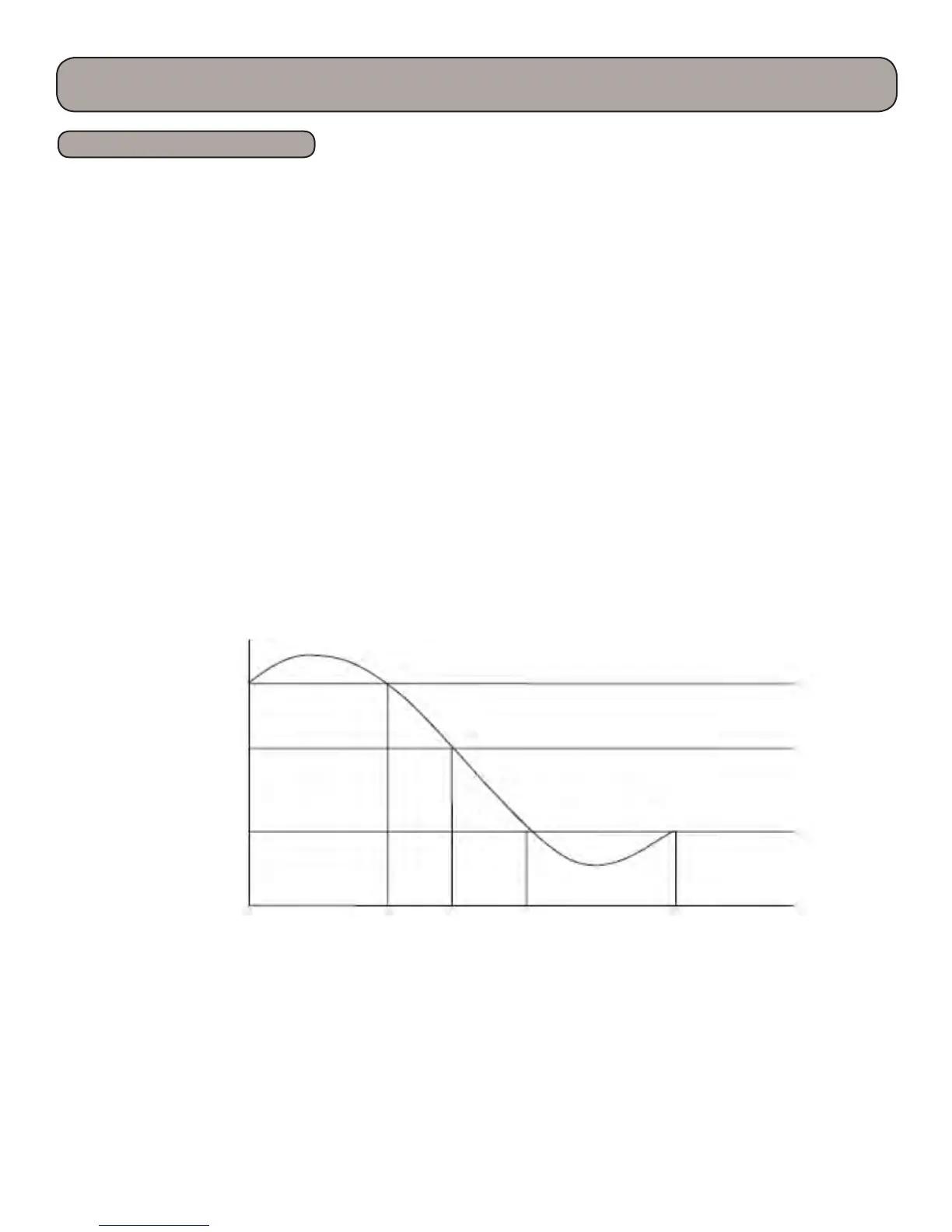
T
amb.
T
preset
+ 3 F
T
preset
+ 1 F
Fan Speed
Turbo
High Med. Low
88 F



 To Next Page