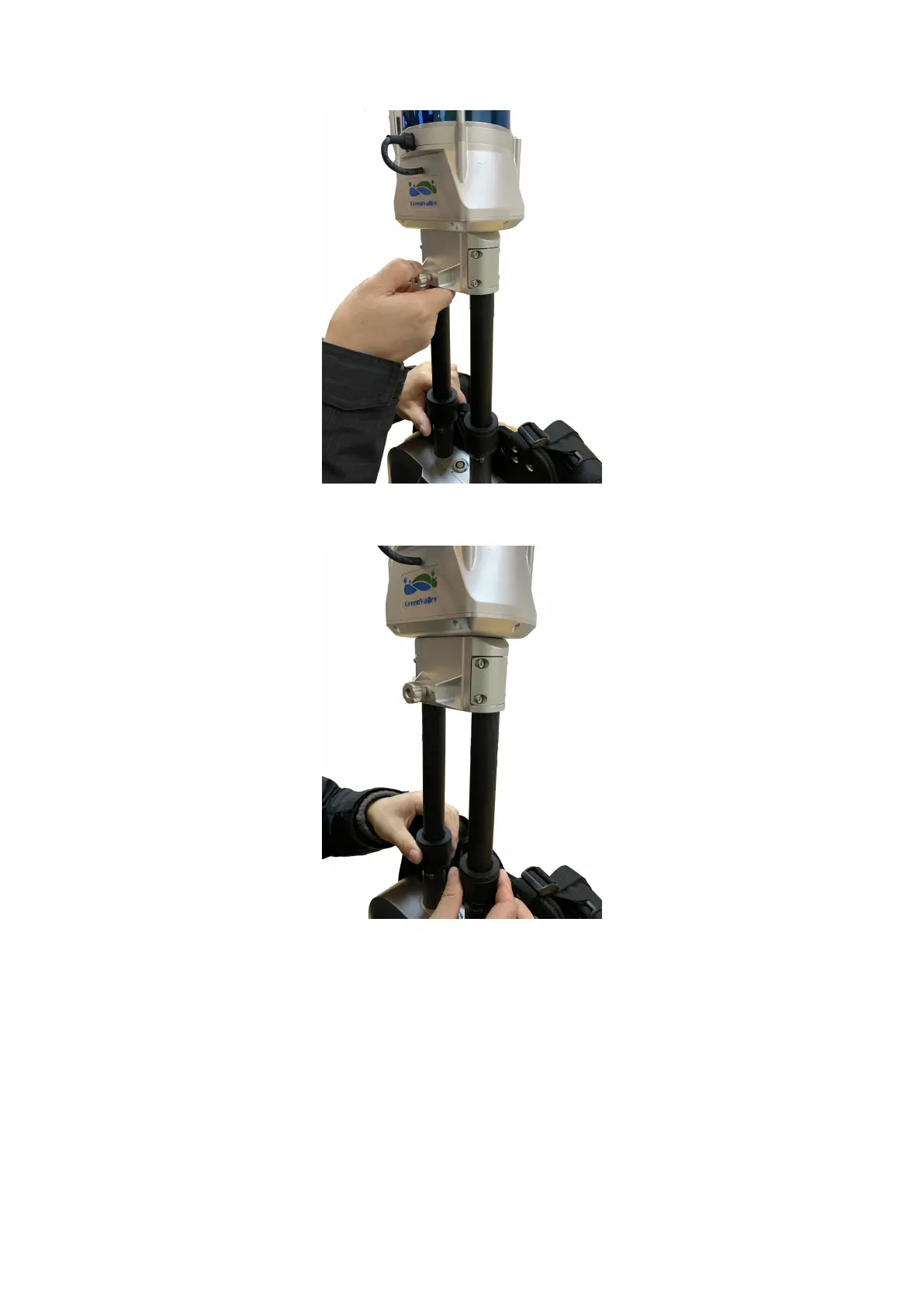
Extend the Scanner Arm
STEP 6. While the right hand holding the bottom of the Scanner Arm, use your left hand to tighten the left lock ring clockwise, and then
tighten the right lock ring.
Tighten the lock rings
STEP 7. Insert one end of the handheld cable to the Scanner Arm Align the red dot on one end of the Handheld Cable with the one on the
Scanner Arm and then insert. Align the red dot on the other end of the Handheld Cable with the red dot on the Main Body and insert.



 To Next Page