4. Setup
LiBackpack C50 supports Backpack Scanning Mode for data collection.
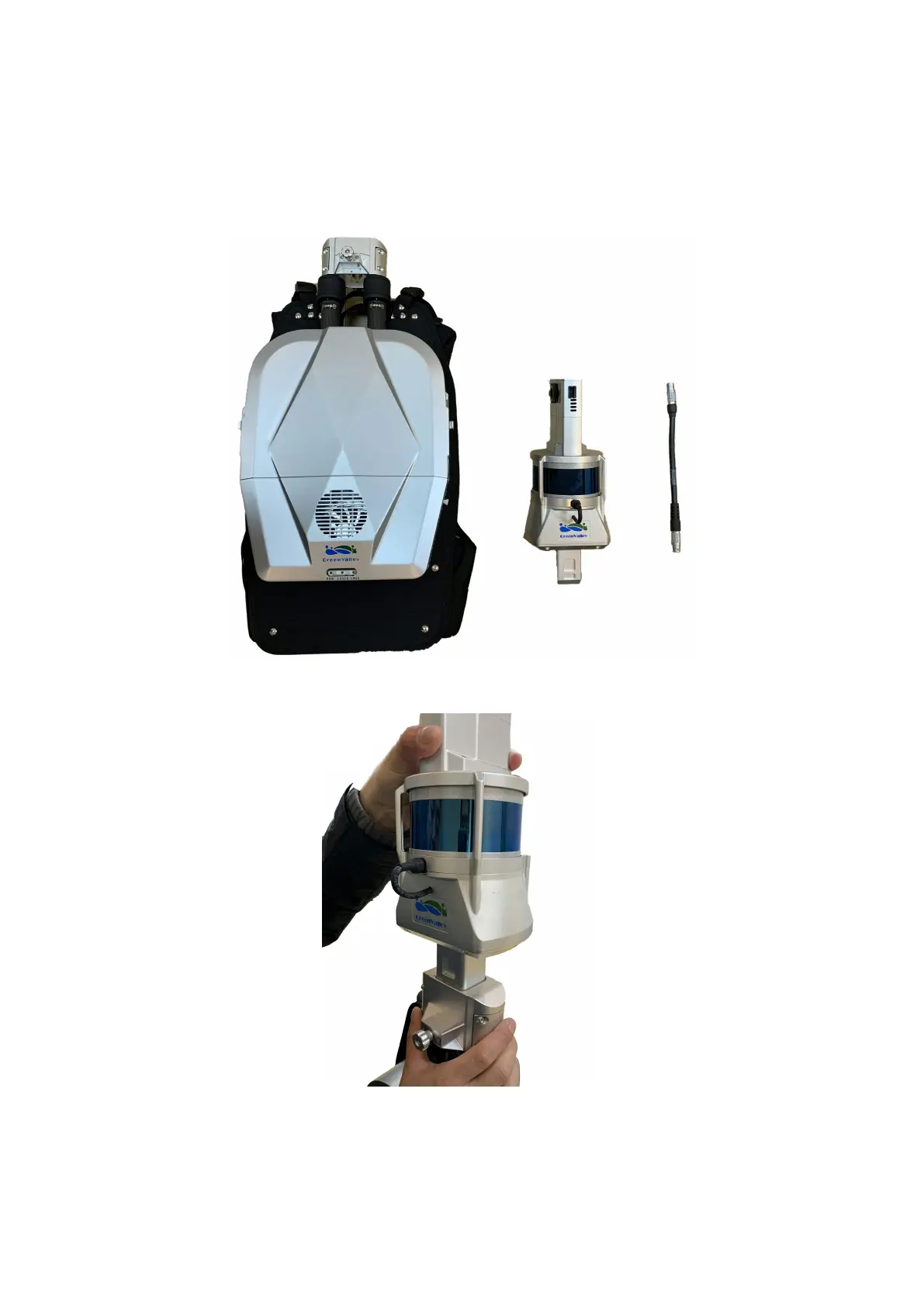
STEP 1. Place LiBackpack C50 Main Body and Scanner Arm on a suitable work surface.
LiBackpack C50 Main Body and Scanner Arm
STEP 2. Insert the Scanner Arm into the Main Body.
Alignment and Mold Lock-up
STEP 3. Tighten the screw. You will hear a click sound from the lock after the lock-up when the two parts cannot be separated. Tighten the
screw to make sure that the scanner arm is securely attached to the Main Body.



 To Next Page