Scanning Data
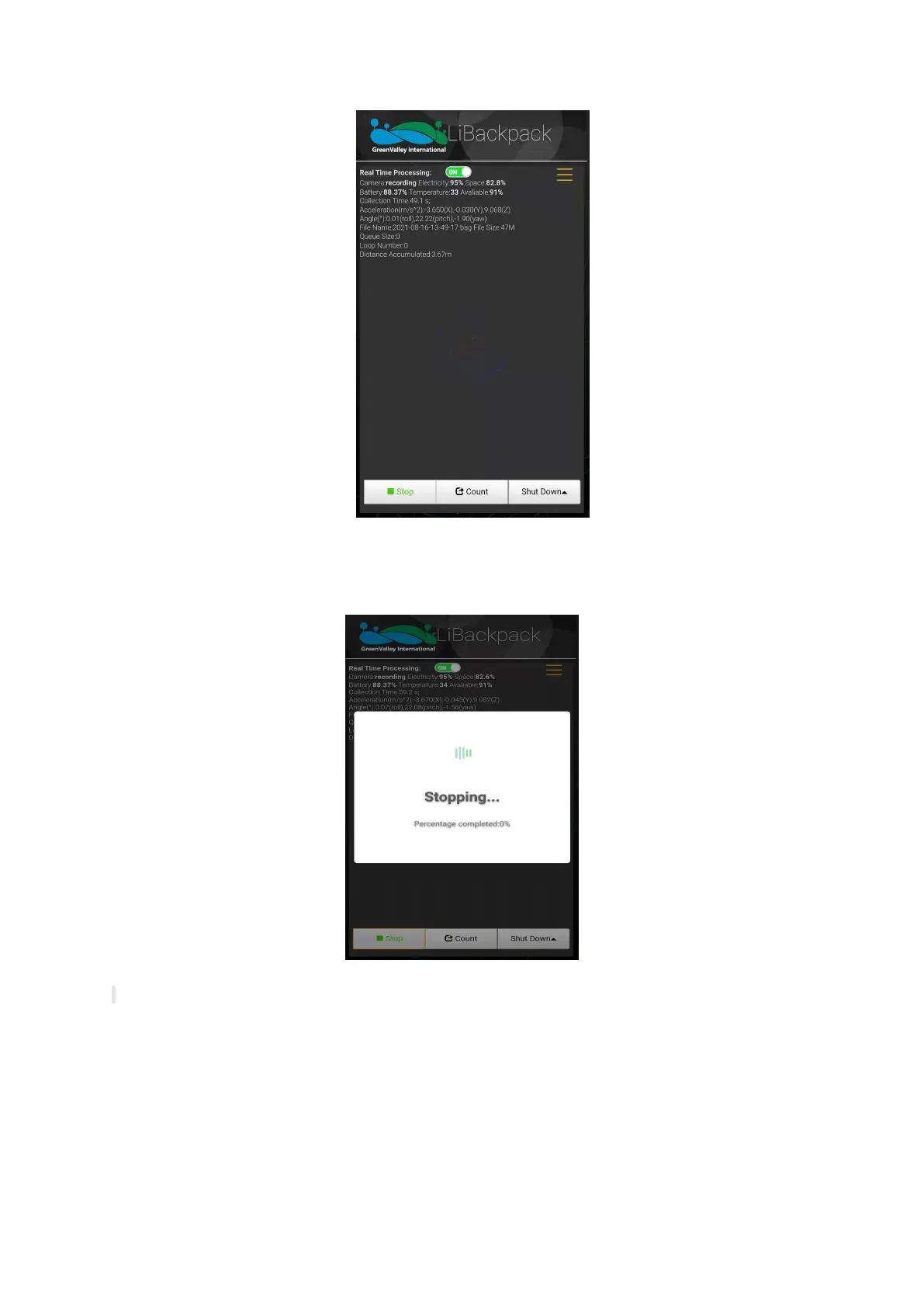
When the data acquisition process is done, please walk in the “8” pattern again which will take about 1 minute before you press the Stop
button below the Main Window and wait for the countdown. The data acquisition process is completed when the countdown window closes.
Once the session is over, turn off the camera and the scanner. Then turn off the main system PC from the UI.
Stop Scanning
Note: Press Reboot button at the bottom of the window and you can restart your computer, or click on Shut Down button to turn it off.



 To Next Page