Handheld mode
5.9.2 Collect Control Point
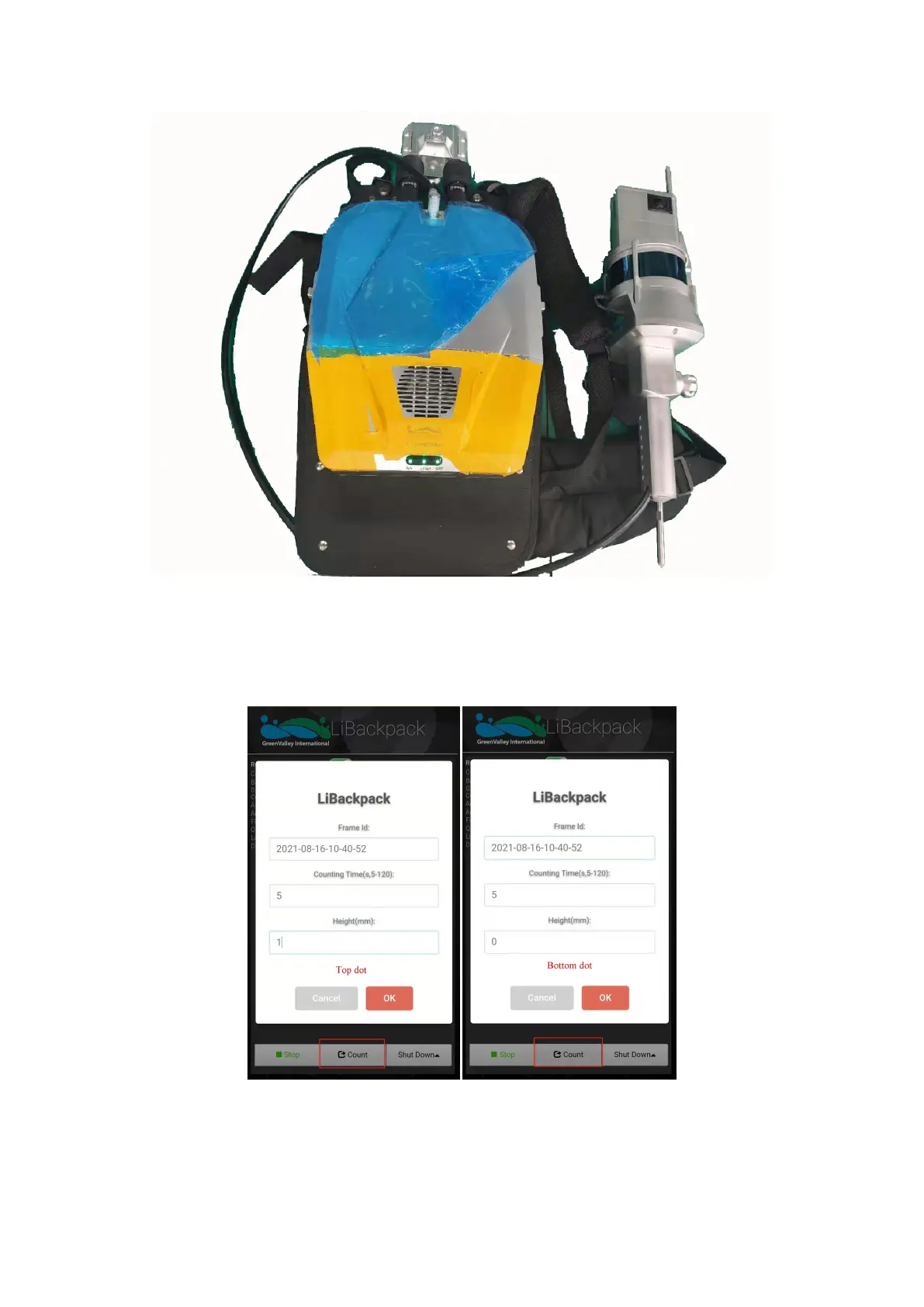
To collect the control points during data collection, click the Count button in the bottom page, set the counting time as 5s. If you need to use
the top fixture to collect point, point the sharp end of it to a specific corner point, and set Height as 1mm; If you need to use the bottom fixture
to collect point, point the sharp end of it to a specific corner point, and set Height as 0mm. See picture below.
Collect control point
5.9.3 Check Control Point
You can check the control point collection after you process the point cloud data, see operation below:



 To Next Page