27
GETTING STARTED
USING USB/
BLUETOOTH
CONNECTION
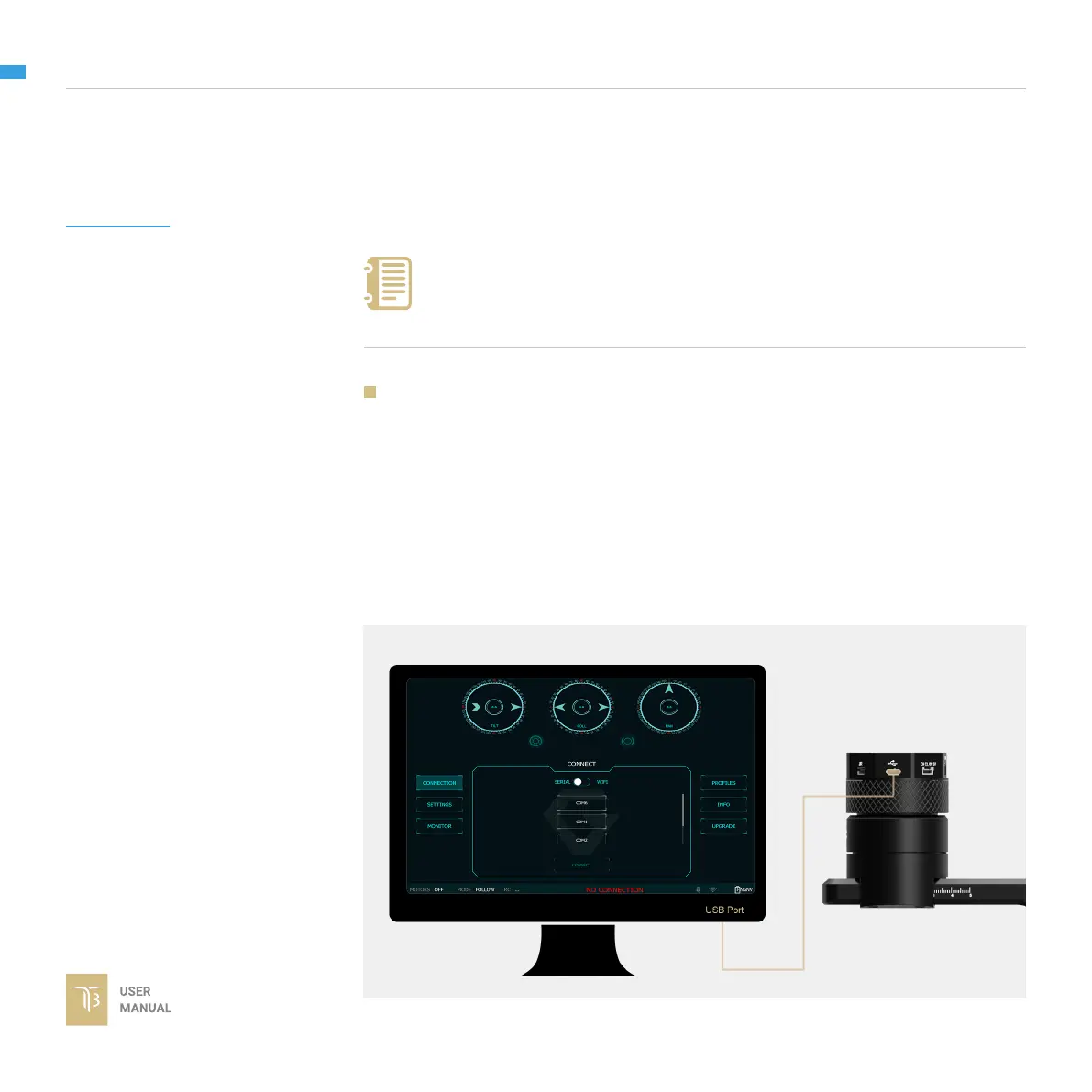
USING USB CONNECTION
To congure and monitor data of Gremsy software/app either USB/Wi-
connection is required.
Make sure the Silab USB driver is already installed. The driver can be
found at:
www.gremsy.com -> Support -> Product Support
1 - Power ON the T3.
2 - Connect USB cable from gimbal controller to Mac/PC.
3 - Run the gTuneDesktop software.
4 - On Connection Tab, select the Serial option.
5 - Select the correct COM port in the list.
6 - Click on the “Connect” button.
STEPS TO CONNECT:
NOTE


 To Next Page