-26-
Model G0922 (Mfd. Since 07/20)
Preheating Nozzle
The nozzle must be preheated before changing
filament or starting a print. 200°-205°C is the typi-
cal print temperature for PLA filament. Always use
temperature settings recommended by the fila-
ment manufacturer.
Preheating
1. Press "Preheat" icon on main menu. Preheat
menu will open.
2. Press temperature increment icon to toggle
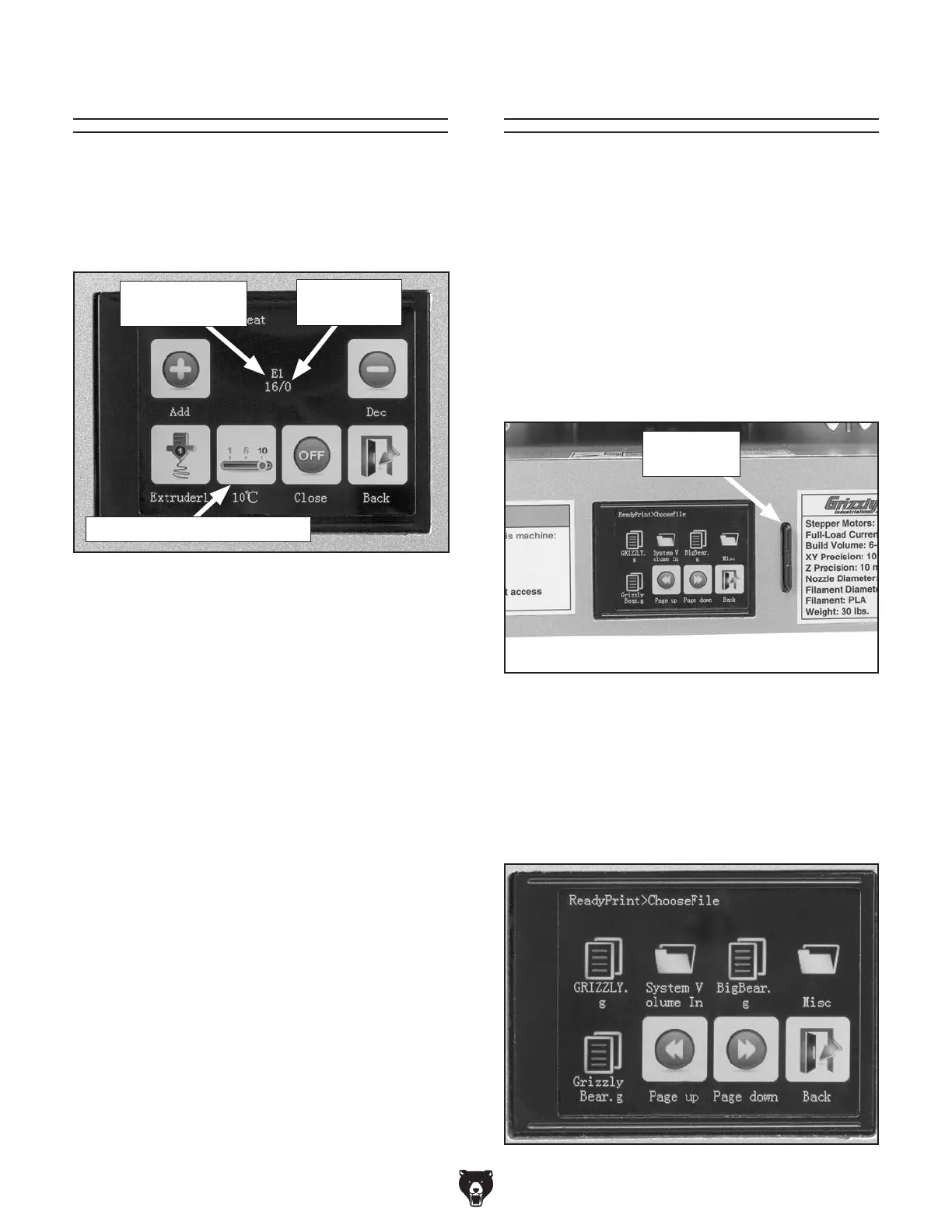
between 1°C, 5°C, and 10°C (see Figure
29).
3. Press "Add" icon to increase target tem-
perature by an amount equal to the selected
temperature increment. Preheating will begin
and current nozzle temperature will increase
on screen (see Figure 29).
Canceling Preheating Process
1. Press "Preheat" icon on main menu. Preheat
menu will open.
2. Press "Close" icon. Screen will return to main
menu and nozzle will begin to cool down.
Note: Changing the preheat temperature does
not change the print temperature. Once printing
starts, G-code determines the print temperature
based on filament settings in the slicer software.
Figure 29. Preheating temperature indicators on
status screen.
Target
Temperature
Current Nozzle
Temperature
Printing
Typically, the Model G0922 prints from a .GCODE
file stored on an SD card. Print settings such as
print speed, fan speed, and nozzle temperature
can be changed during printing, and the operation
can be paused for an extended period of time and
resumed.
Starting Print
1. Prepare .GCODE file following instructions,
in Slicing on Page 21, and load it to SD card.
2. Insert SD card into SD slot (see Figure 30).
3. Press "Printing" icon on main menu. Choose
File screen will open (see Figure 31).
4. Press "Page up" and "Page down" icons to
navigate menu, then press icon of file (see
Figure 31). Confirmation screen will open.
Figure 30. SD slot beside display.
SD Card in
SD Slot
Figure 31. Choose File screen.
Temperature Increment Icon


 To Next Page