EasyManua.ls Logo

GRN Saber - User Manual

Default Icon
15 pages
Print Icon
To Next Page IconTo Next Page
Loading...
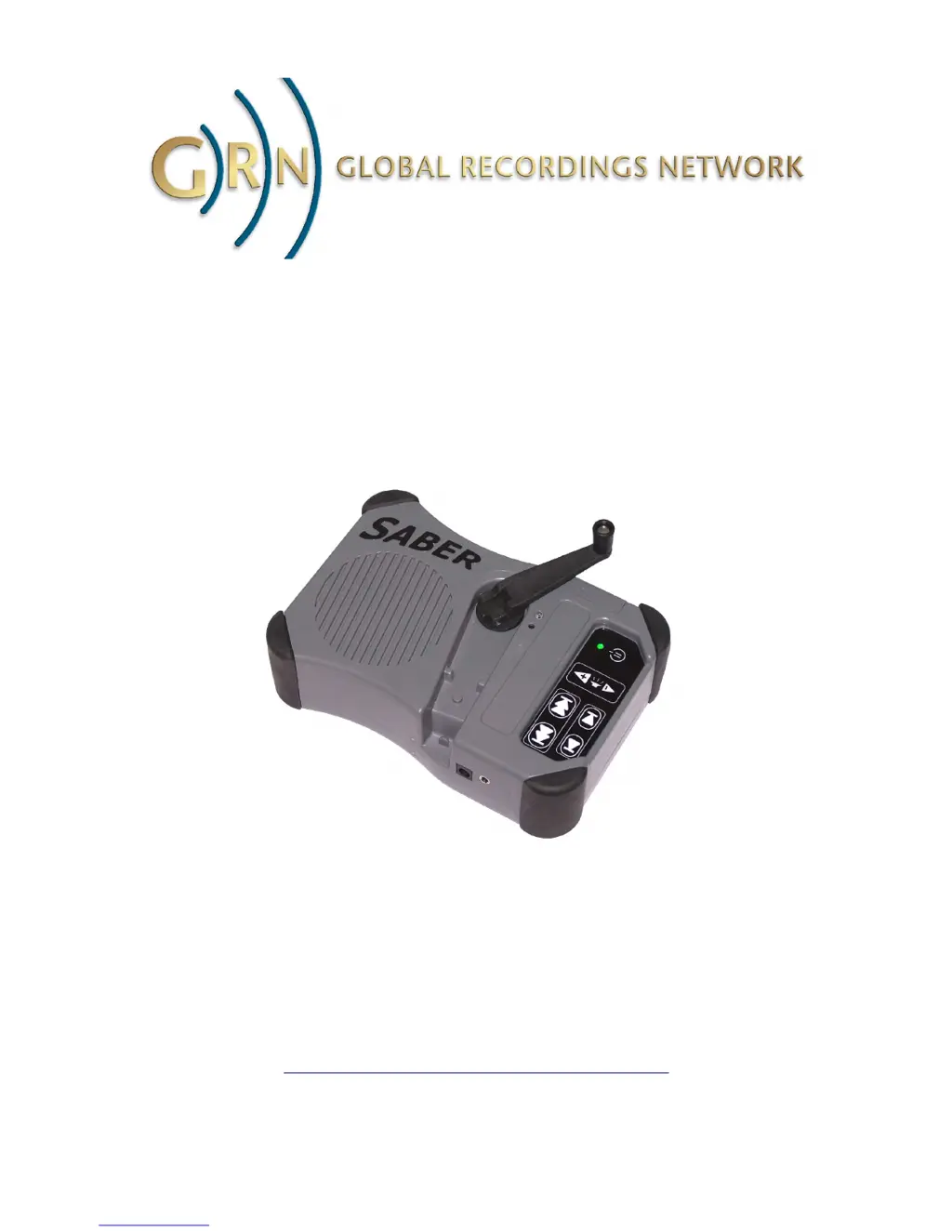
Saber
Hand Wind Audio Player
User Guide
24 February 2010
http://globalrecordings.net/saber

Other manuals for GRN Saber

Questions and Answers

Summary

Introduction

Getting Started and Resources

Recommendation to fully charge the Saber prior to first use and listing of available resources.

Contact Information

Provides postal address, phone number, and email for Global Recordings Network support.

Operating the Saber

Keypad and Controls

Details the functions of each button on the Saber keypad for operation.

Player Status Indicators

Explains the meaning and action of the green and red indicator lights.

Internal Battery Management

Describes battery life, charging methods, and care instructions to maximize battery longevity.

Power Saving Functions

Covers power saving features like auto shut down and volume reduction.

SD Memory Card Usage

Details the use of SD memory cards up to 2GB and their insertion/removal.

Optional Accessories

USB Cable and SD Memory Card

Details USB cable for data transfer and SD card for storage expansion.

Power and Charging Accessories

Describes AC to DC adapter, 12 Volt adapter, and solar panel for power and recharging.

Utility and Maintenance Accessories

Describes Battery Holder, Copy Pack, Lock Pack, and Maintenance Pack.

Managing Audio Content

File Structure and Playlist

Explains the file system and the role of the internal playlist in managing content.

Navigation and Audio Cues

Discusses navigation without visual display and the importance of audio titles and folder indicators.

File Sequence Control

Explains how file and folder names control playback sequence and folder navigation.

ID3 Title Tags and File Naming

Recommends using filenames for sequencing and details naming conventions for folders and files.

Loading Files via SaberCopy

Details methods for transferring audio files using the SaberCopy utility.

Transferring Files from Computer

Provides step-by-step instructions for connecting the Saber and transferring files via USB.

Troubleshooting

Charging and File Corruption Issues

Addresses player charging problems and file corruption, providing identification and resolution steps.

Seeking Further Assistance

Instructs users on how to contact support with specific details for troubleshooting assistance.

Saber Specifications

GRN Saber Specifications

Memory IconMemory
onboard memory1GB
memory expansionSD memory card up to 2GB
Power IconPower
internal battery voltage3.6V
internal battery capacity750mAH
external power input voltage6-8V
Audio IconAudio
built in amplifier power400mW
headphone socket impedance32 ohm
speaker impedance8 ohm
Weight and Dimensions IconWeight and Dimensions
dimensions180mm x 123mm x 51mm
weight630g