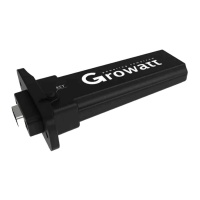
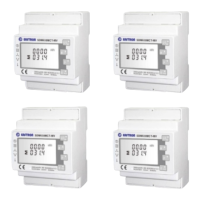
Product Overview
Basic Operations and Display of Functions
Contact
Table of Contents
1
2
3
2.1 Check of software version and clear
2.2 Code-matching operation
2.3.1 Currency symbol setting
2.3.2 Income coefficient setting
2.3 Basic Setting
2.3.3 CO2 coefficient setting
2.3.4 Date setting
2.3.5 Time setting
2.3.6 Temperature unit setting
2.3.7 Buzzer setting
2.5 Default interface switching enquiry
2.6 Default interface display
2.7 Reading of Data of Emitter No.1 to 6
2.4 Data storage


 To Next Page