Revision A9 19
GRT Avionics Mini-X Installation, Setup & User Manual
2.6 Inter-Display Communication
GRT display units communicate between themselves so that most entries made during flight, such
as flight plan information, altimeter setting, and screen dimming, can be made from any display
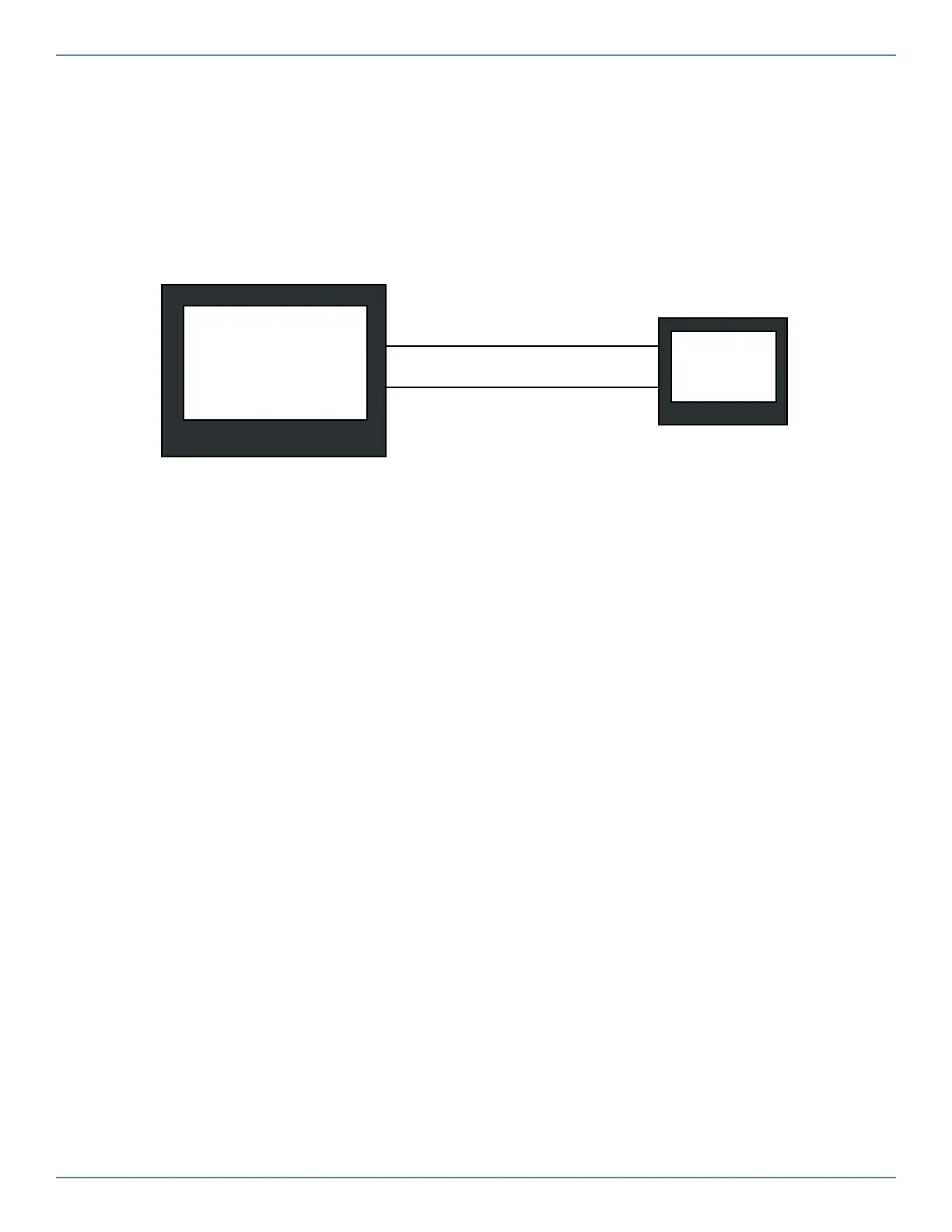
unit and will be applied to all. Designate one serial port pair for the Mini and another for the GRT
display you want to connect it to and wire as shown below. Set the serial port rate to 19200 for
both screens. (Serial ports shown are just an example; any serial port can be used.)
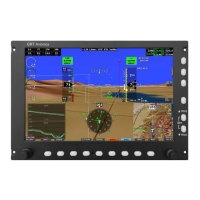
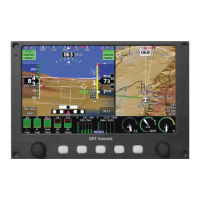
GRT Horizon or
Sport EFIS
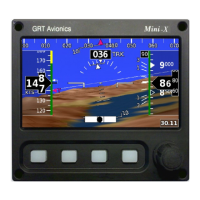
Mini
Serial 2 RX
Serial 2 TX


 To Next Page