36
ENGLISH
B
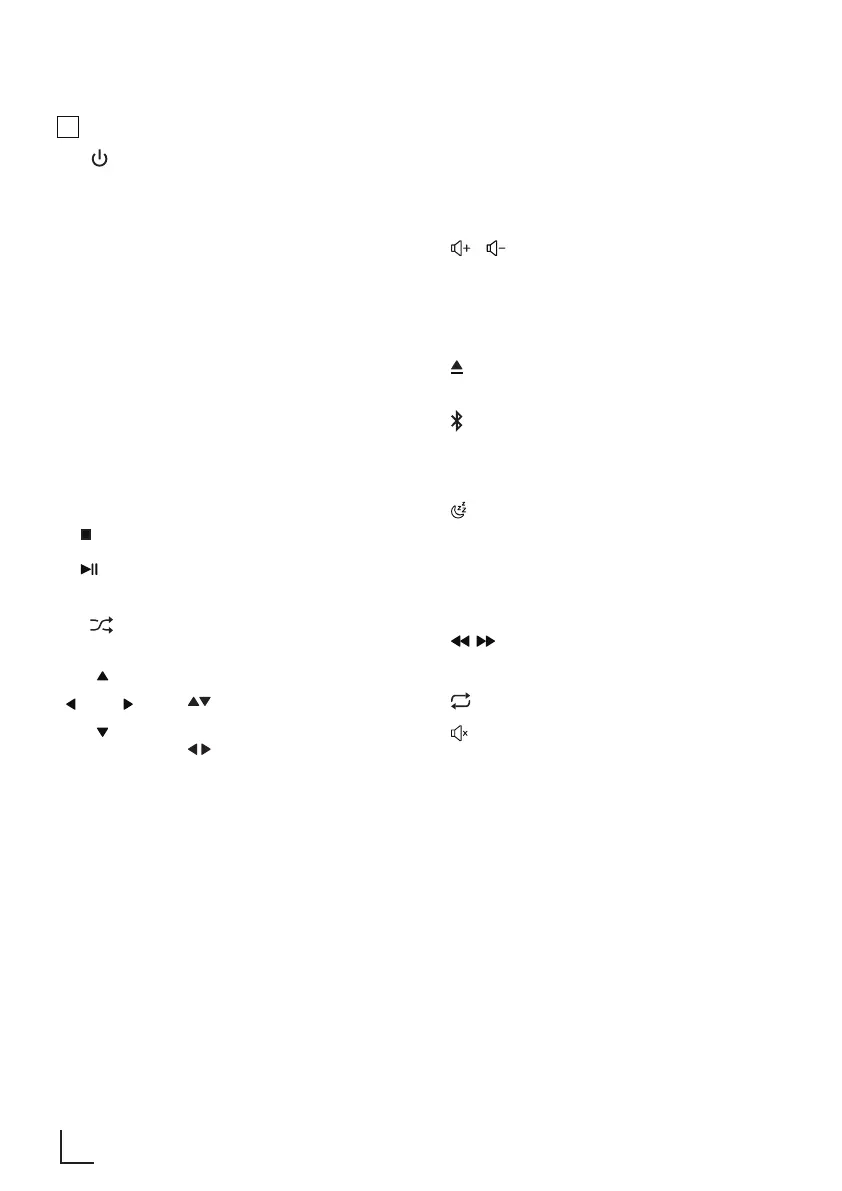
Remote Control
1.
Switch the unit between ON and
STANDBY mode.
2. MODE
Select the play function.
3. MENU
Entering menu setup.
4. CLOCK
In standby mode, press and hold to
activate clock setup.
Display current clock .
5. ALARM
In standby mode, press and hold to
set the alarm timer.
6. INFO
View extra information of playing
content or mode.
7. INTRO
In Disc/USB mode, every soundtrack
will be played for 10 Sec.
8.
In Disc/USB mode, stop play.
9.
In Disc/USB/BT mode, start, pause
or resume play.
10.
Select shuffle play modes.
11.
OK
Navigate left/right/up/down through
menus.
( ) In FM/DAB mode, Select a
previous/next preset station.
( ) Previous track / Next track.
In FM mode, short press for
0.05MHz frequency change, long
press will scan to previous/next
available station.
(OK) Confirm a selection.
12. EQ
Select Equalizer (EQ) Effect: POP -
CLASSIC - ROCK - JAZZ - FLAT.
13. BASS+/-
Adjust the bass level.
14. /
Increase/decrease the volume level.
15. 0 - 9
Numric Button: Select preset radio
station or stored programme
16. SCAN
Scan for radio station.
17.
Open and close the disc
compartment.
18.
Select the BT (Bluetooth) function.
19. DIMMER
Adjust display brightness
(low/mid/high)
20.
Set the sleep timer (120 - 90 - 60 -
30 -15 - OFF)
21. SNOOZE
Delay alarm ringing.
22. Folder
Down / UP
Play all tracks in next/last folder
23. ,
Perform fast forward/ reverse
playback
24.
Select repeat play modes.
25.
Mute or resume the sound.
26. TREBLE
+/-
Adjust the treble level.
27. PROG
Programme sound tracks in Disc/
USB mode.
Presets radio stations.
AT A GLANCE _______________________________











 To Next Page