39
ENGLISH
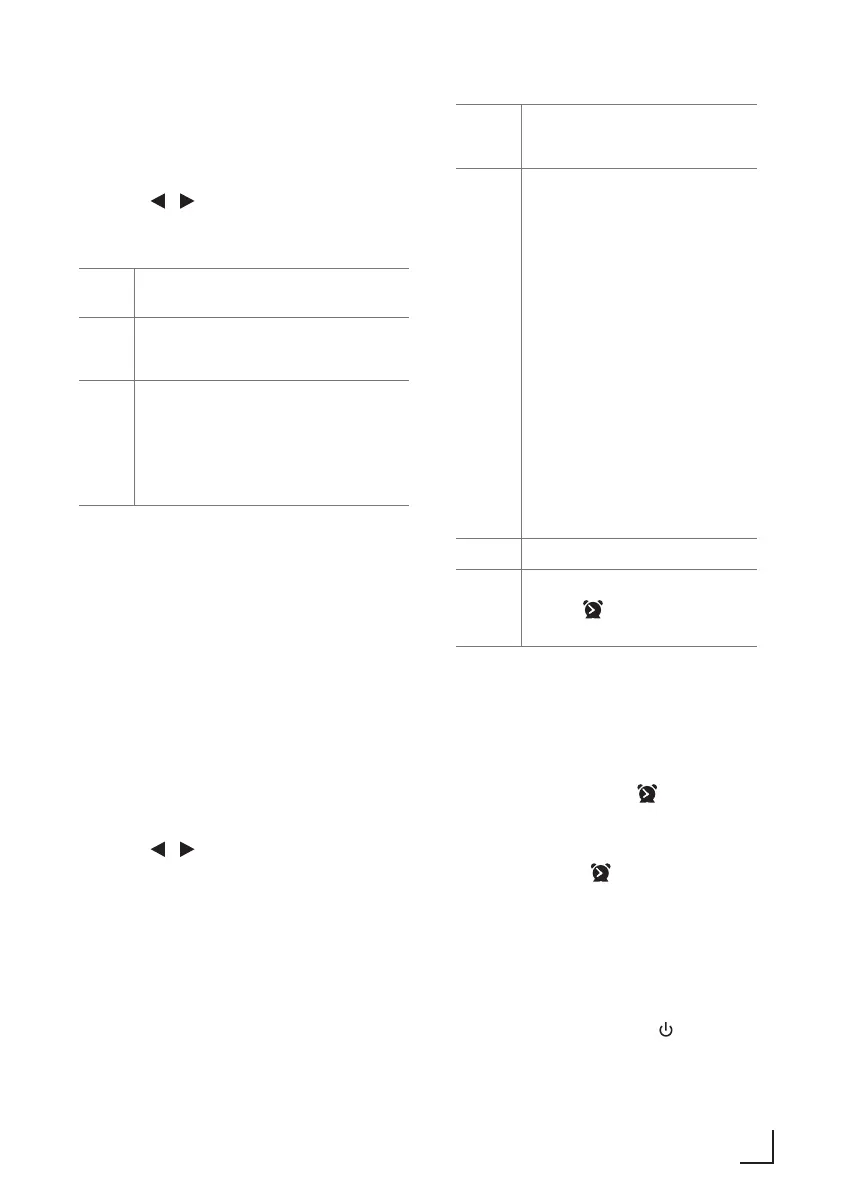
Set the Clock
1 In Standby mode, press and hold CLOCK
button to entering clock setup.
2 Press the / buttons on the remote control
to select options, and then press the OK button
to confirm.
12/24
hour
Set 12 hour or Set 24 hour display.
0 : 00
Here you can manually set the time
(hour and minute).
SYNC Set synchronization the Clock:
- OFF: No Synchronization
- ANY: Synchronization from Any
- FM: Synchronization from FM
- DAB: Synchronization from DAB
Note:
• Each activated state will be cleared if any
buttons are not pressed within 15 seconds.
Time Display
• Press the CLOCK button to show the current
time on the display for a few seconds.
Set the alarm Timer
• The clock must be correctly set for the timer to
operate correctly.
1 In Standby mode, press and hold ALARM
button to entering alarm setup.
2 Press the / buttons on the remote control
to select options, and then press the OK button
to confirm.
7 : 00 Here you can manually set the
alarm time (hour and minute).
Source BUZZER / FM / DISC / USB
/ DAB
- BUZZER (to wake to a buzzer
sound)
- DAB (to wake your selected
DAB Radio Station
- USB (to wake to your USB
music)
- FM (to wake your selected
FM Radio Station)
- DISC (to wake to your CD
music)
(If the wake-up source is DAB /
FM and the signal strength is low,
the Buzzer alarm will be triggered.)
Volume Adjust the alarm volume
Alarm
On/OFF
Select to Alarm On / Alarm Off
- ON : icon display
- OFF: icon disappear
Activate and Deactivate the Alarm Timer
• After setting the alarm timer, press the
ALARM button on the remote control to view
the alarm settings.
• The alarm is active when is shown on the
display.
• To deactivate the alarm, press the ALARM
button twice. The will disappear on the
display. Press the ALARM button twice again
to activate the alarm timer.
• When the alarm rings, press the SNOOZE
button on remote control. The alarm repeats
ringing 9 minutes later.
• When the alarm rings, press button to turn
off the alarm.
SETTINGS __________________________________









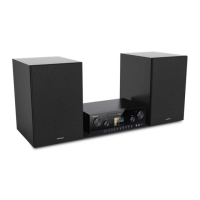
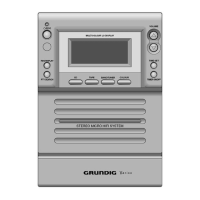
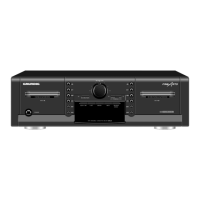


 To Next Page