15
Trimmer fails to operate 1. Recharge battery.
2. Check switch. It will click if operating
correctly.
3. Blade is jammed.
Cutting blade will not cut 1. Blade is either worn or damaged.
2. Replace blade.
Blade will not move 1. Clean and lubricate blade.
2. Replace blade.
Cutting time has reduced 1. Use a lighter cutting action and cut in
several stages.
2. Fully discharge and recharge battery.
3. Clean and lubricate blade.
4. Replace blade.
Trimmer stops when cutting
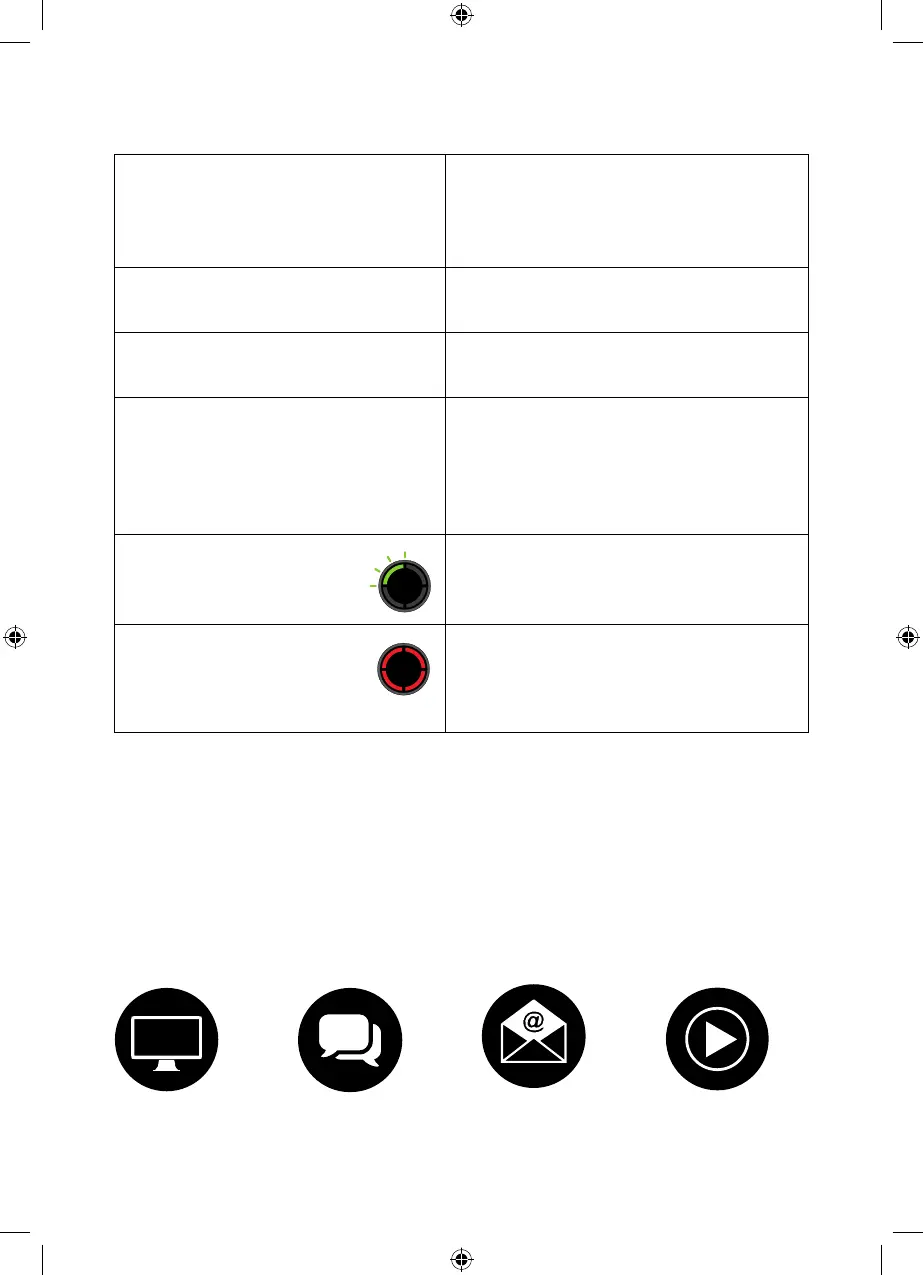
– 1 flashing green LED
1. Battery is fully discharged.
2. Recharge the battery
Trimmer stops when cutting
– 4 solid red LEDs
1. The trimmer has jammed/overloaded.
2. Wait for automatic cut out to reset.
3. Check blade and remove any debris.
4. Use a lighter cutting action
support@gtech.co.ukLive chat supportOnline How to Videos
Product support
If these initial tips do not solve your problem we please visit our support area where you can find
troubleshooting help including online manuals, FAQs and how-to-videos, as well as genuine
spares and replacement parts compatible with your product.
Visit: www.gtech.co.uk/support
Troubleshooting
5514_HT50_Manual_aw3.indd 155514_HT50_Manual_aw3.indd 15 10/07/2024 16:2910/07/2024 16:29


 To Next Page