9
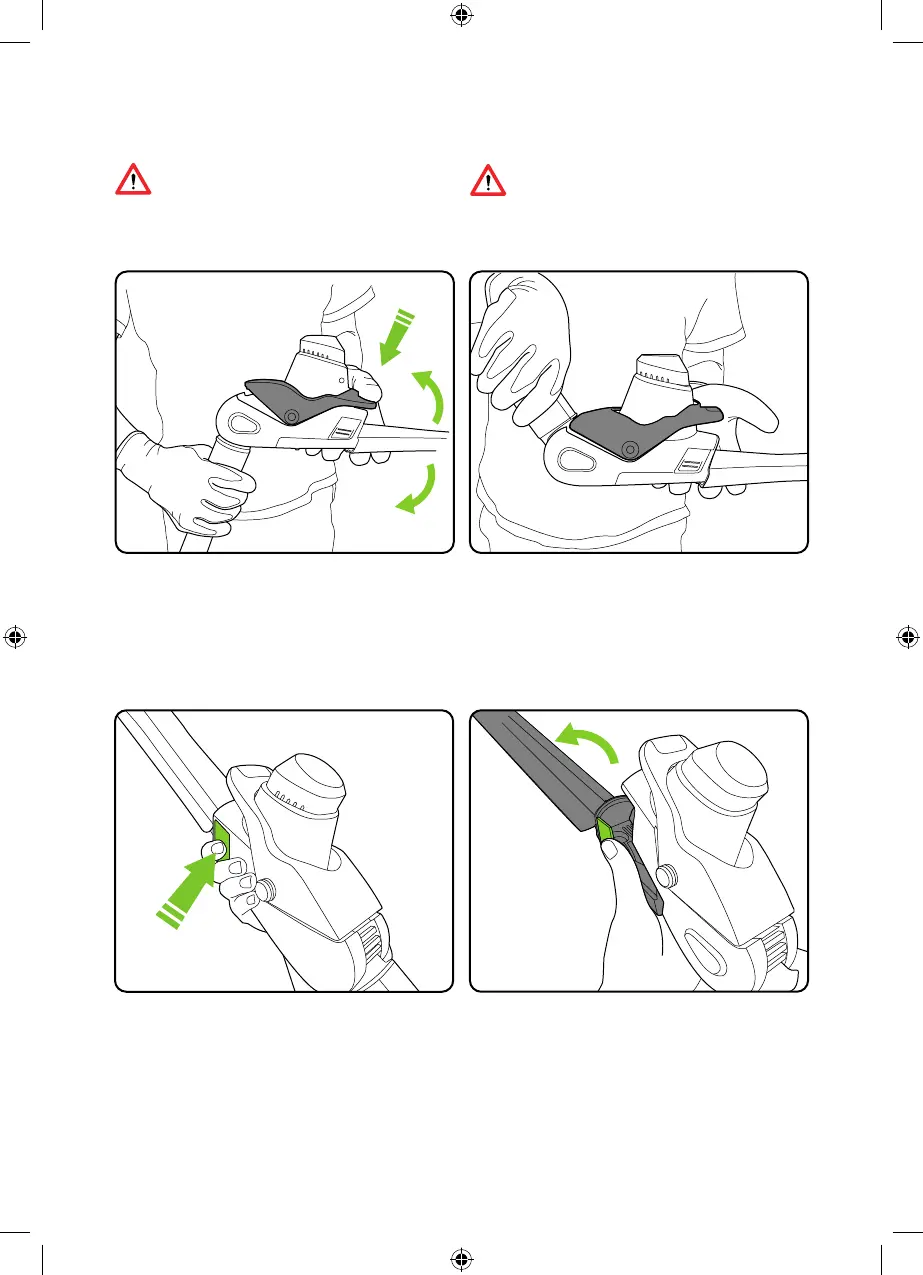
Removing the blade
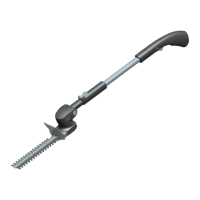
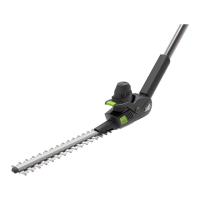
The blade will pivot away from the head.
Remove the battery and ensure the cover is
on the blade. Press both the green buttons on
each side of the trimmer head.
WARNING: to reduce risk of personal
injury, ensure the trimmer is switched
off and the blade has stopped before
adjusting the cutting head.
WARNING: ensure the cutting head
is securely locked in position before
starting the trimmer.
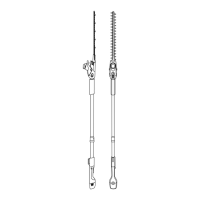
Rotating the hedge trimmer blade
Remove the battery and ensure that the blade
cover is on. Press the lever as shown. You can
now rotate the head whilst pressing down on
the lever.
Release the lever and the head will lock into
place. This feature does NOT work with the
branch-cutter.
5514_HT50_Manual_aw3.indd 95514_HT50_Manual_aw3.indd 9 10/07/2024 16:2910/07/2024 16:29


 To Next Page